YouTube Marketing for Businesses: A Complete Guide to Growing Your Brand
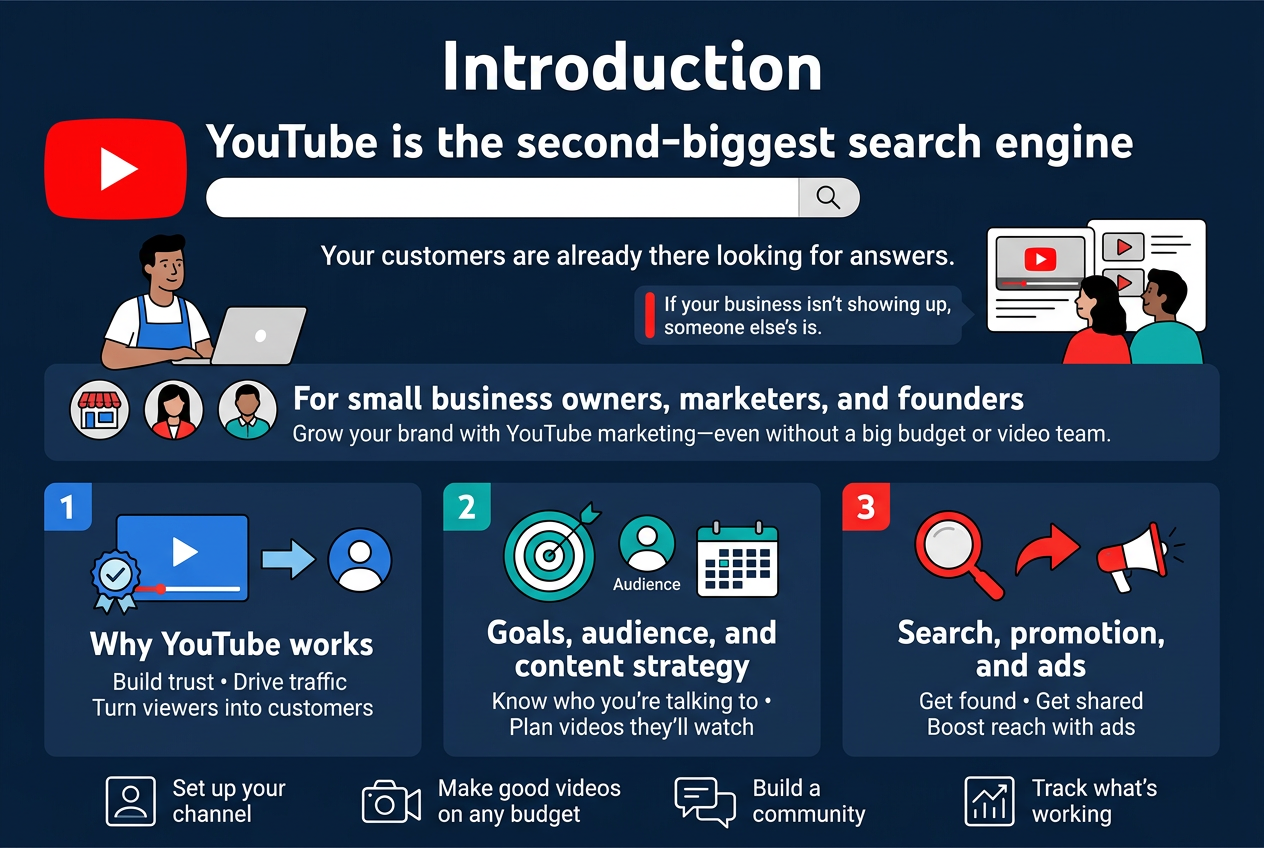
YouTube is the second-biggest search engine, and your customers are already there looking for answers. If your business isn’t showing up, someone else’s is.
This guide is for small business owners, marketers, and founders who want to grow their brand with YouTube marketing for businesses, even without a big budget or a video team.
Here’s what we’ll cover:
- Why YouTube works: How video builds trust, drives traffic, and turns viewers into customers.
- Goals, audience, and content strategy: How to figure out who you’re talking to and plan videos they’ll actually watch.
- Search, promotion, and ads: How to get your videos found, shared, and boosted with paid reach.
We’ll also walk through setting up your channel, making good videos on any budget, building a community, and tracking what’s working. Let’s get into it.
Understand Why YouTube Drives Business Growth
Tap Into a Massive, Engaged Audience
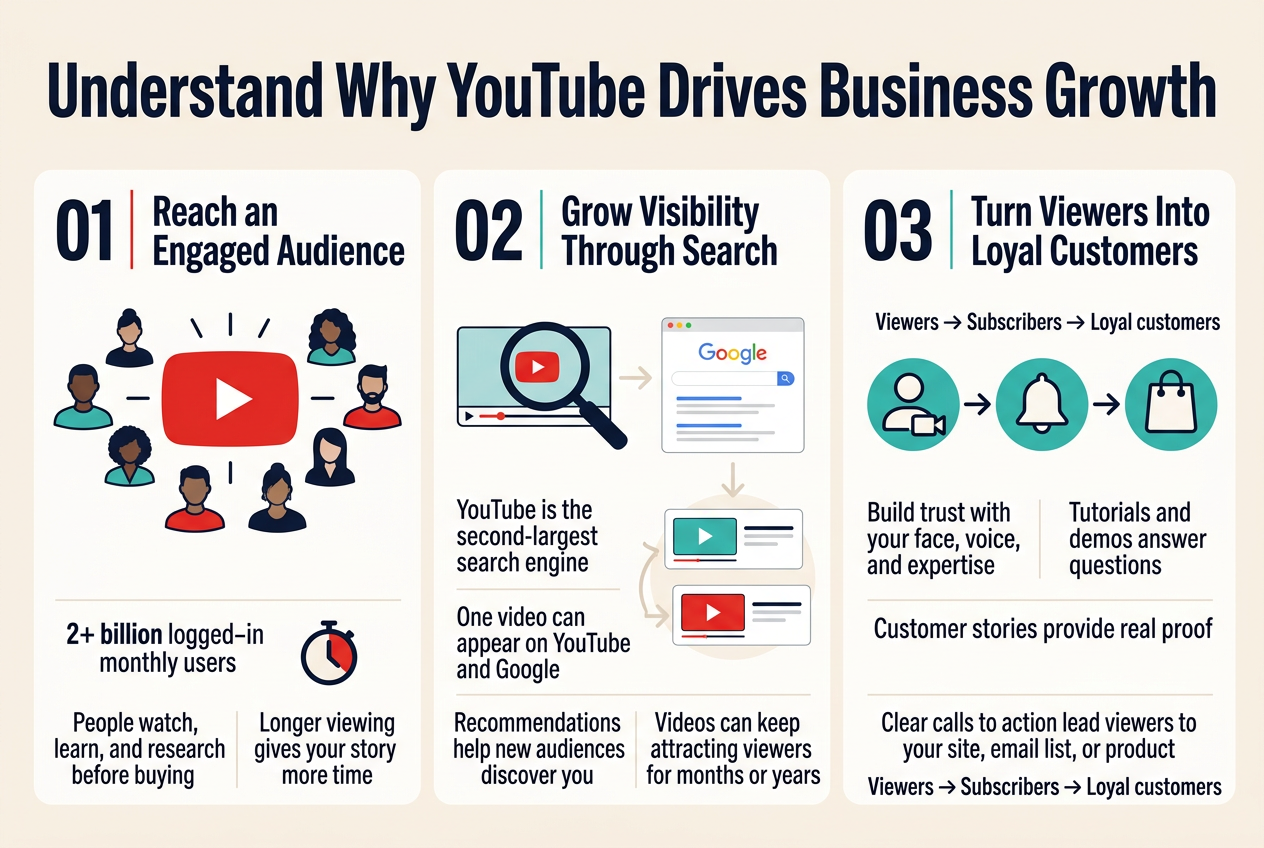
YouTube has over 2 billion logged-in monthly users, and people don’t just scroll here. They watch, learn, and make buying decisions. Many viewers search for how-to videos, product reviews, and comparisons before they spend a dime.
- Your customers are already there, no matter your industry.
- Viewers often watch longer than they do on other platforms, so you get more time to tell your story.
Boost Brand Visibility Through Search and Recommendations
YouTube is the second-largest search engine after Google, and its videos often show up in Google results too. That means one solid video can bring you traffic from two places.
The recommendation engine adds another boost. If viewers enjoy a video, YouTube suggests more of your content to similar people, even if they’ve never heard of you.
- Videos keep working for months or years, unlike a social post that fades in a day.
- Consistent uploads help you stay top of mind.
Turn Viewers Into Loyal Customers
Video builds trust fast. People see your face, hear your voice, and get a feel for your brand before they ever contact you.
- Tutorials and demos answer questions and cut down buying doubts.
- Customer stories offer real proof.
- Clear calls to action point viewers to your site, email list, or product page.
Over time, regular viewers become subscribers, and subscribers become buyers who stick around.
Set Clear Goals and Know Your Audience
Define Measurable Marketing Objectives
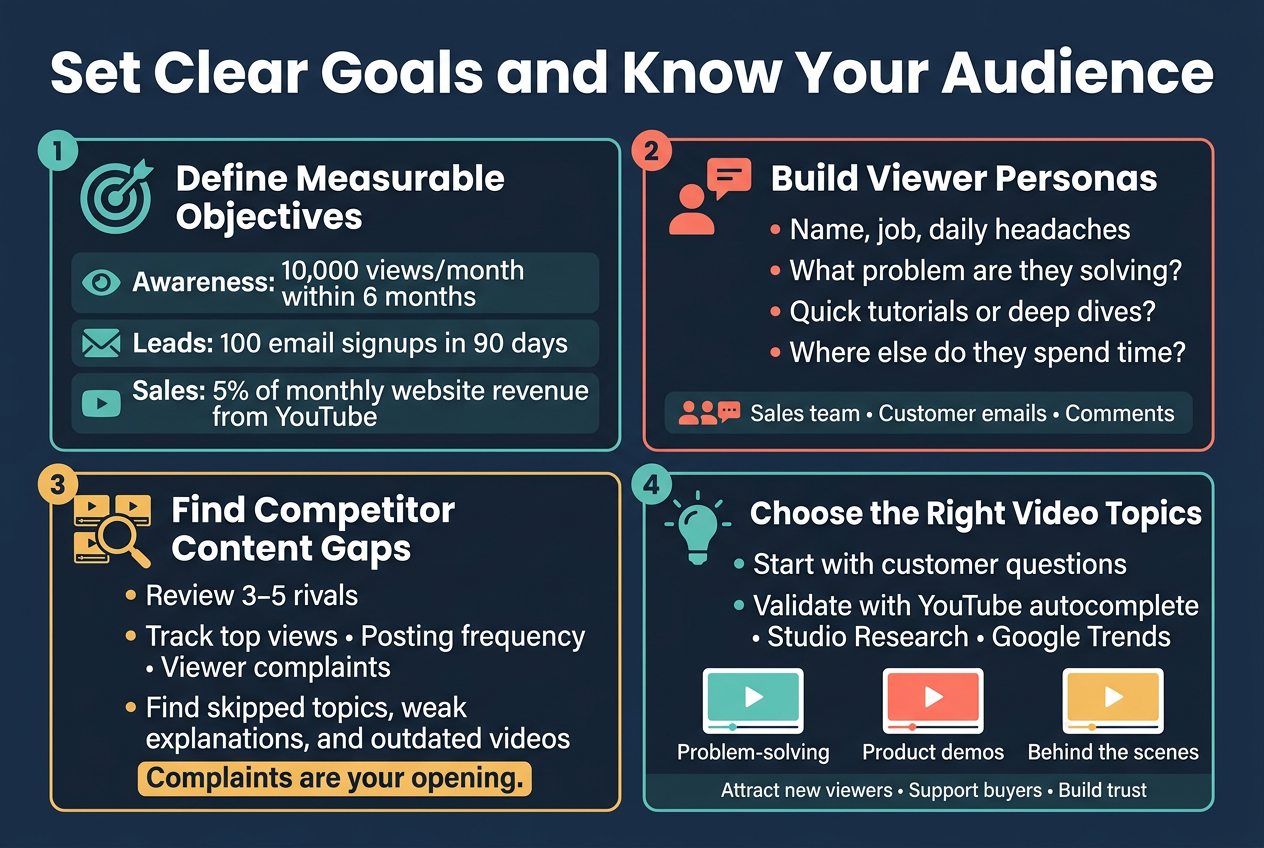
Vague goals like “get more views” won’t take you far. Tie each goal to a number and a deadline:
- Awareness: Reach 10,000 views per month within six months.
- Leads: Collect 100 email signups from video links in 90 days.
- Sales: Drive 5% of monthly website revenue from YouTube traffic.
Build Detailed Viewer Personas
Picture one real person you’re talking to. Give them a name, job, and daily headaches.
- What problem are they searching for help with?
- Do they prefer quick tutorials or deep dives?
- Where do they hang out besides YouTube?
Talk to your sales team, read customer emails, and check your comments for real language people use.
Analyze Competitors to Find Content Gaps
Look at 3–5 rivals and note which videos get the most views, how often they post, and what viewers complain about in the comments. Those complaints are gold.
Spot topics they skip, explain badly, or haven’t updated in years. That’s your opening.
Choose the Right Video Topics for Your Niche
Start with questions your customers already ask. Then back them up with data:
- YouTube search autocomplete
- The “Research” tab in YouTube Studio
- Google Trends
Aim for a mix: problem-solving videos for new viewers, product demos for people ready to buy, and behind-the-scenes clips to build trust.
Set Up a Professional YouTube Channel
Create and Optimize Your Brand Account
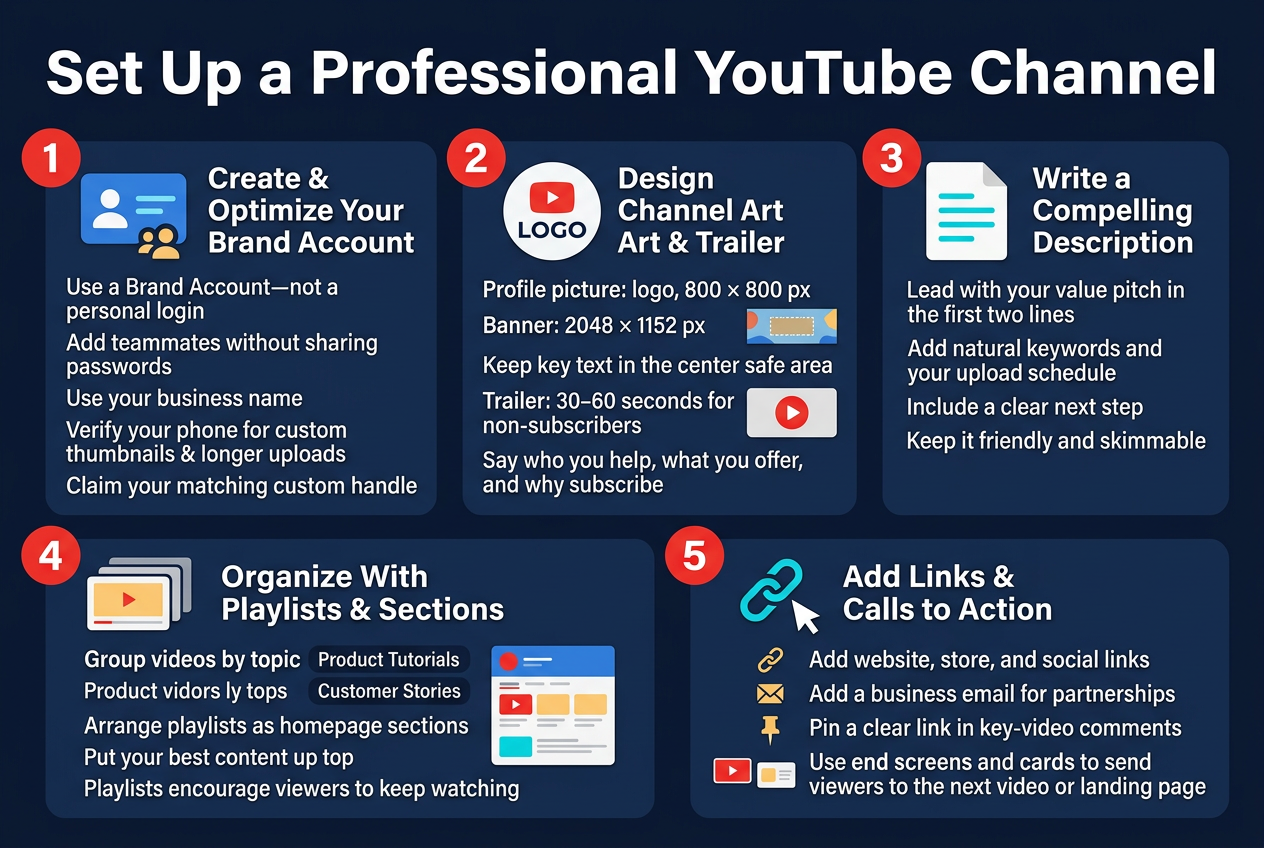
Set up a Brand Account instead of using a personal Google login. It lets multiple teammates manage the channel without sharing passwords. Use your business name as the channel name, and add a verified phone number to unlock custom thumbnails and longer uploads. Claim a custom handle that matches your other social profiles.
Design Channel Art and Trailers That Make an Impression
- Profile picture: Use your logo at 800 x 800 px.
- Banner: Upload at 2048 x 1152 px and keep key text in the center safe area so it shows on every device.
- Channel trailer: Make a 30–60 second video for non-subscribers. Say who you help, what you offer, and why they should subscribe.
Write a Compelling Channel Description
Put your value pitch in the first two lines, since that’s what people see first. Add a few natural keywords, your upload schedule, and a clear next step. Keep it friendly and skimmable.
Organize Content With Playlists and Sections
Group videos into playlists by topic, like “Product Tutorials” or “Customer Stories.” Playlists boost watch time because viewers keep clicking. Then arrange them as homepage sections, putting your best content up top.
Add Links and Calls to Action for Easy Conversions
- Add your website, store, and social links in the channel’s “Links” area.
- Add a business email for partnership inquiries.
- Pin a comment with a clear link on key videos.
- Use end screens and cards to send viewers to the next video or your landing page.
Plan a Winning Content Strategy
Pick High-Performing Video Formats
Not every format fits every business. Start with a few proven ones and see what your audience actually watches:
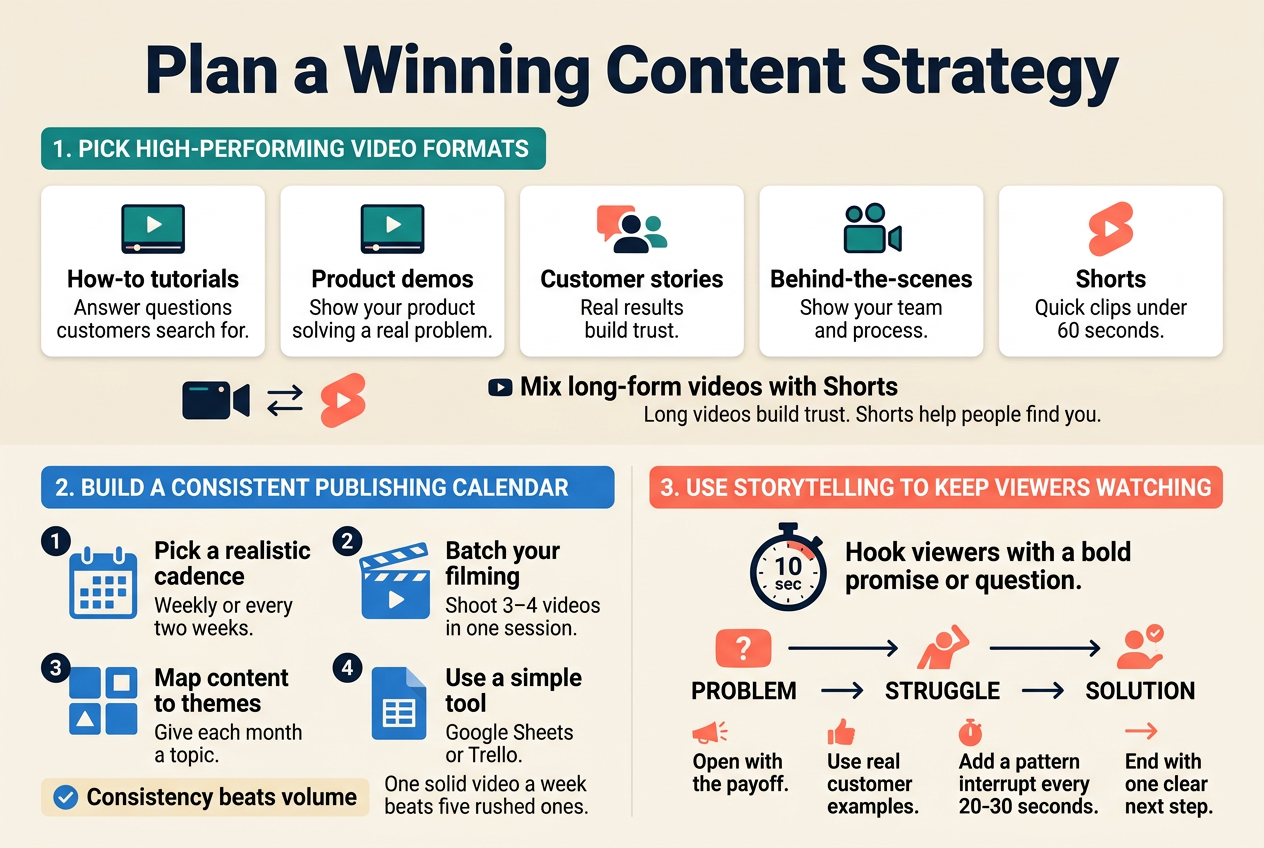
- How-to tutorials: Answer questions your customers already search for.
- Product demos: Show your product solving a real problem, not just listing features.
- Customer stories: Real results build trust faster than any sales pitch.
- Behind-the-scenes: Show your team and process to make your brand feel human.
- Shorts: Quick clips under 60 seconds that bring in new viewers.
Mix long-form videos with Shorts. Long videos build trust, and Shorts help people find you.
Build a Consistent Publishing Calendar
Consistency beats volume. One solid video a week is better than five rushed ones that never get finished.
- Pick a realistic cadence: Weekly or every two weeks works for most small teams.
- Batch your filming: Shoot three or four videos in one session.
- Map content to themes: Assign each month a topic, like onboarding or seasonal promos.
- Use a simple tool: Google Sheets or Trello is plenty.
Use Storytelling to Keep Viewers Watching
Hook people in the first 10 seconds with a bold promise or a question. Then follow a simple arc: problem, struggle, solution.
- Open with the payoff you’ll deliver.
- Use real customer examples.
- Add a pattern interrupt, like a new angle or graphic, every 20–30 seconds.
- End with one clear next step.
Produce High-Quality Videos on Any Budget
Choose Affordable Equipment and Software
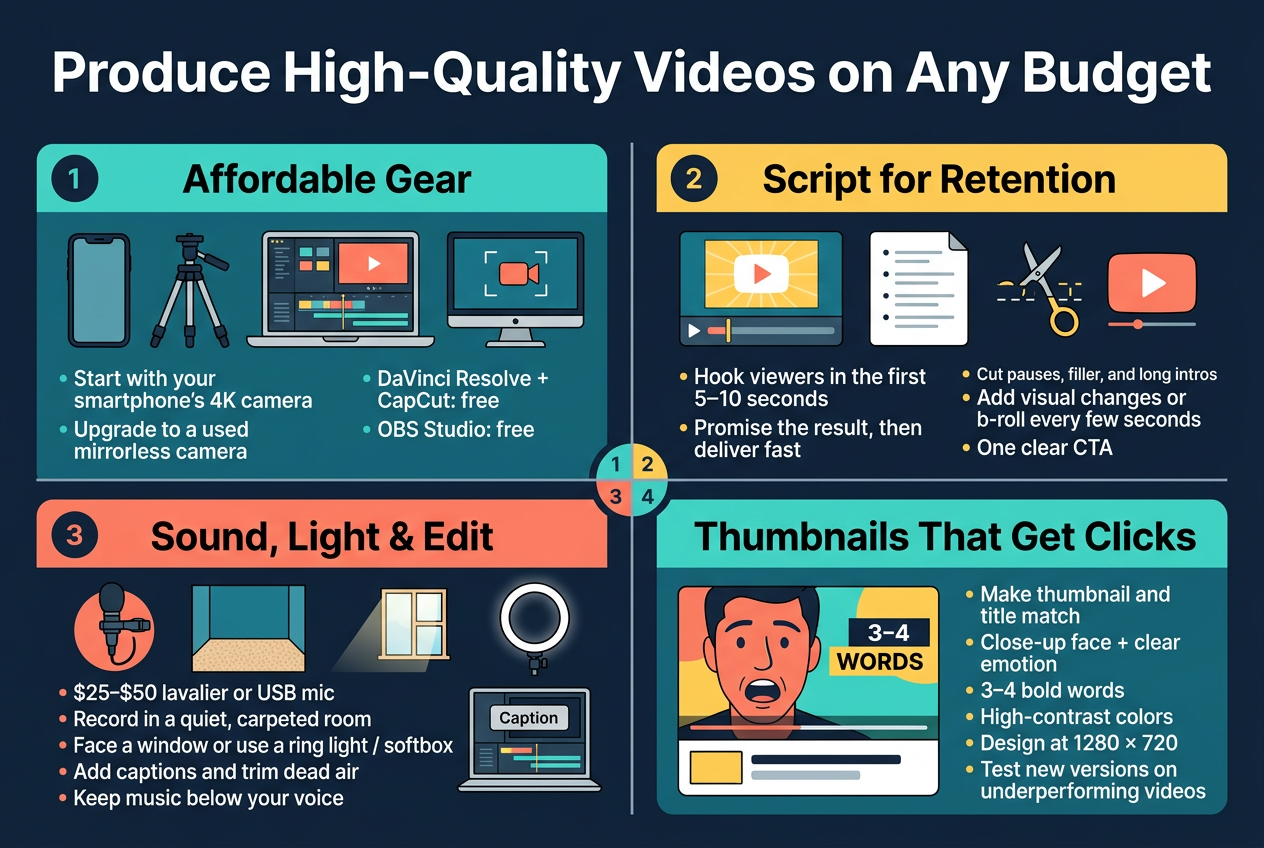
You don’t need a studio. Your smartphone shoots sharp 4K, so start there.
- Camera: Phone first, then a used mirrorless camera when you’re ready.
- Tripod: A $20 model keeps shots steady.
- Editing: DaVinci Resolve and CapCut are free and powerful.
- Screen recording: OBS Studio costs nothing.
Script and Structure Videos for Maximum Retention
Hook viewers in the first 5–10 seconds. Tell them what they’ll get, then deliver fast.
- Hook: Open with the problem or the result.
- Outline: Write bullet points, or a full script for tight videos.
- Pacing: Cut pauses, filler words, and long intros.
- Pattern breaks: Change visuals or add b-roll every few seconds.
- CTA: Ask for one action, like subscribing or watching the next video.
Improve Audio, Lighting, and Editing
Viewers forgive average video. They won’t forgive bad sound.
- Audio: A $25–$50 lavalier or USB mic beats any built-in mic. Record in a carpeted, quiet room.
- Lighting: Face a window for soft natural light, or use a cheap ring light or softbox.
- Editing: Add captions, trim dead air, and keep music below your voice.
Create Eye-Catching Thumbnails That Boost Clicks
Your thumbnail and title work as a team, so make them match.
- Use close-up faces with clear emotion.
- Limit text to 3–4 bold words.
- Pick high-contrast colors.
- Design at 1280×720 pixels.
- Test new versions on videos that underperform.
Optimize Videos for YouTube Search
Find Profitable Keywords
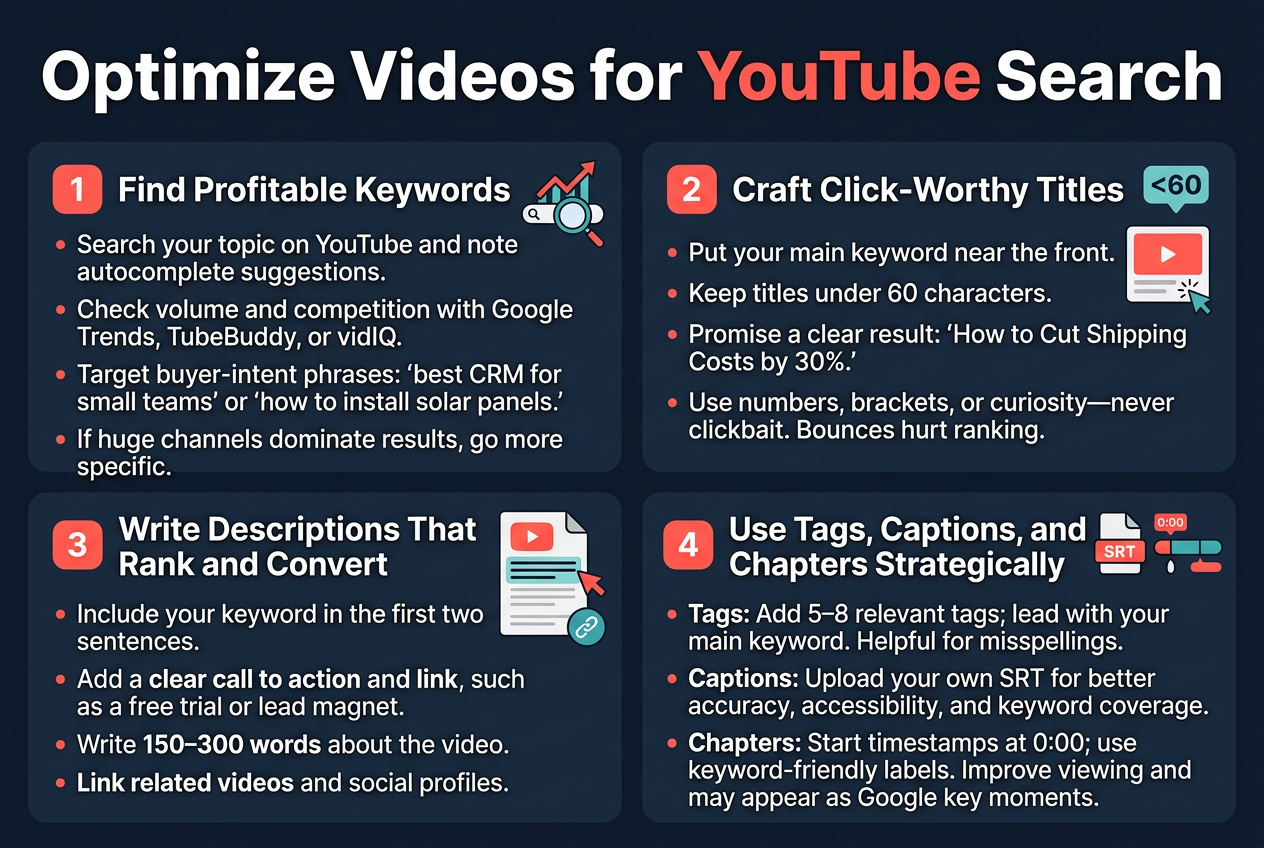
- Type your topic into YouTube’s search bar and note the autocomplete suggestions. These are real searches.
- Use free tools like Google Trends, TubeBuddy, or vidIQ to check search volume and competition.
- Target keywords with clear buyer intent, like “best CRM for small teams” or “how to install solar panels.”
- Check what already ranks. If the top results are huge channels, go more specific.
Craft Click-Worthy Titles
- Put your main keyword near the front.
- Keep it under 60 characters so it doesn’t get cut off.
- Promise a clear result: “How to Cut Shipping Costs by 30%.”
- Use numbers, brackets, or a curiosity hook, but never clickbait. Viewers who bounce hurt your ranking.
Write Descriptions That Rank and Convert
- Work your keyword into the first two sentences, since that’s what shows before “Show more.”
- Add a clear call to action with a link, like a free trial or lead magnet.
- Write 150-300 words explaining what the video covers.
- Include links to related videos and your social profiles.
Use Tags, Captions, and Chapters Strategically
- Tags: Add 5-8 relevant ones, starting with your main keyword. They matter less than titles, but help with misspellings.
- Captions: Upload your own SRT file instead of relying on auto-captions. You’ll get better accuracy, accessibility, and extra keyword coverage.
- Chapters: Add timestamps starting at 0:00 with keyword-friendly labels. They improve viewer experience and can show up as key moments in Google results.
Promote Your Videos to Reach More People
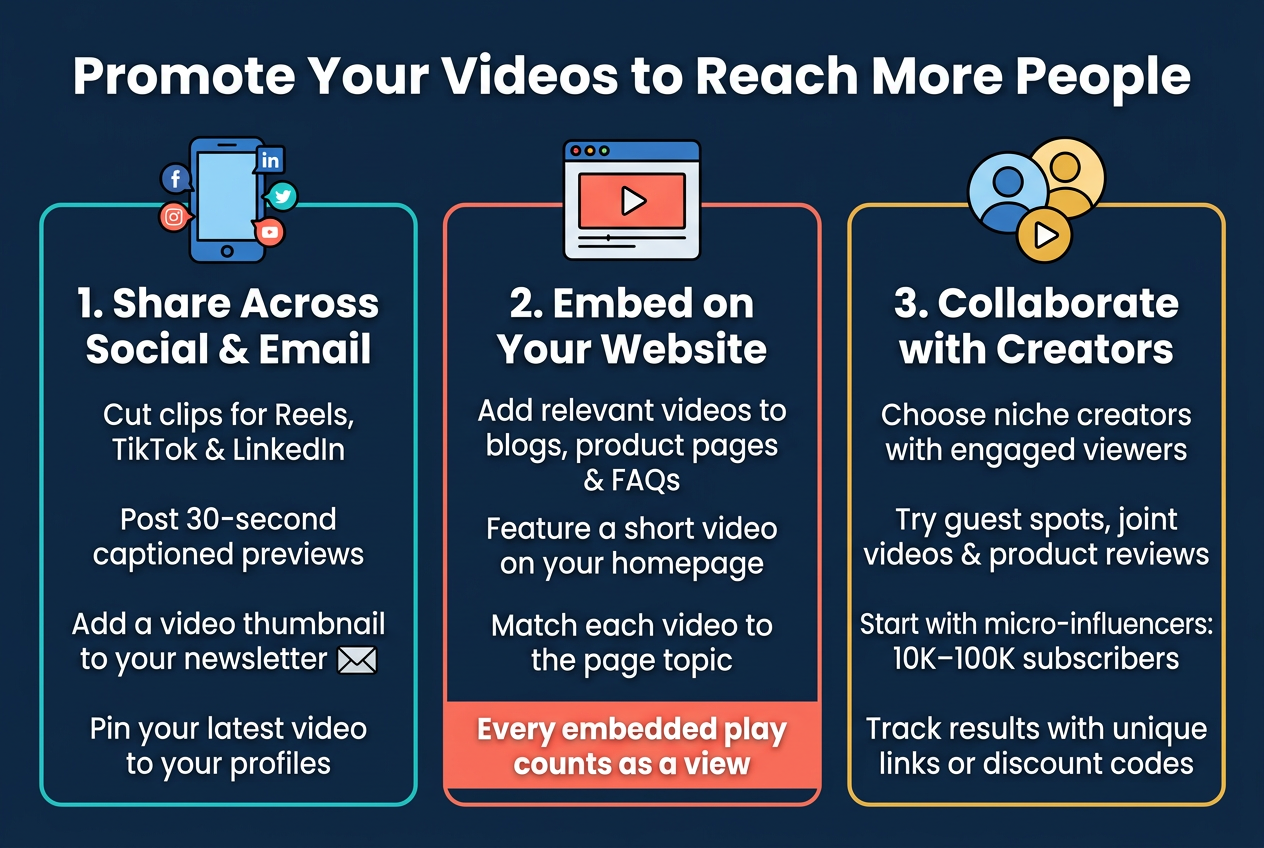
Share Content Across Social Media and Email
Don’t just hit publish and hope. Push every new video out where your people already hang out.
- Cut short clips for Instagram Reels, TikTok, and LinkedIn, then link back to the full video.
- Post native previews. A 30-second teaser with captions beats a bare link every time.
- Add videos to your email newsletter. Use the word “video” in the subject line and a thumbnail image linking to YouTube. Both tend to lift click rates.
- Pin it. Keep your latest video at the top of your profiles.
Embed Videos on Your Website and Blog
Your site already gets traffic, so put it to work.
- Embed relevant videos in blog posts, product pages, and your FAQ page.
- Add a short video to your homepage or landing pages to keep visitors around longer.
- Match the video to the page topic. A how-to video fits a tutorial post, and a testimonial fits a pricing page.
Every embedded play counts as a view, which helps your video’s momentum.
Collaborate With Creators and Influencers
Borrowing an audience that already trusts someone is a fast way to grow.
- Pick creators in your niche with engaged viewers, not just big follower counts.
- Try guest appearances, joint videos, or product reviews.
- Start small. Micro-influencers (10K–100K subscribers) often cost less and get better engagement.
- Track results with unique links or discount codes.
Grow Your Community and Engagement
Encourage Comments, Likes, and Shares
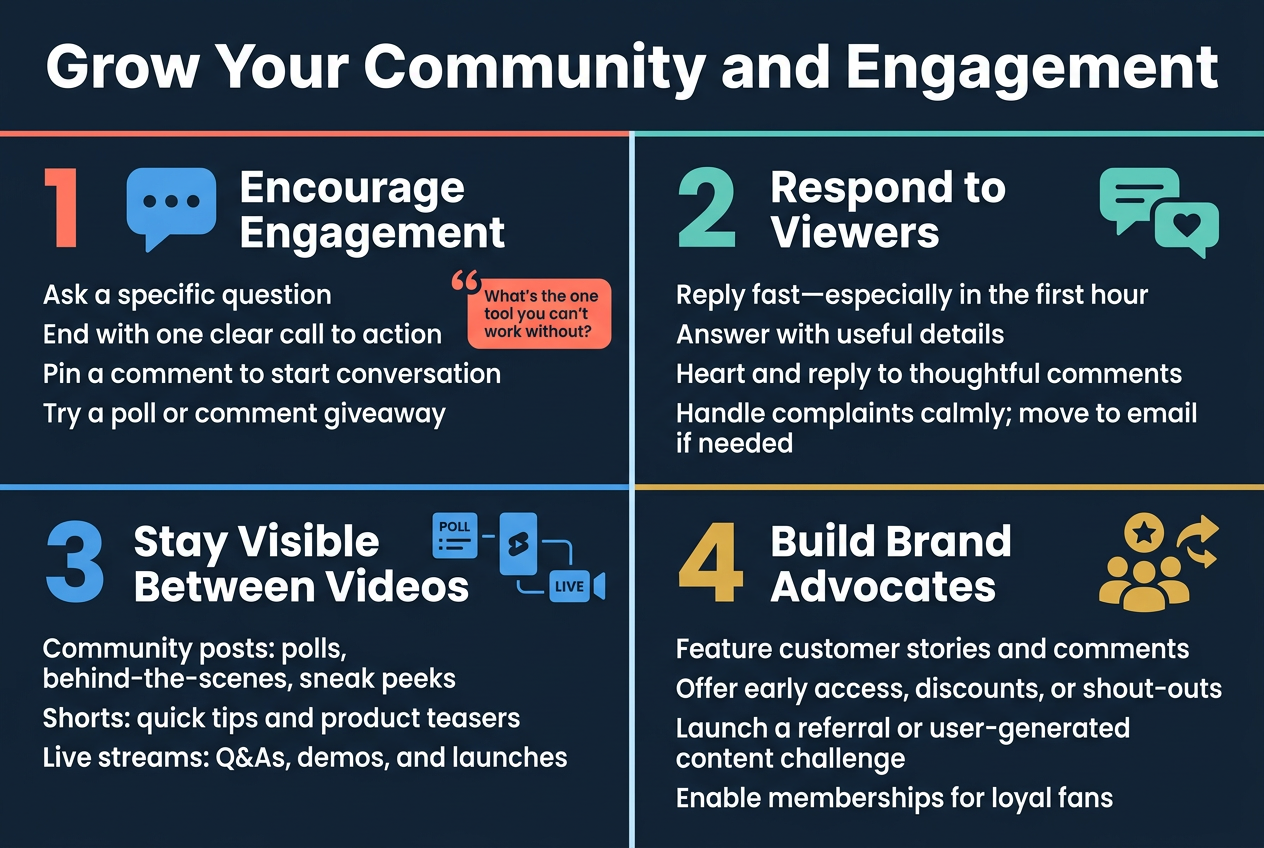
Ask for engagement, but make it specific. Instead of “let me know what you think,” try “What’s the one tool you can’t work without?” Questions like that get real answers.
- End videos with one clear call to action, not five.
- Pin a top comment that kicks off the conversation.
- Run a quick poll or giveaway tied to comments.
Respond to Viewers to Build Trust
Reply fast, especially in the first hour after you post. YouTube notices early activity, and viewers notice you’re listening.
- Answer questions with useful details, not canned replies.
- Heart and reply to thoughtful comments.
- Handle complaints calmly and publicly, then move to email if needed.
Use Community Posts, Shorts, and Live Streams
Each format keeps you visible between long videos.
- Community posts: Share polls, behind-the-scenes photos, and sneak peeks.
- Shorts: Post quick tips or product teasers to reach new viewers.
- Live streams: Host Q&As, demos, or launches and answer questions in real time.
Turn Subscribers Into Brand Advocates
Happy viewers will spread the word if you give them a reason.
- Feature customer stories and comments in your videos.
- Offer perks like early access, discounts, or shout-outs.
- Create a simple referral or user-generated content challenge.
- Enable channel memberships if you have a loyal fan base.
Expand Reach With YouTube Ads
Understand Available Ad Formats
Pick the format that matches your goal:
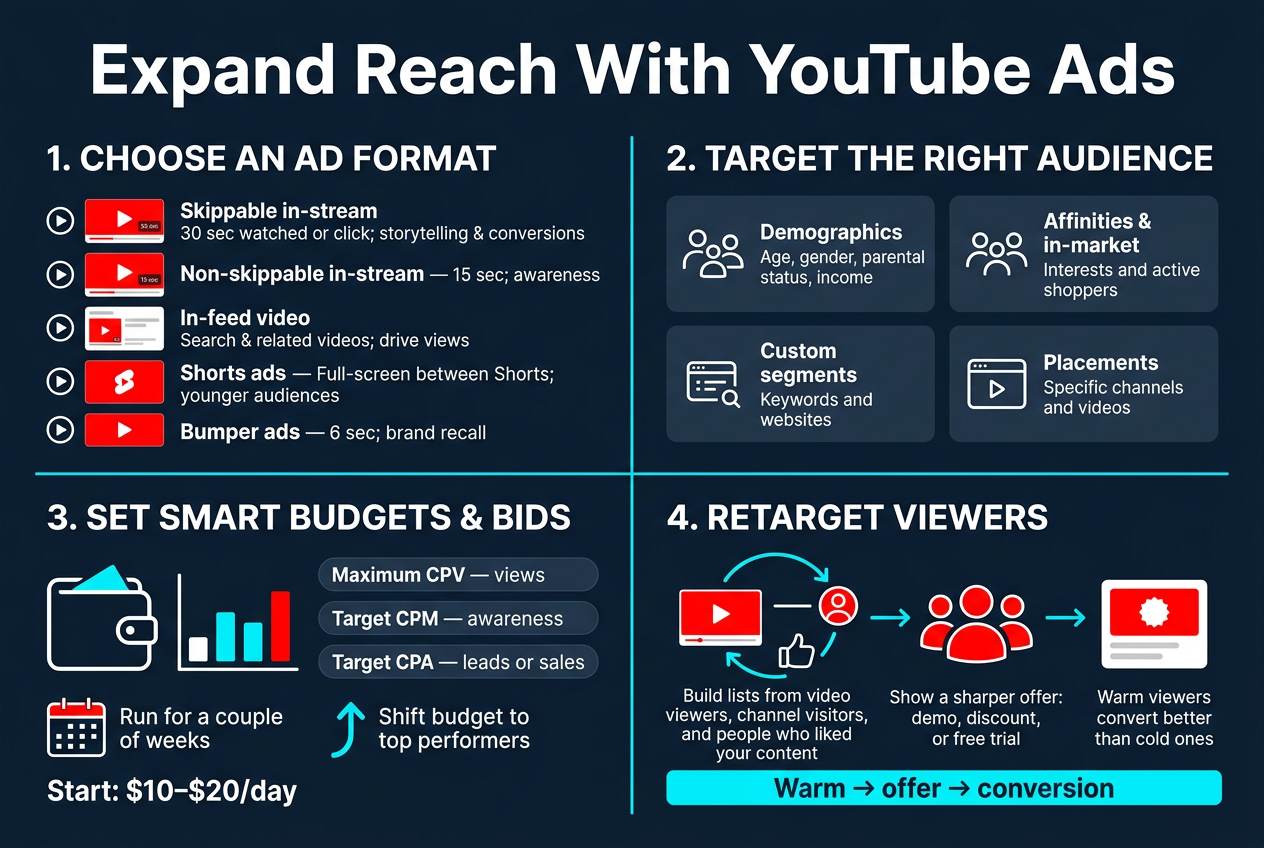
- Skippable in-stream: Plays before or during videos. You pay when someone watches 30 seconds (or the whole ad, if it’s shorter) or clicks. Good for storytelling and conversions.
- Non-skippable in-stream: Short 15-second ads. Best for awareness.
- In-feed video: Shows up in search results and next to related videos. Great for driving views to your content.
- Shorts ads: Full-screen ads between Shorts. Good for reaching younger audiences.
- Bumper ads: 6-second ads for quick brand recall.
Target the Right Audience Segments
Start with these options:
- Demographics: Age, gender, parental status, household income.
- Affinities and in-market audiences: People into certain topics or actively shopping for products like yours.
- Custom segments: Target people who search specific keywords or visit certain sites.
- Placements: Choose specific channels or videos your buyers already watch.
Set Smart Budgets and Bids
Start small, around $10–$20 per day. Use Maximum CPV for views, Target CPM for awareness, and Target CPA for leads or sales. Let each campaign run a couple of weeks before changing anything, then move budget to your best performers.
Retarget Viewers to Increase Conversions
Build remarketing lists from people who watched your videos, visited your channel, or liked your content. Show them a sharper, offer-focused ad, like a demo, discount, or free trial. Warm viewers convert far better than cold ones.
Measure Results and Refine Your Strategy
Track Key Metrics in YouTube Analytics
Open YouTube Studio and focus on the numbers that actually matter:
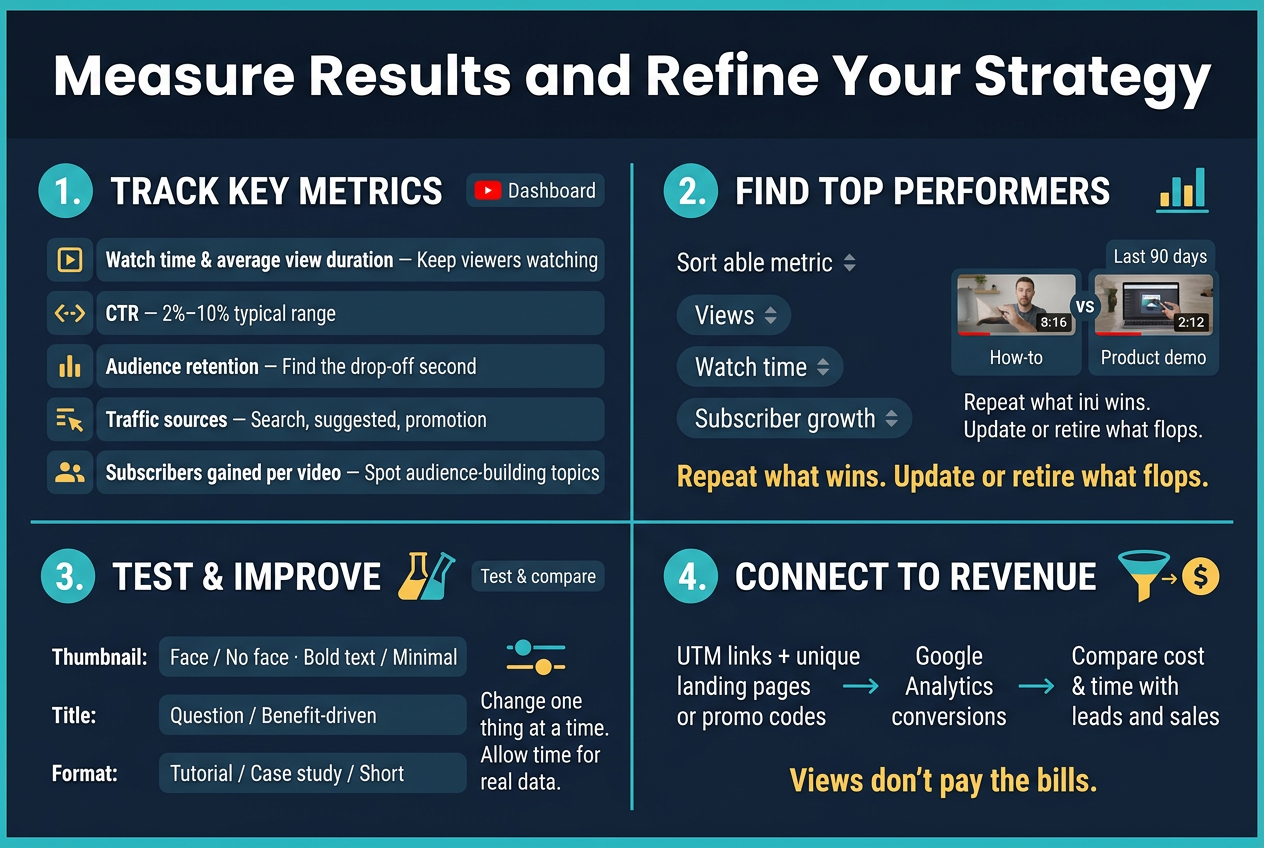
- Watch time and average view duration: These show whether people stick around.
- Click-through rate (CTR): Tells you if your thumbnail and title grab attention. Most channels land between 2% and 10%.
- Audience retention: Spot the exact second viewers drop off.
- Traffic sources: See if people find you through search, suggested videos, or your own promotion.
- Subscribers gained per video: Shows which topics build your audience.
Identify Top-Performing Content
Sort your videos by views, watch time, and subscriber growth over the last 90 days. Look for patterns. Do how-tos beat product demos? Do shorter videos hold attention better? Make more of what wins, and update or retire what flops.
Test and Improve Thumbnails, Titles, and Formats
Use YouTube’s built-in “Test & compare” tool to run thumbnail tests. Change one thing at a time:
- Thumbnail: face vs. no face, bold text vs. minimal
- Title: question vs. benefit-driven
- Format: tutorial, case study, or short
Give each test enough time to collect real data.
Connect Video Performance to Business Revenue
Views don’t pay the bills. Add UTM links in descriptions, use unique landing pages or promo codes, and track conversions in Google Analytics. Then compare cost and time spent against leads and sales, so you know which videos actually earn their keep.
FAQ
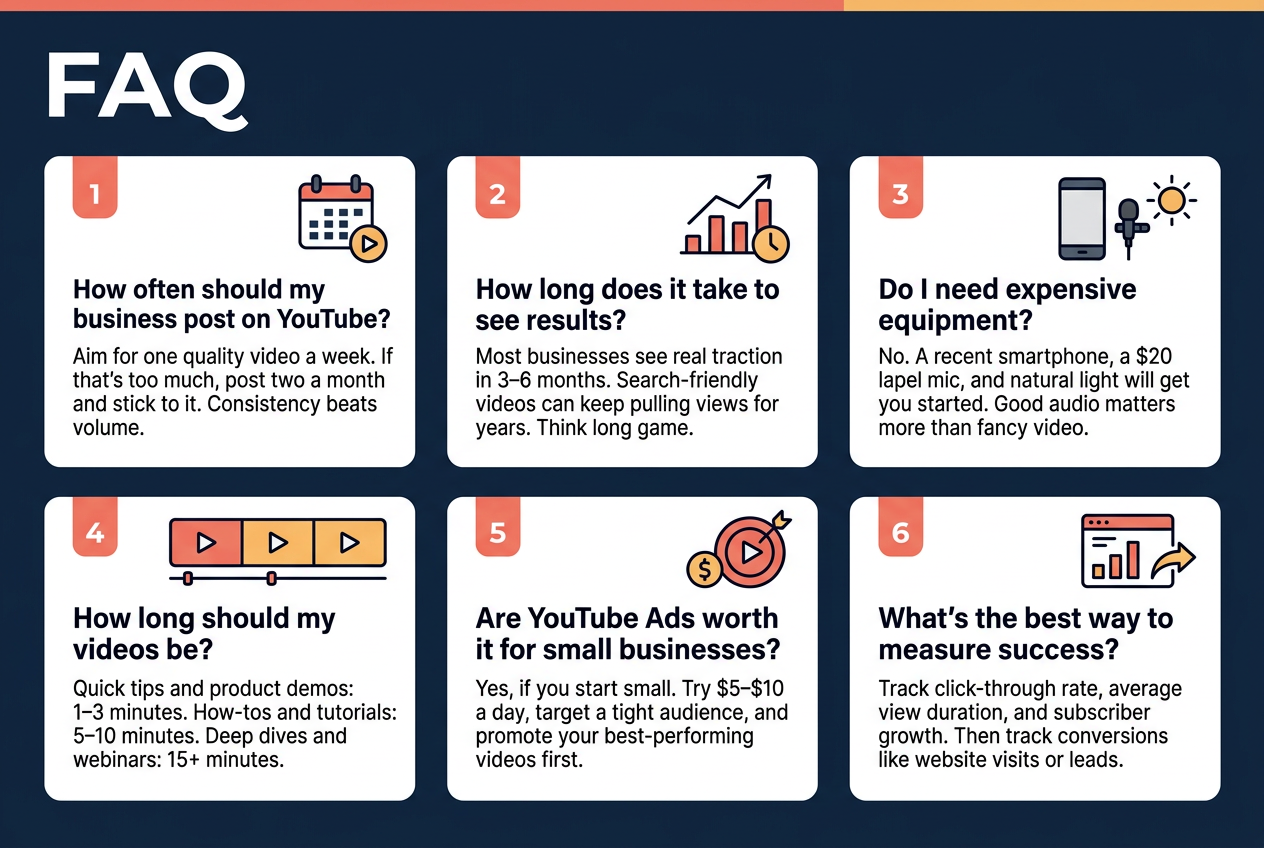
How often should my business post on YouTube?
Aim for one quality video a week. If that’s too much, go with two a month and stick to it. Consistency beats volume, and viewers come back when they know when to expect you.
How long does it take to see results?
Most businesses see real traction in 3–6 months. Search-friendly videos can keep pulling views for years, so think long game.
Do I need expensive equipment?
Nope. A recent smartphone, a $20 lapel mic, and natural light will get you started. Good audio matters more than fancy video.
How long should my videos be?
Match length to the topic:
- Quick tips and product demos: 1–3 minutes
- How-tos and tutorials: 5–10 minutes
- Deep dives and webinars: 15+ minutes
Are YouTube Ads worth it for small businesses?
Yes, if you start small. Try $5–$10 a day, target a tight audience, and promote your best-performing videos first.
What’s the best way to measure success?
Watch click-through rate, average view duration, and subscriber growth. Then track conversions, like website visits or leads, to see what’s actually making you money.
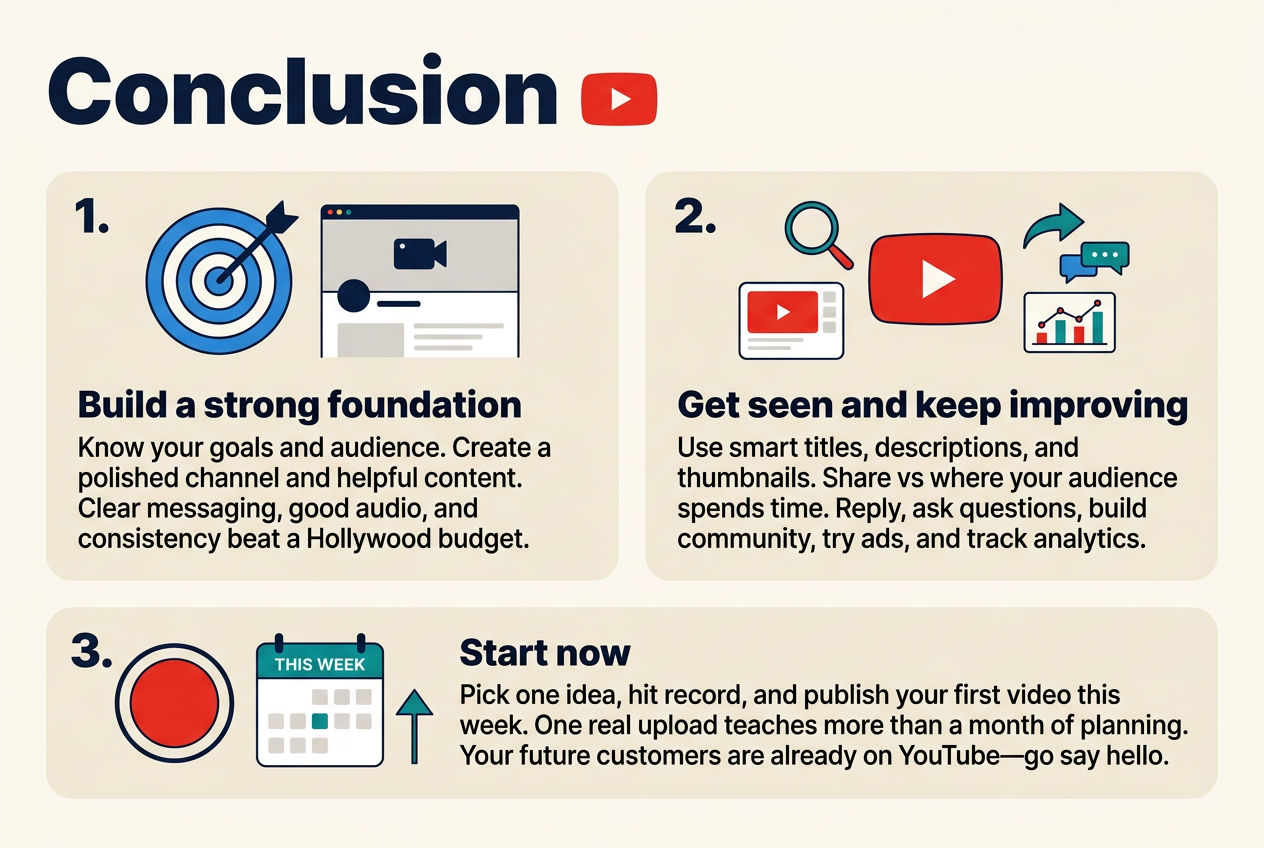
YouTube isn’t just a place for cat videos and music clips anymore. It’s one of the best tools you have to get your brand in front of people who are already searching for what you offer. The recipe is pretty simple: know your goals and your audience, set up a polished channel, and plan content that actually helps people. You don’t need a Hollywood budget to pull it off. Good audio, clear messaging, and a little consistency go a long way.
From there, it’s about getting your videos seen. Use smart titles, descriptions, and thumbnails so people can find you, then share your videos everywhere your audience hangs out. Reply to comments, ask questions, and build a real community. If you want a faster boost, ads can help you reach even more people. And keep an eye on your analytics so you know what’s working and what needs a tweak.
So don’t wait for the perfect moment or the perfect video. Pick one idea, hit record, and publish your first video this week. You’ll learn more from one real upload than from a month of planning. Your future customers are already on YouTube, so go say hello.