Meta Ads Lead Generation: The Complete Guide
If you’re running a business and struggling to fill your pipeline with quality leads, Meta Ads might be exactly what you need. This guide is written for small business owners, digital marketers, and media buyers who want to stop guessing and start getting real results from Facebook and Instagram advertising.
We’ll walk you through everything that actually matters — from setting up your Meta Ads account the right way, to building campaigns that attract the right people, not just random clicks. You’ll also learn how to create ad creatives that stop the scroll and get people to take action, plus how to optimize Meta Instant Forms so more prospects actually complete them.
By the end, you’ll have a clear, practical system for running Meta Ads lead generation campaigns that bring in consistent, high-quality leads.
Understanding Meta Ads for Lead Generation
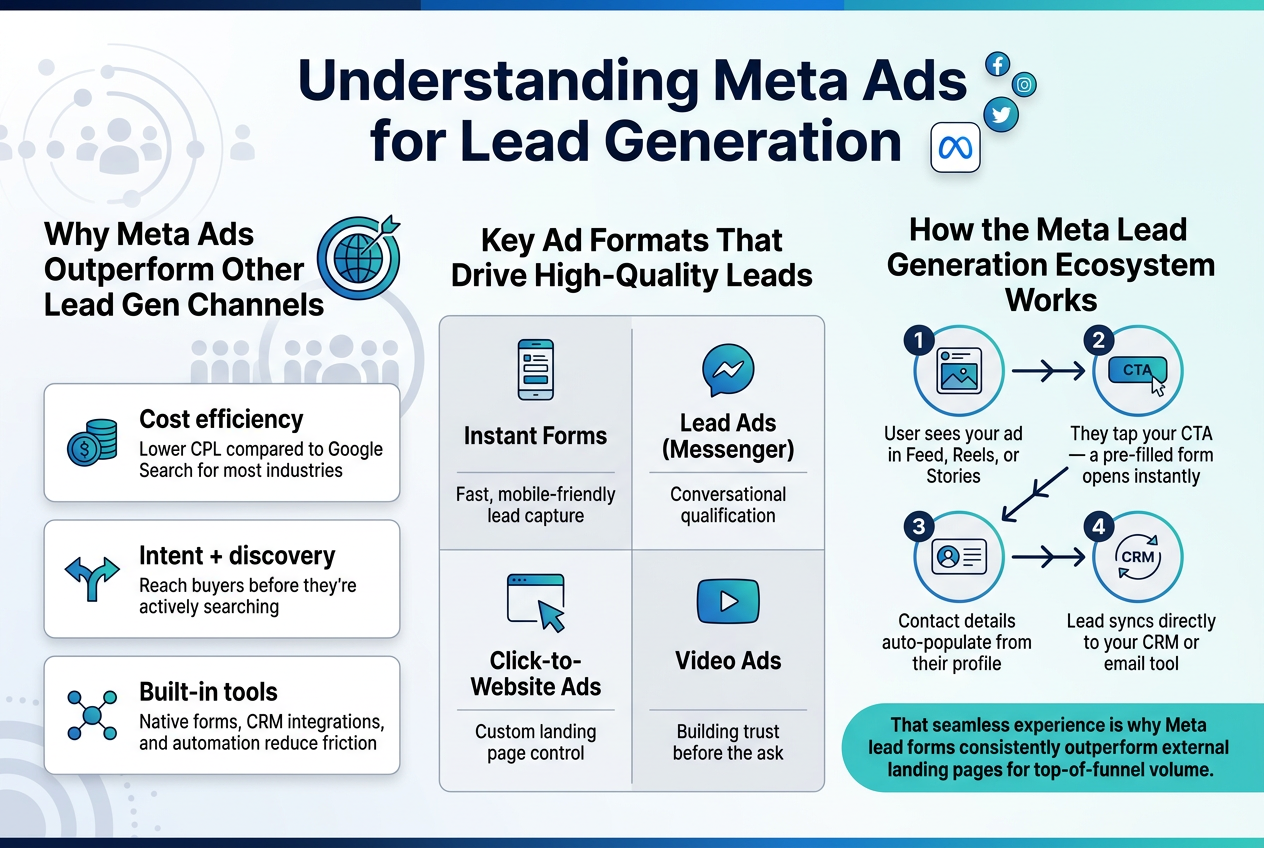
Why Meta Ads Outperform Other Lead Gen Channels
Meta’s platform gives you access to over 3 billion active users with targeting precision that most channels simply can’t match. You’re not just reaching people — you’re reaching the right people based on behaviors, interests, life events, and connections.
- Cost efficiency: Lower CPL compared to Google Search for most industries
- Intent + discovery: Reach buyers before they’re actively searching
- Built-in tools: Native forms, CRM integrations, and automation reduce friction
Key Ad Formats That Drive High-Quality Leads
| Format | Best For |
|---|---|
| Instant Forms | Fast, mobile-friendly lead capture |
| Lead Ads (Messenger) | Conversational qualification |
| Click-to-Website Ads | Custom landing page control |
| Video Ads | Building trust before the ask |
How the Meta Lead Generation Ecosystem Works
Meta’s lead gen system is designed to keep users on-platform, which dramatically increases completion rates. Here’s the basic flow:
- User sees your ad in Feed, Reels, or Stories
- They tap your CTA — a pre-filled form opens instantly
- Contact details auto-populate from their profile
- Lead syncs directly to your CRM or email tool
That seamless experience is why Meta lead forms consistently outperform external landing pages for top-of-funnel volume.
Setting Up Your Meta Ads Account for Success
Configuring Your Business Manager the Right Way
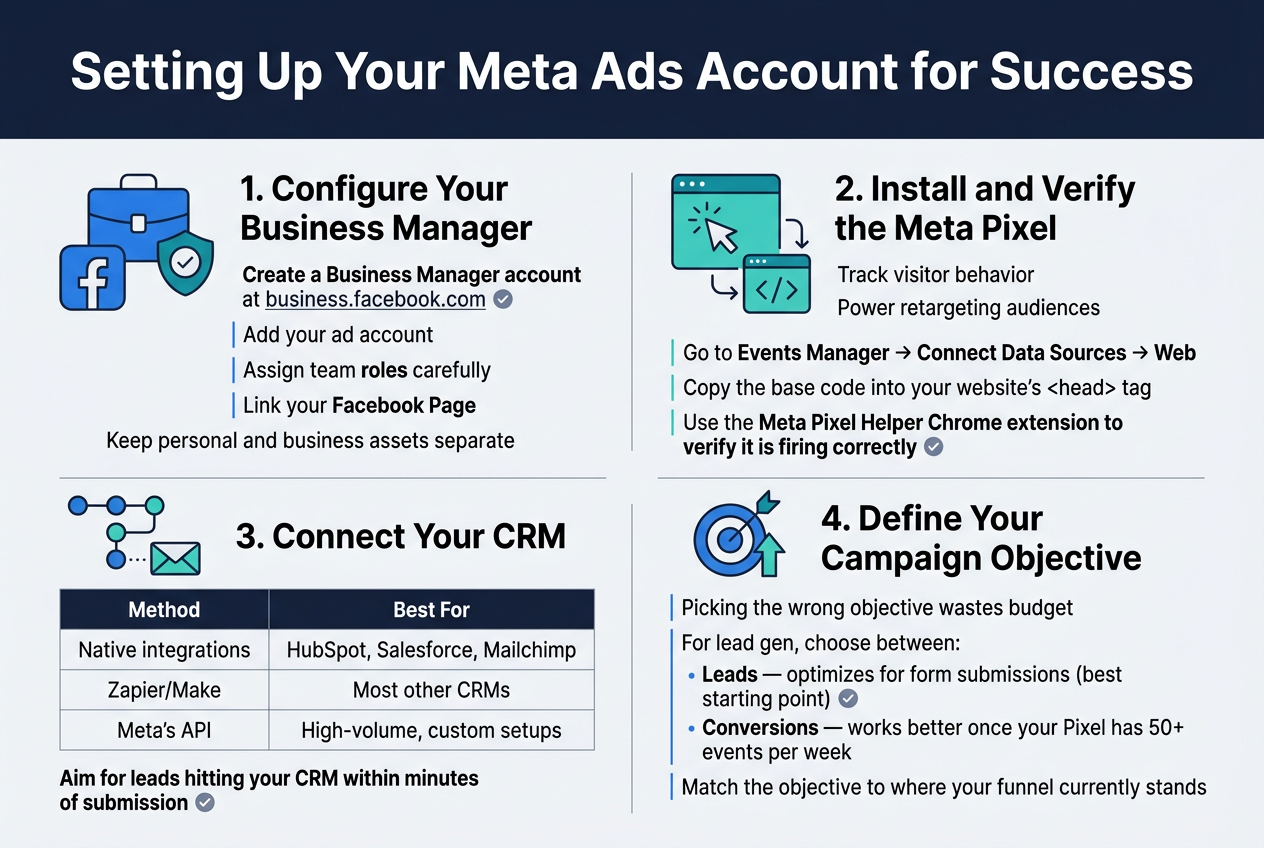
Start by creating a Business Manager account at business.facebook.com. Add your ad account, assign team roles carefully, and link your Facebook Page. Keep personal and business assets separate — this protects your account from accidental bans.
Installing and Verifying the Meta Pixel
The Pixel tracks visitor behavior and powers your retargeting audiences. Install it by:
- Going to Events Manager → Connect Data Sources → Web
- Copying the base code into your website’s
<head>tag - Using the Meta Pixel Helper Chrome extension to verify it’s firing correctly
Connecting Your CRM for Seamless Lead Capture
Without CRM integration, leads sit in Meta and go cold fast. Connect your CRM directly through:
| Method | Best For |
|---|---|
| Native integrations | HubSpot, Salesforce, Mailchimp |
| Zapier/Make | Most other CRMs |
| Meta’s API | High-volume, custom setups |
Aim for leads hitting your CRM within minutes of submission.
Defining Your Campaign Objectives to Maximize Results
Picking the wrong objective wastes budget. For lead gen, choose between:
- Leads — optimizes for form submissions (best starting point)
- Conversions — works better once your Pixel has 50+ events per week
Match the objective to where your funnel currently stands.
Building a High-Converting Lead Generation Campaign
Choosing the Right Campaign Structure
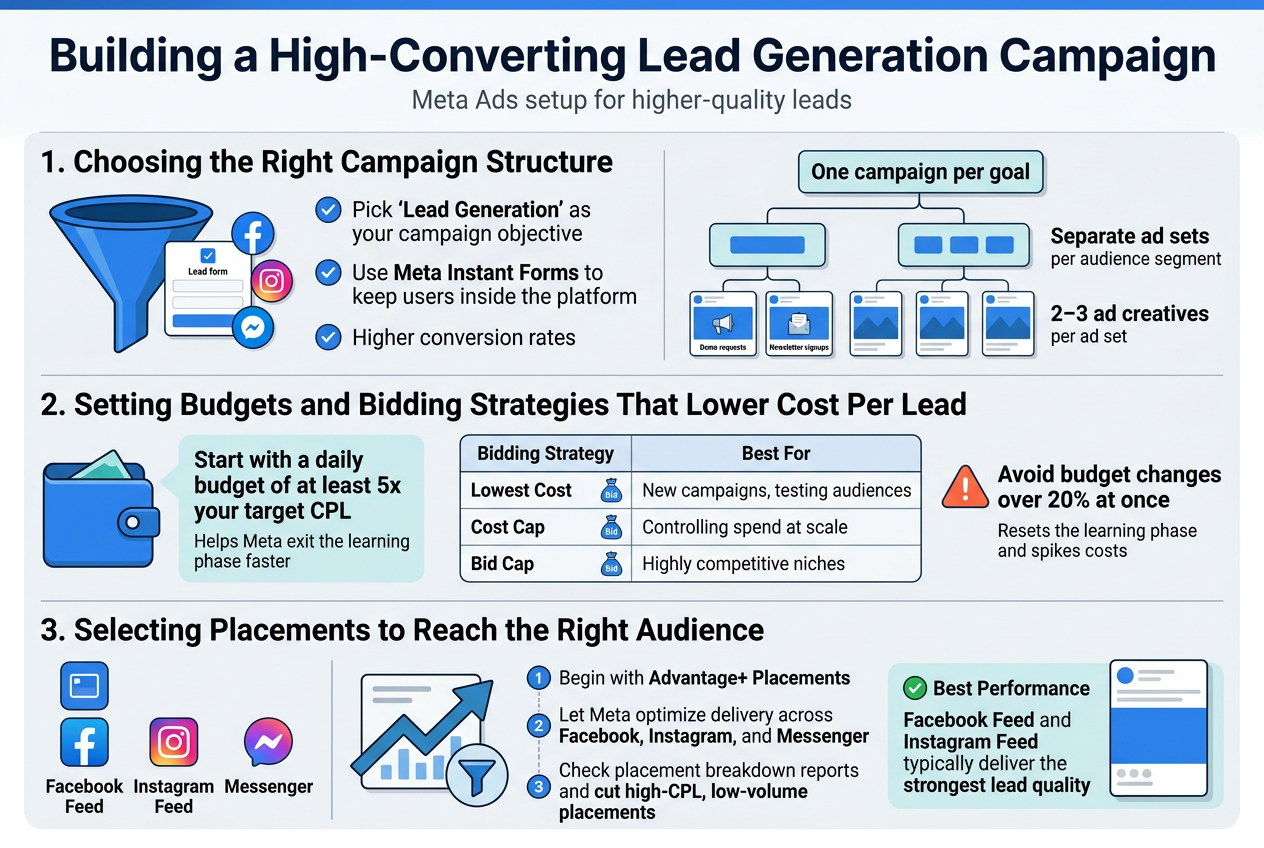
Pick Lead Generation as your campaign objective — this unlocks Meta Instant Forms and keeps users inside the platform, which dramatically improves conversion rates.
Structure your campaigns like this:
- One campaign per goal (e.g., demo requests vs. newsletter signups)
- Separate ad sets per audience segment so you can compare performance cleanly
- 2–3 ad creatives per ad set to let Meta’s algorithm find the winner fast
Setting Budgets and Bidding Strategies That Lower Cost Per Lead
Start with a daily budget of at least 5x your target CPL — this gives Meta enough data to exit the learning phase quickly.
| Bidding Strategy | Best For |
|---|---|
| Lowest Cost | New campaigns, testing audiences |
| Cost Cap | Controlling spend at scale |
| Bid Cap | Highly competitive niches |
Avoid making budget changes over 20% at once — it resets the learning phase and spikes your costs.
Selecting Placements to Reach the Right Audience
Begin with Advantage+ Placements and let Meta optimize delivery across Facebook, Instagram, and Messenger. Once you have enough data, check the placement breakdown report and cut anything with a high CPL and low volume.
Facebook Feed and Instagram Feed typically deliver the strongest lead quality for most businesses.
Targeting the Perfect Audience to Get Quality Leads
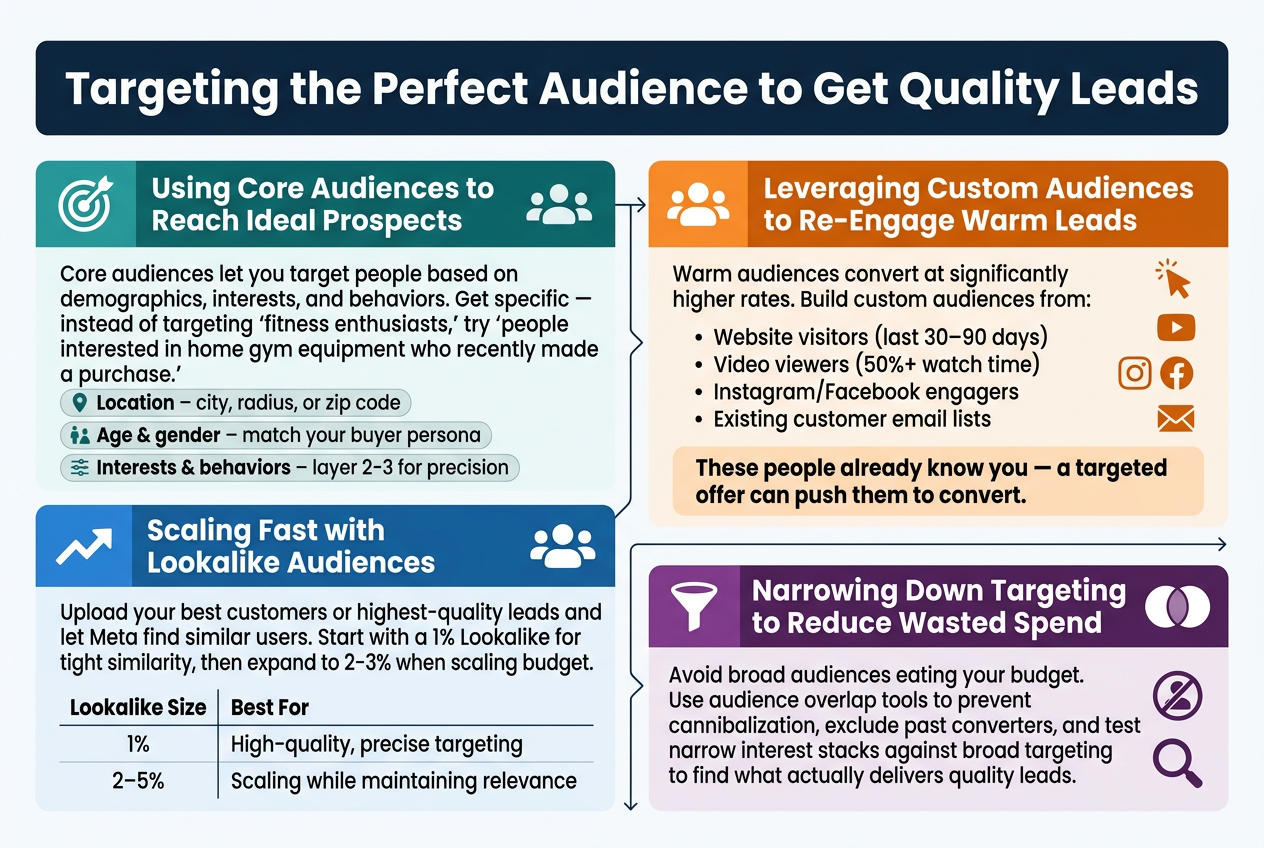
Using Core Audiences to Reach Ideal Prospects
Core audiences let you target people based on demographics, interests, and behaviors. Get specific — instead of targeting “fitness enthusiasts,” try “people interested in home gym equipment who recently made a purchase.”
Key targeting filters to combine:
- Location – city, radius, or zip code
- Age & gender – match your buyer persona
- Interests & behaviors – layer 2-3 for precision
Leveraging Custom Audiences to Re-Engage Warm Leads
Warm audiences convert at significantly higher rates. Build custom audiences from:
- Website visitors (last 30–90 days)
- Video viewers (50%+ watch time)
- Instagram/Facebook engagers
- Existing customer email lists
These people already know you — a targeted offer can push them to convert.
Scaling Fast with Lookalike Audiences
Upload your best customers or highest-quality leads and let Meta find similar users. Start with a 1% Lookalike for tight similarity, then expand to 2-3% when scaling budget.
| Lookalike Size | Best For |
|---|---|
| 1% | High-quality, precise targeting |
| 2–5% | Scaling while maintaining relevance |
Narrowing Down Targeting to Reduce Wasted Spend
Avoid broad audiences eating your budget. Use audience overlap tools to prevent cannibalization, exclude past converters, and test narrow interest stacks against broad targeting to find what actually delivers quality leads.
Creating Ad Creatives That Capture Attention and Convert
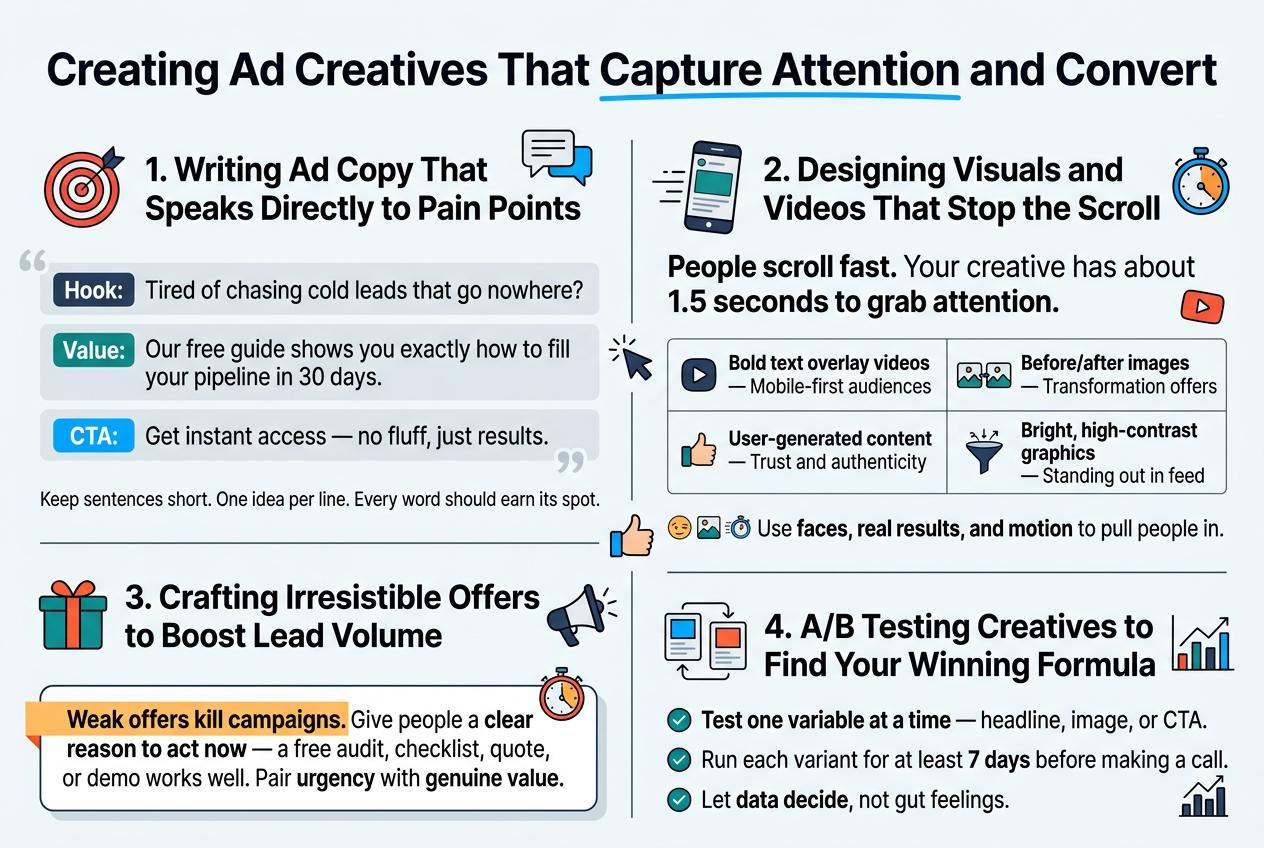
Writing Ad Copy That Speaks Directly to Pain Points
Skip the generic headlines. Your copy should make your audience feel seen. Lead with the struggle, then offer the solution.
- Hook: “Tired of chasing cold leads that go nowhere?”
- Value: “Our free guide shows you exactly how to fill your pipeline in 30 days.”
- CTA: “Get instant access — no fluff, just results.”
Keep sentences short. One idea per line. Every word should earn its spot.
Designing Visuals and Videos That Stop the Scroll
People scroll fast. Your creative has about 1.5 seconds to grab attention.
| Format | Best For |
|---|---|
| Bold text overlay videos | Mobile-first audiences |
| Before/after images | Transformation offers |
| User-generated content | Trust and authenticity |
| Bright, high-contrast graphics | Standing out in feed |
Use faces, real results, and motion to pull people in.
Crafting Irresistible Offers to Boost Lead Volume
Weak offers kill campaigns. Give people a clear reason to act now — a free audit, checklist, quote, or demo works well. Pair urgency with genuine value.
A/B Testing Creatives to Find Your Winning Formula
Test one variable at a time — headline, image, or CTA. Run each variant for at least 7 days before making a call. Let data decide, not gut feelings.
Optimizing Meta Instant Forms for More Submissions
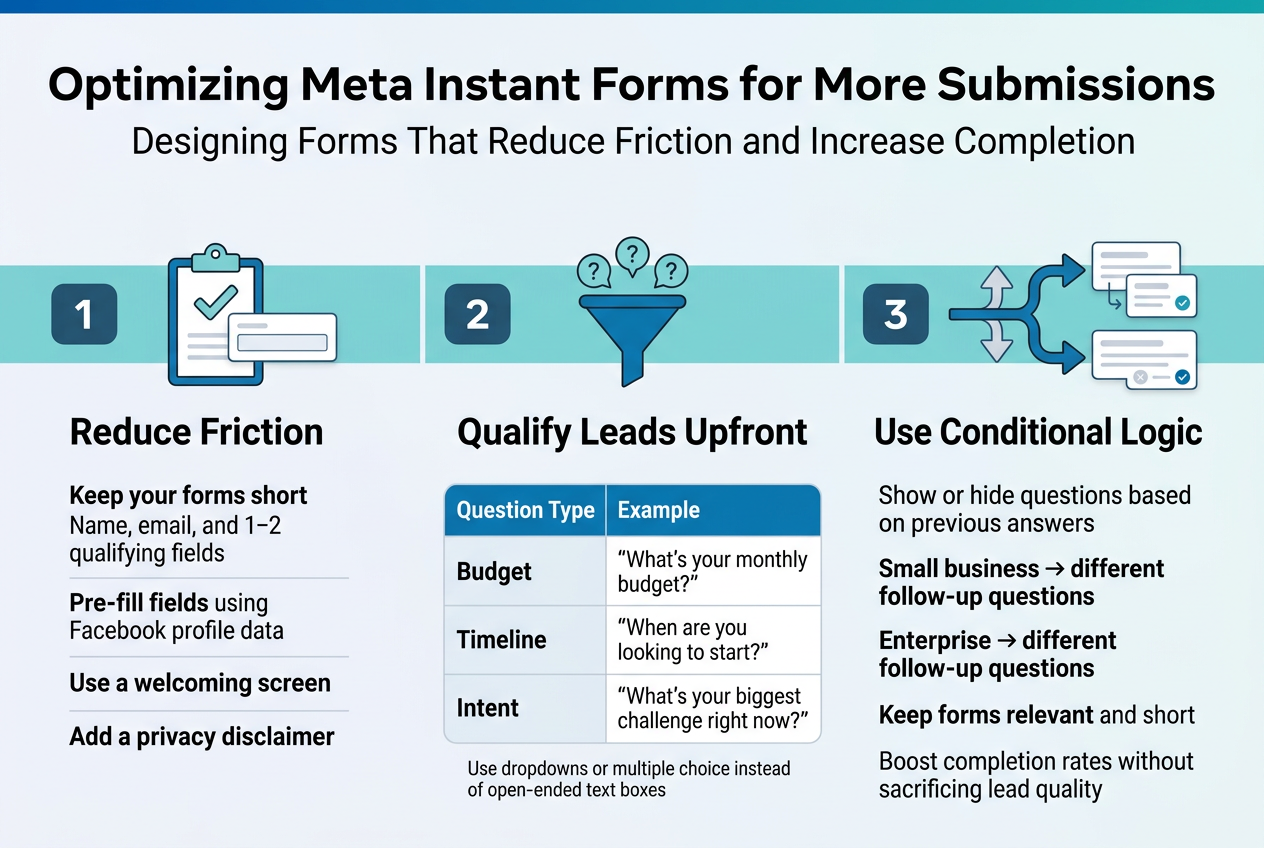
Designing Forms That Reduce Friction and Increase Completion
Keep your forms short. The more fields you add, the more people drop off. Stick to the essentials—name, email, and one or two qualifying fields work best for most campaigns.
A few quick wins:
- Pre-fill fields using Facebook profile data so users barely have to type anything
- Use a welcoming screen that clearly states what they’re getting in return
- Add a privacy disclaimer to build trust before they hit submit
Asking the Right Questions to Qualify Leads Upfront
Not every lead is worth chasing. Add one or two strategic questions to filter out poor fits early.
| Question Type | Example |
|---|---|
| Budget | “What’s your monthly budget?” |
| Timeline | “When are you looking to start?” |
| Intent | “What’s your biggest challenge right now?” |
Avoid open-ended text boxes—use dropdowns or multiple choice to make answering effortless.
Using Conditional Logic to Personalize the Form Experience
Conditional logic shows or hides questions based on previous answers. If someone selects “small business,” they see different follow-up questions than someone who picks “enterprise.”
This keeps forms feeling relevant and short, which boosts completion rates without sacrificing lead quality.
Tracking, Analyzing, and Improving Campaign Performance
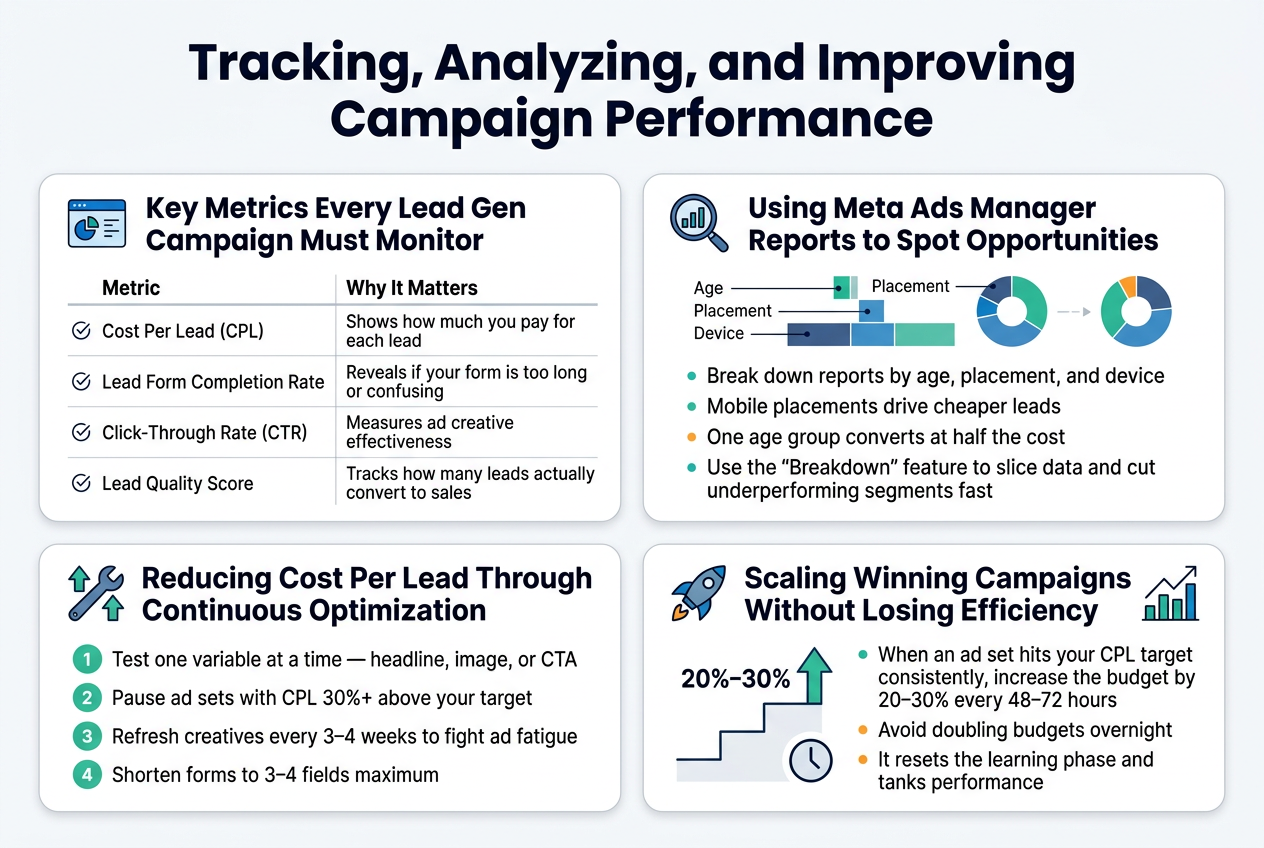
Key Metrics Every Lead Gen Campaign Must Monitor
Track these numbers weekly to stay on top of performance:
| Metric | Why It Matters |
|---|---|
| Cost Per Lead (CPL) | Shows how much you pay for each lead |
| Lead Form Completion Rate | Reveals if your form is too long or confusing |
| Click-Through Rate (CTR) | Measures ad creative effectiveness |
| Lead Quality Score | Tracks how many leads actually convert to sales |
Using Meta Ads Manager Reports to Spot Opportunities
Break down reports by age, placement, and device. You’ll often find mobile placements drive cheaper leads, or one age group converts at half the cost. Use the “Breakdown” feature to slice data and cut underperforming segments fast.
Reducing Cost Per Lead Through Continuous Optimization
- Test one variable at a time — headline, image, or CTA
- Pause ad sets with CPL 30%+ above your target
- Refresh creatives every 3–4 weeks to fight ad fatigue
- Shorten forms to 3–4 fields maximum
Scaling Winning Campaigns Without Losing Efficiency
When an ad set hits your CPL target consistently, increase the budget by 20–30% every 48–72 hours. Avoid doubling budgets overnight — it resets the learning phase and tanks performance.
FAQ
How long does it take for Meta lead ads to start getting results?
Most campaigns need 3–7 days to exit the learning phase. During this period, Meta’s algorithm tests different audience segments and delivery strategies. Avoid making major edits during this window.
What’s a good cost per lead on Meta?
It varies by industry, but a general benchmark is:
| Industry | Average CPL |
|---|---|
| Real Estate | $10–$30 |
| eCommerce | $5–$15 |
| Finance | $20–$60 |
| Education | $8–$25 |
Why are my leads low quality?
Common reasons include:
- Targeting too broadly
- Instant Forms with too few qualifying questions
- Weak offer that attracts unserious prospects
- No friction (sometimes a small barrier filters better leads)
Can I connect Meta lead ads to my CRM?
Yes. Meta natively integrates with HubSpot, Salesforce, Mailchimp, and dozens more. You can also connect via Zapier for platforms not listed.
Should I use Instant Forms or send traffic to a landing page?
Instant Forms win on volume and lower CPL. Landing pages tend to deliver higher-intent leads. Test both and let your cost-per-acquisition decide.
Running successful lead generation campaigns on Meta doesn’t have to feel overwhelming. From setting up your account the right way to crafting ads that actually grab attention, every step you take builds toward getting better quality leads at a lower cost. The real magic happens when you combine sharp audience targeting with compelling creatives and well-optimized instant forms — that’s when you start seeing your campaign really take off.
Now it’s time to put what you’ve learned into action. Start small if you need to, test different approaches, and keep a close eye on your numbers so you know what’s working and what needs tweaking. The more you experiment and refine, the better your results will get. Your next great lead could be just one well-crafted Meta ad away.