How to Reduce Facebook Ad Costs: 10 Proven Strategies
Facebook ads can get expensive fast. If you’re a small business owner, marketer, or entrepreneur watching your ad spend climb while results stay flat, you’re not alone — and you’re in the right place.
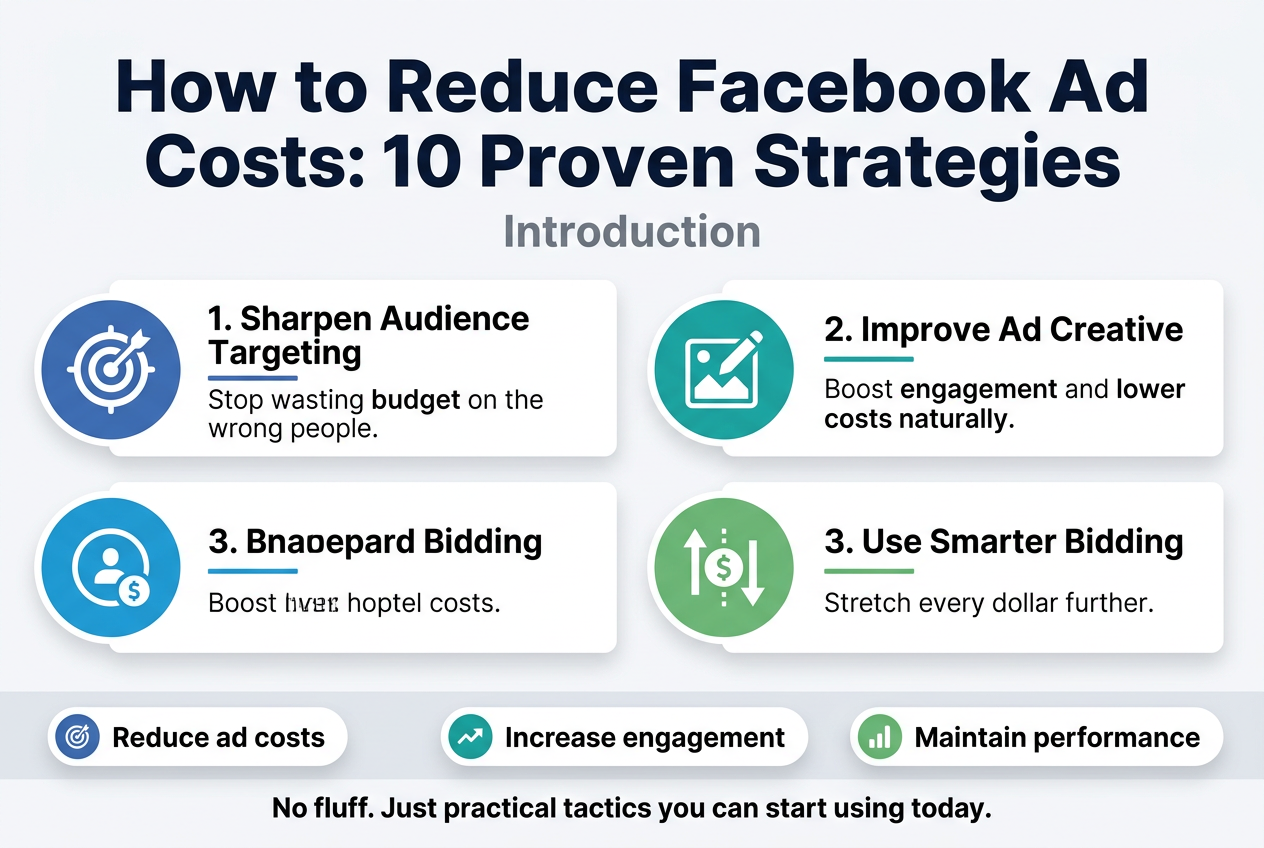
This guide breaks down 10 proven strategies to reduce Facebook ad costs without sacrificing performance. You’ll learn how to sharpen your audience targeting so your budget stops going to the wrong people, how to improve your ad creative to boost engagement and drive your costs down naturally, and how to use smarter bidding strategies to stretch every dollar further.
No fluff. Just practical tactics you can start using today.
Understand the Key Metrics That Drive Facebook Ad Costs
Learn How Cost Per Click (CPC) Affects Your Budget
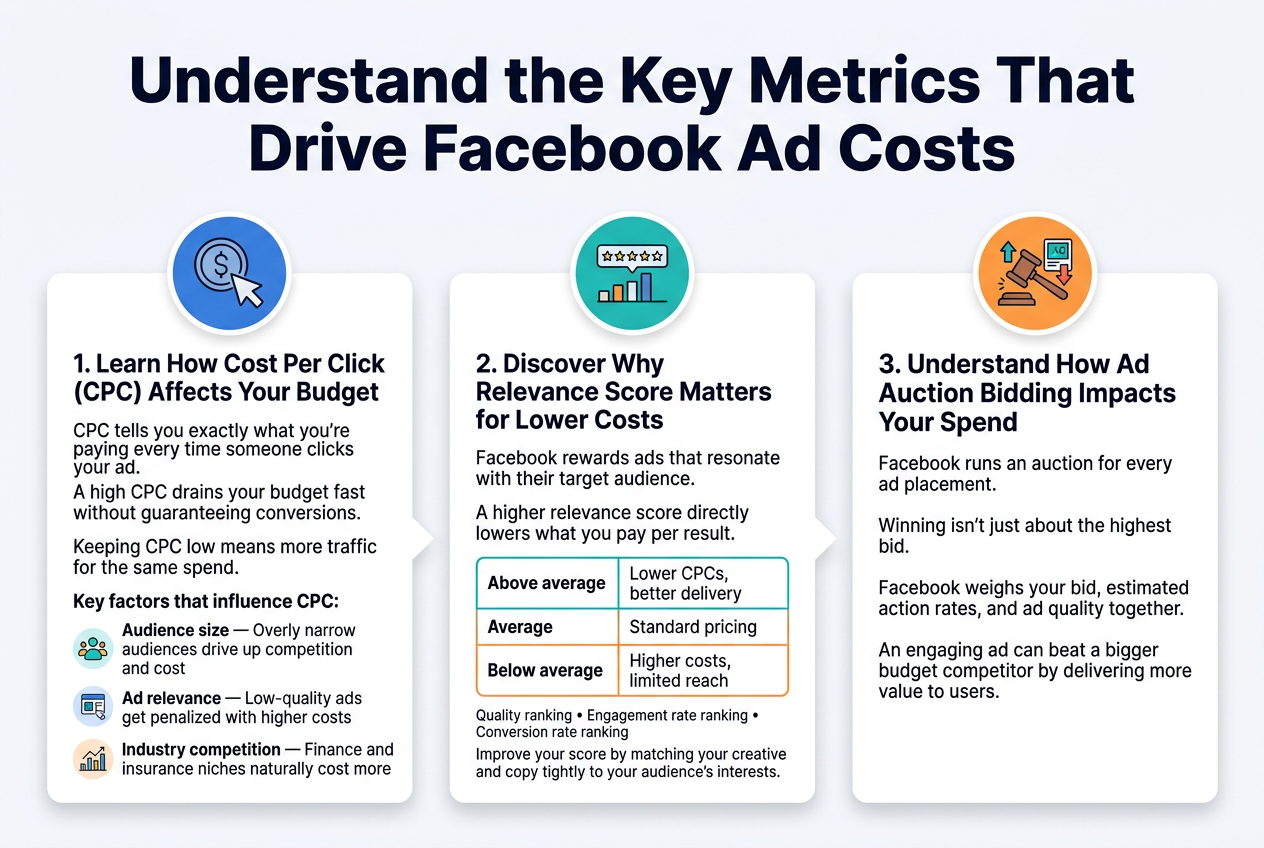
CPC tells you exactly what you’re paying every time someone clicks your ad. A high CPC drains your budget fast without guaranteeing conversions. Keeping CPC low means more traffic for the same spend.
Key factors that influence CPC:
- Audience size – Overly narrow audiences drive up competition and cost
- Ad relevance – Low-quality ads get penalized with higher costs
- Industry competition – Finance and insurance niches naturally cost more
Discover Why Relevance Score Matters for Lower Costs
Facebook rewards ads that resonate with their target audience. A higher relevance score (now broken into three diagnostics: quality ranking, engagement rate ranking, and conversion rate ranking) directly lowers what you pay per result.
| Score Level | Impact on Cost |
|---|---|
| Above average | Lower CPCs, better delivery |
| Average | Standard pricing |
| Below average | Higher costs, limited reach |
Improve your score by matching your creative and copy tightly to your audience’s interests.
Understand How Ad Auction Bidding Impacts Your Spend
Facebook runs an auction for every ad placement. Winning isn’t just about the highest bid — Facebook weighs your bid, estimated action rates, and ad quality together. A highly engaging ad can beat a bigger budget competitor by delivering more value to users.
Narrow Your Audience Targeting to Reach the Right People
Use Custom Audiences to Target Warm Leads
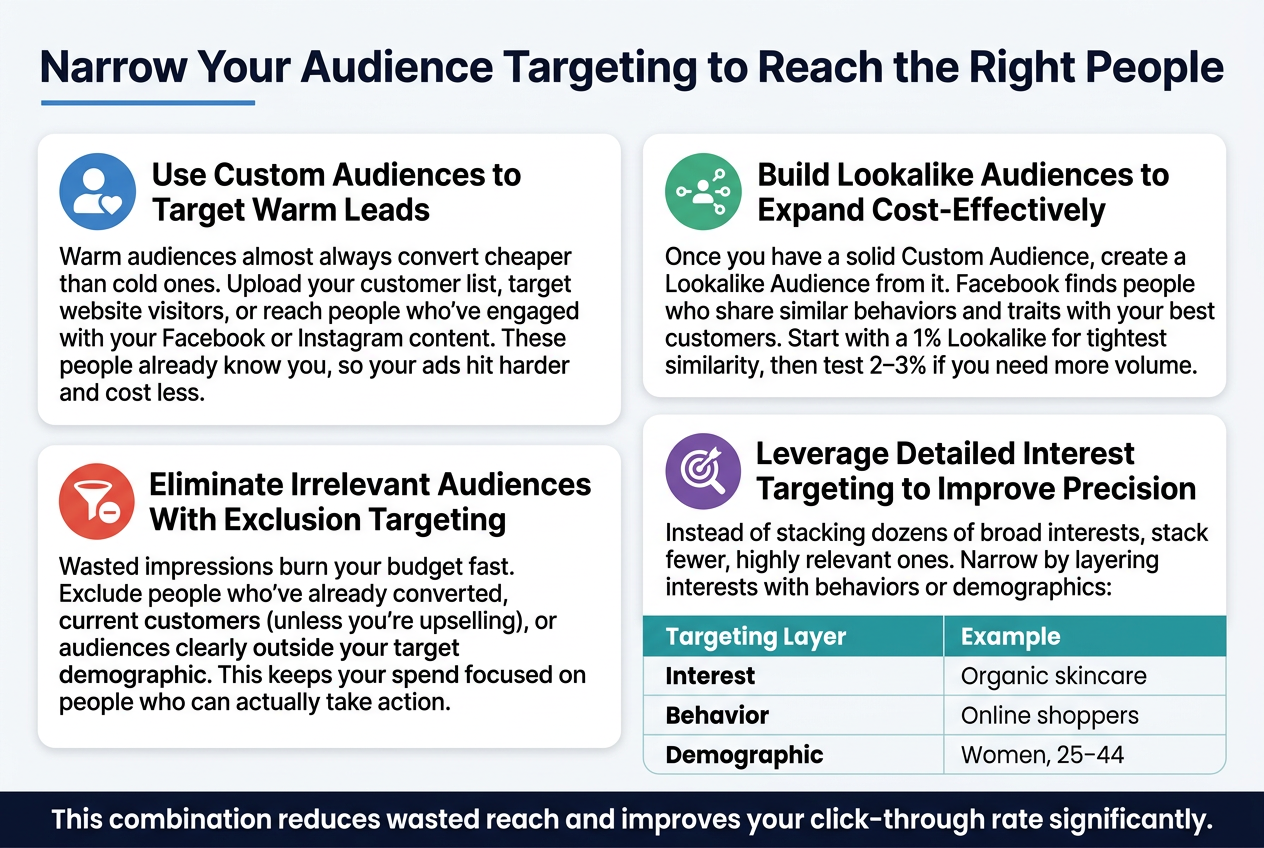
Warm audiences almost always convert cheaper than cold ones. Upload your customer list, target website visitors, or reach people who’ve engaged with your Facebook or Instagram content. These people already know you, so your ads hit harder and cost less.
Build Lookalike Audiences to Expand Cost-Effectively
Once you have a solid Custom Audience, create a Lookalike Audience from it. Facebook finds people who share similar behaviors and traits with your best customers. Start with a 1% Lookalike for tightest similarity, then test 2–3% if you need more volume.
Eliminate Irrelevant Audiences With Exclusion Targeting
Wasted impressions burn your budget fast. Exclude people who’ve already converted, current customers (unless you’re upselling), or audiences clearly outside your target demographic. This keeps your spend focused on people who can actually take action.
Leverage Detailed Interest Targeting to Improve Precision
Instead of stacking dozens of broad interests, stack fewer, highly relevant ones. Narrow by layering interests with behaviors or demographics:
| Targeting Layer | Example |
|---|---|
| Interest | Organic skincare |
| Behavior | Online shoppers |
| Demographic | Women, 25–44 |
This combination reduces wasted reach and improves your click-through rate significantly.
Improve Your Ad Creative to Boost Engagement and Lower Costs
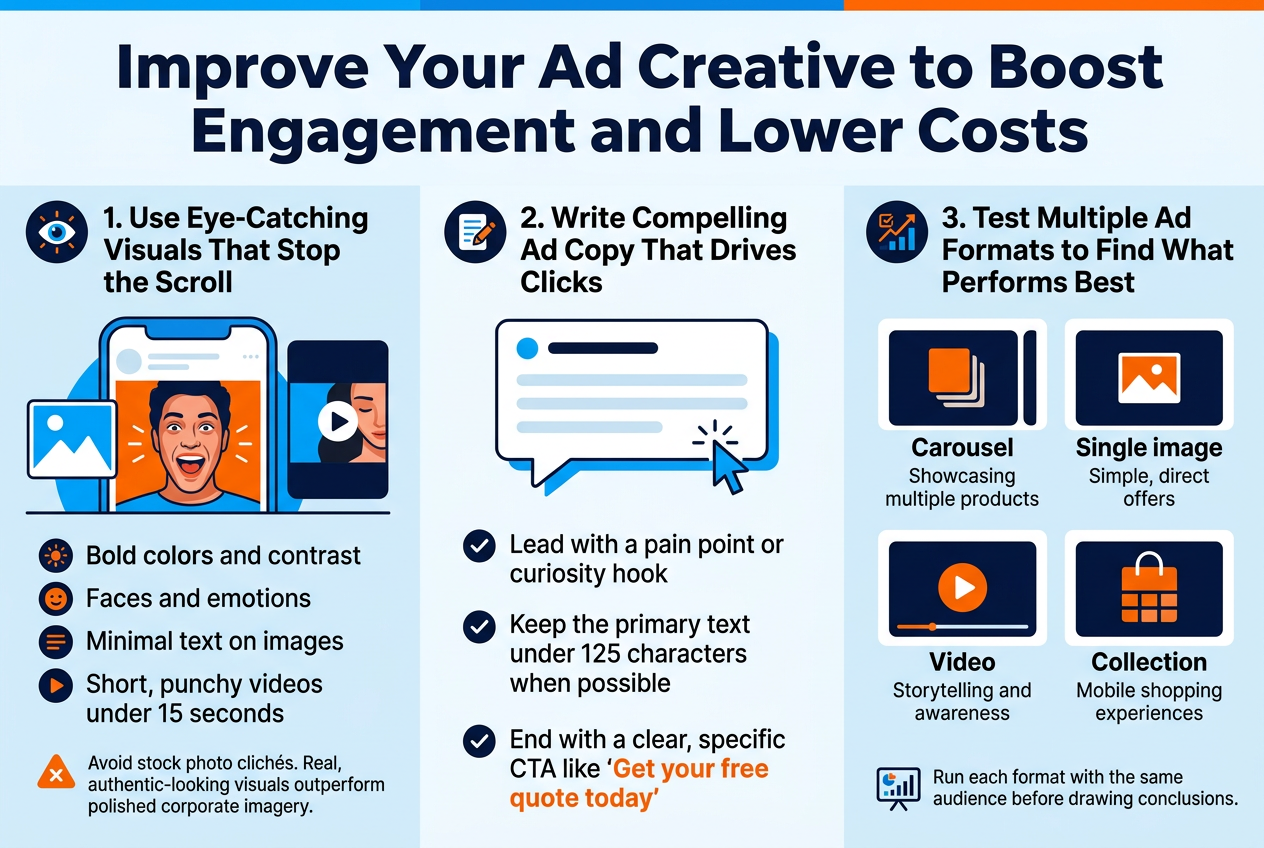
Use Eye-Catching Visuals That Stop the Scroll
Your creative is the first thing people see — and if it doesn’t stop them mid-scroll, nothing else matters. Focus on:
- Bold colors and contrast that stand out in a busy feed
- Faces and emotions — human images consistently drive higher engagement
- Minimal text on images to keep Facebook’s algorithm happy and visuals clean
- Short, punchy videos under 15 seconds for maximum retention
Avoid stock photo clichés. Real, authentic-looking visuals outperform polished corporate imagery almost every time.
Write Compelling Ad Copy That Drives Clicks
Great copy speaks directly to your audience’s problem and makes clicking feel like the obvious next step.
- Lead with a pain point or curiosity hook
- Keep the primary text under 125 characters when possible
- End with a clear, specific CTA like “Get your free quote today” instead of “Learn more”
Test Multiple Ad Formats to Find What Performs Best
Different audiences respond to different formats. Don’t guess — test.
| Format | Best For |
|---|---|
| Carousel | Showcasing multiple products |
| Single image | Simple, direct offers |
| Video | Storytelling and awareness |
| Collection | Mobile shopping experiences |
Run each format with the same audience before drawing conclusions.
Optimize Your Bidding Strategy to Maximize Budget Efficiency
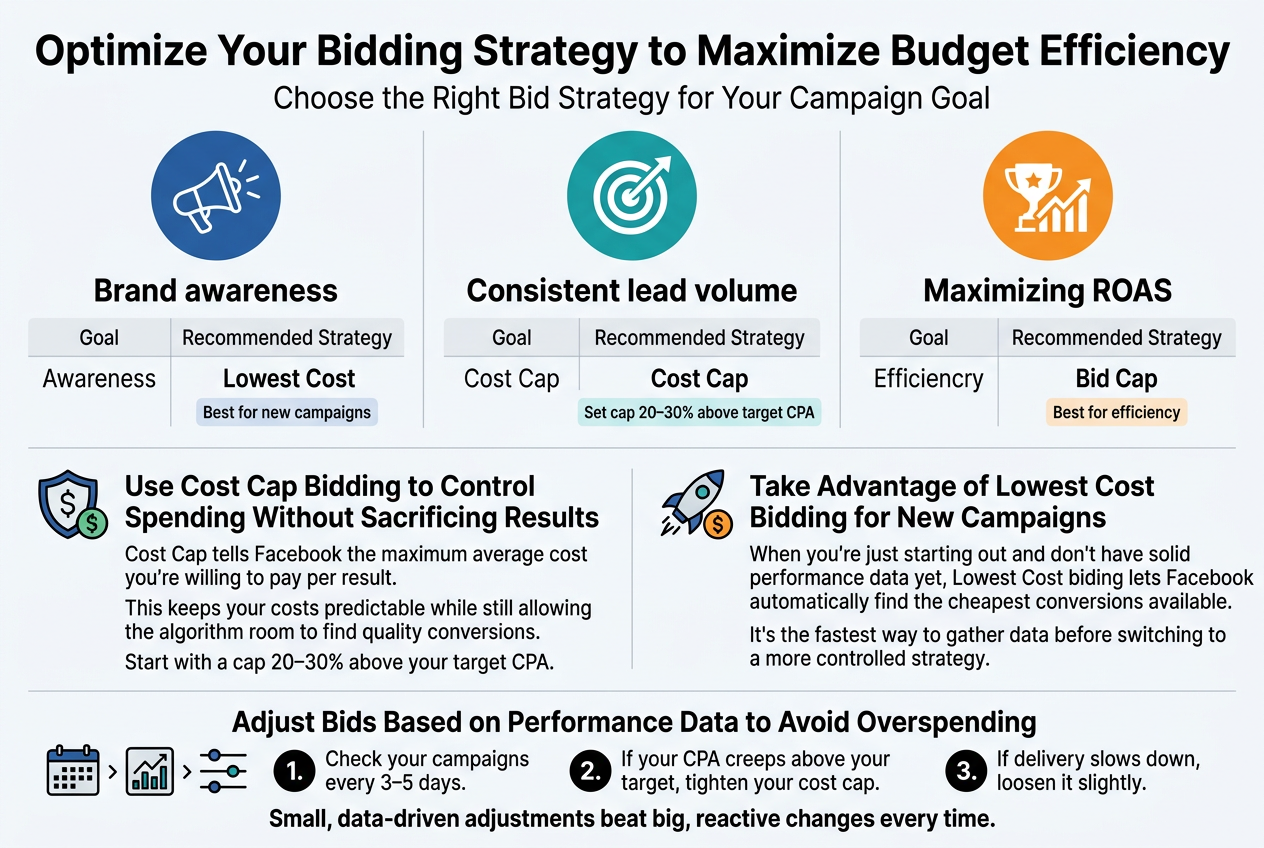
Choose the Right Bid Strategy for Your Campaign Goal
Picking the wrong bid strategy is like choosing the wrong tool for a job — you’ll get results, but not the ones you wanted. Match your strategy to your goal:
| Goal | Recommended Strategy |
|---|---|
| Brand awareness | Lowest Cost |
| Consistent lead volume | Cost Cap |
| Maximizing ROAS | Bid Cap |
Use Cost Cap Bidding to Control Spending Without Sacrificing Results
Cost Cap tells Facebook the maximum average cost you’re willing to pay per result. This keeps your costs predictable while still allowing the algorithm room to find quality conversions. Start with a cap 20–30% above your target CPA to give Facebook enough flexibility.
Take Advantage of Lowest Cost Bidding for New Campaigns
When you’re just starting out and don’t have solid performance data yet, Lowest Cost bidding lets Facebook automatically find the cheapest conversions available. It’s the fastest way to gather data before switching to a more controlled strategy.
Adjust Bids Based on Performance Data to Avoid Overspending
Check your campaigns every 3–5 days. If your CPA creeps above your target, tighten your cost cap. If delivery slows down, loosen it slightly. Small, data-driven adjustments beat big, reactive changes every time.
Run A/B Tests to Continuously Improve Ad Performance
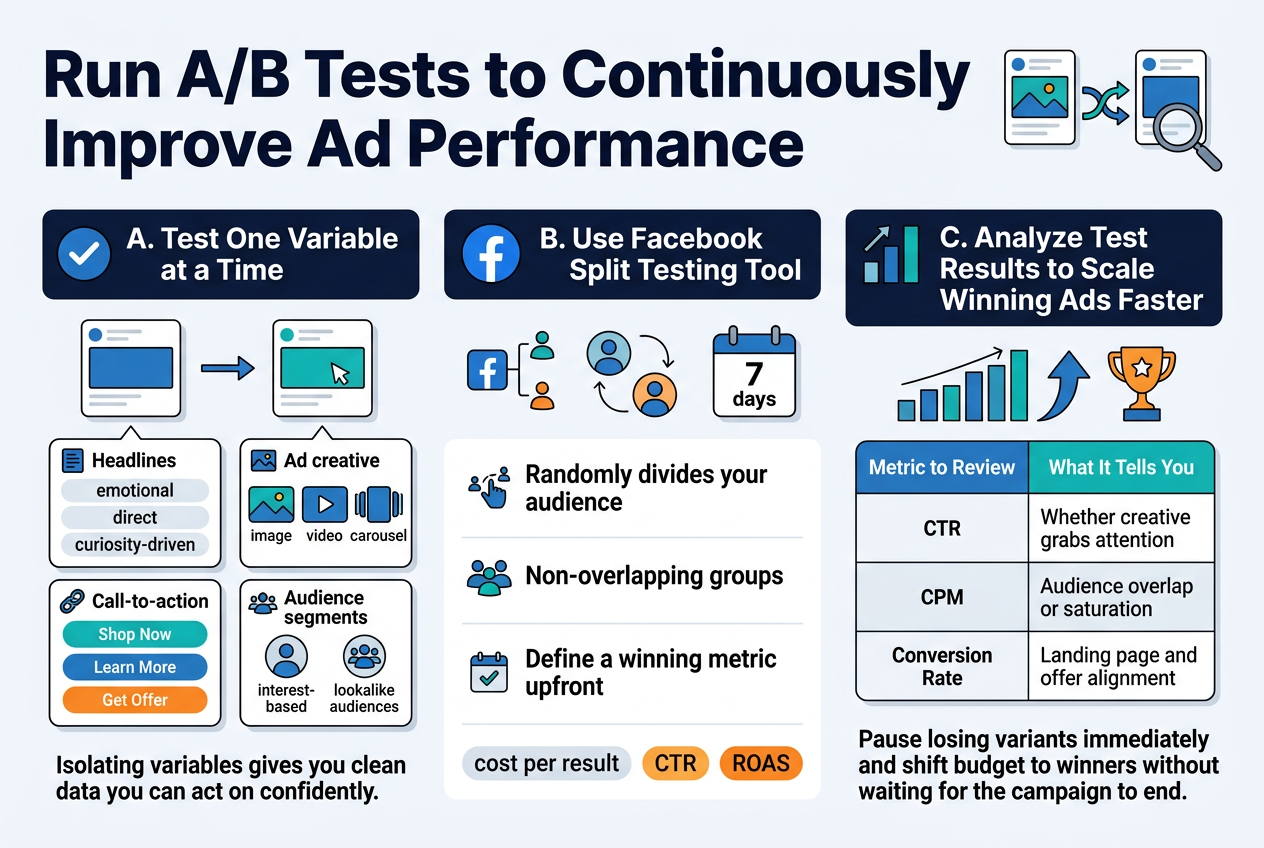
A. Test One Variable at a Time for Clear and Actionable Insights
Changing multiple elements at once makes it impossible to know what actually moved the needle. Stick to testing one variable per experiment:
- Headlines – emotional vs. direct vs. curiosity-driven
- Ad creative – static image vs. video vs. carousel
- Call-to-action – “Shop Now” vs. “Learn More” vs. “Get Offer”
- Audience segments – interest-based vs. lookalike audiences
Isolating variables gives you clean data you can act on confidently.
B. Use Facebook Split Testing Tool for Accurate Results
Facebook’s built-in Split Testing feature randomly divides your audience into non-overlapping groups, eliminating data contamination. Set your test duration to at least 7 days to account for algorithm learning phases and audience behavior patterns. Define a clear winning metric upfront — cost per result, CTR, or ROAS — before the test runs.
C. Analyze Test Results to Scale Winning Ads Faster
Don’t just pick a winner — understand why it won.
| Metric to Review | What It Tells You |
|---|---|
| CTR | Whether creative grabs attention |
| CPM | Audience overlap or saturation |
| Conversion Rate | Landing page and offer alignment |
Pause losing variants immediately and shift budget to winners without waiting for the campaign to end.
Optimize Your Landing Page to Increase Conversions and Reduce Wasted Spend
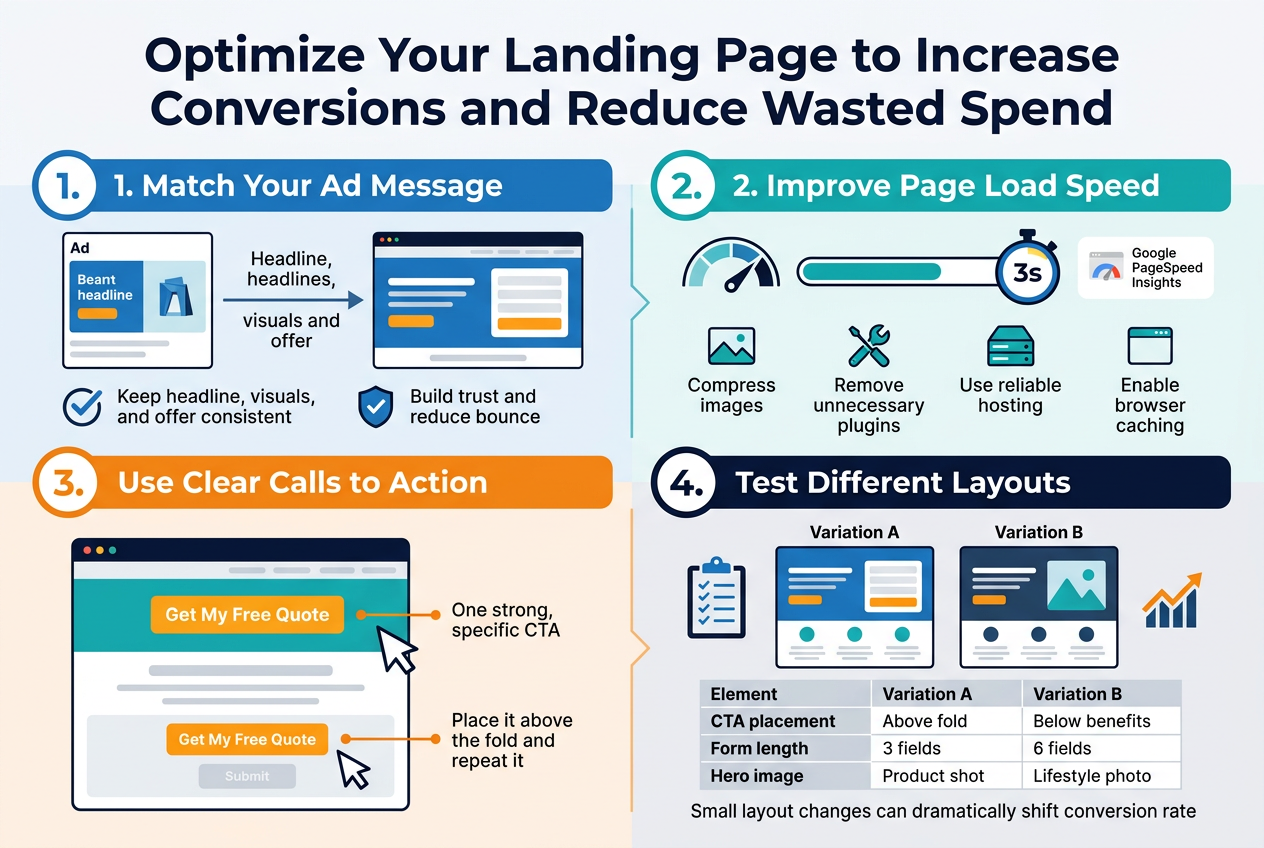
A. Ensure Your Landing Page Matches Your Ad Message
When someone clicks your ad and lands on a page that feels completely different, they bounce instantly — and you’ve just wasted that click. Keep the headline, visuals, and offer consistent between your ad and landing page. This “message match” builds trust and keeps visitors moving forward.
B. Improve Page Load Speed to Reduce Drop-Off Rates
Every extra second your page takes to load costs you conversions. Aim for under 3 seconds. Quick wins include:
- Compressing images
- Removing unnecessary plugins
- Using a reliable hosting provider
- Enabling browser caching
Run your page through Google PageSpeed Insights to spot issues fast.
C. Use Clear Calls to Action to Guide Visitors Toward Conversion
Visitors shouldn’t have to guess what to do next. Use one strong, specific CTA — “Get My Free Quote” beats “Submit” every time. Place it above the fold and repeat it further down the page.
D. Test Different Landing Page Layouts to Find the Highest Performer
Don’t assume your first design is your best. Test:
| Element | Variation A | Variation B |
|---|---|---|
| CTA placement | Above fold | Below benefits |
| Form length | 3 fields | 6 fields |
| Hero image | Product shot | Lifestyle photo |
Small layout changes can dramatically shift your conversion rate.
Schedule Your Ads Strategically to Avoid Expensive Time Slots
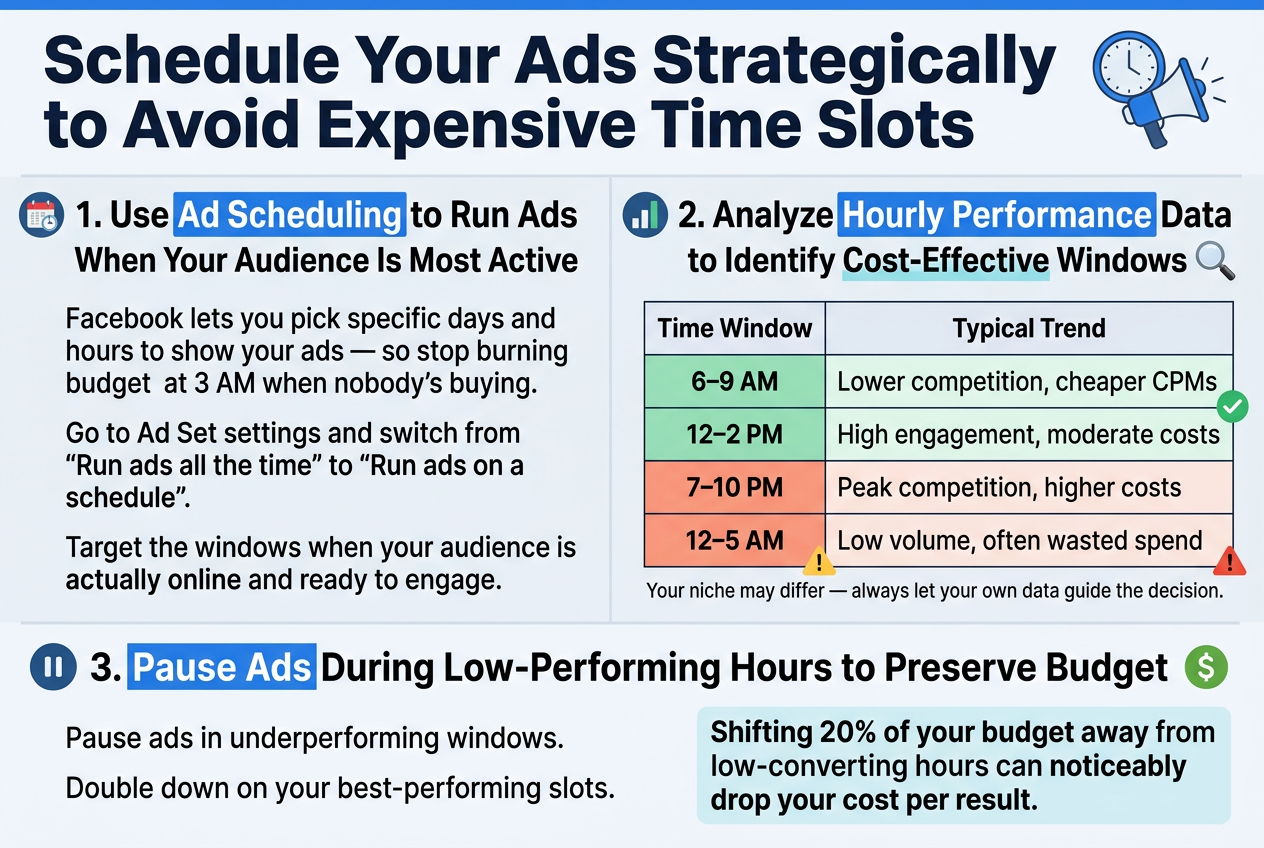
Use Ad Scheduling to Run Ads When Your Audience Is Most Active
Facebook lets you pick specific days and hours to show your ads — so stop burning budget at 3 AM when nobody’s buying. In your Ad Set settings, switch from “Run ads all the time” to “Run ads on a schedule” and target the windows when your audience is actually online and ready to engage.
Analyze Hourly Performance Data to Identify Cost-Effective Windows
Pull your breakdown report in Ads Manager and filter by Time of Day. Look for patterns like these:
| Time Window | Typical Trend |
|---|---|
| 6–9 AM | Lower competition, cheaper CPMs |
| 12–2 PM | High engagement, moderate costs |
| 7–10 PM | Peak competition, higher costs |
| 12–5 AM | Low volume, often wasted spend |
Your niche may differ — always let your own data guide the decision.
Pause Ads During Low-Performing Hours to Preserve Budget
Once you spot underperforming windows, pause ads there and double down on your best-performing slots. Even shifting 20% of your budget away from low-converting hours can noticeably drop your cost per result without changing a single creative element.
Leverage Retargeting to Lower Costs and Increase Conversions
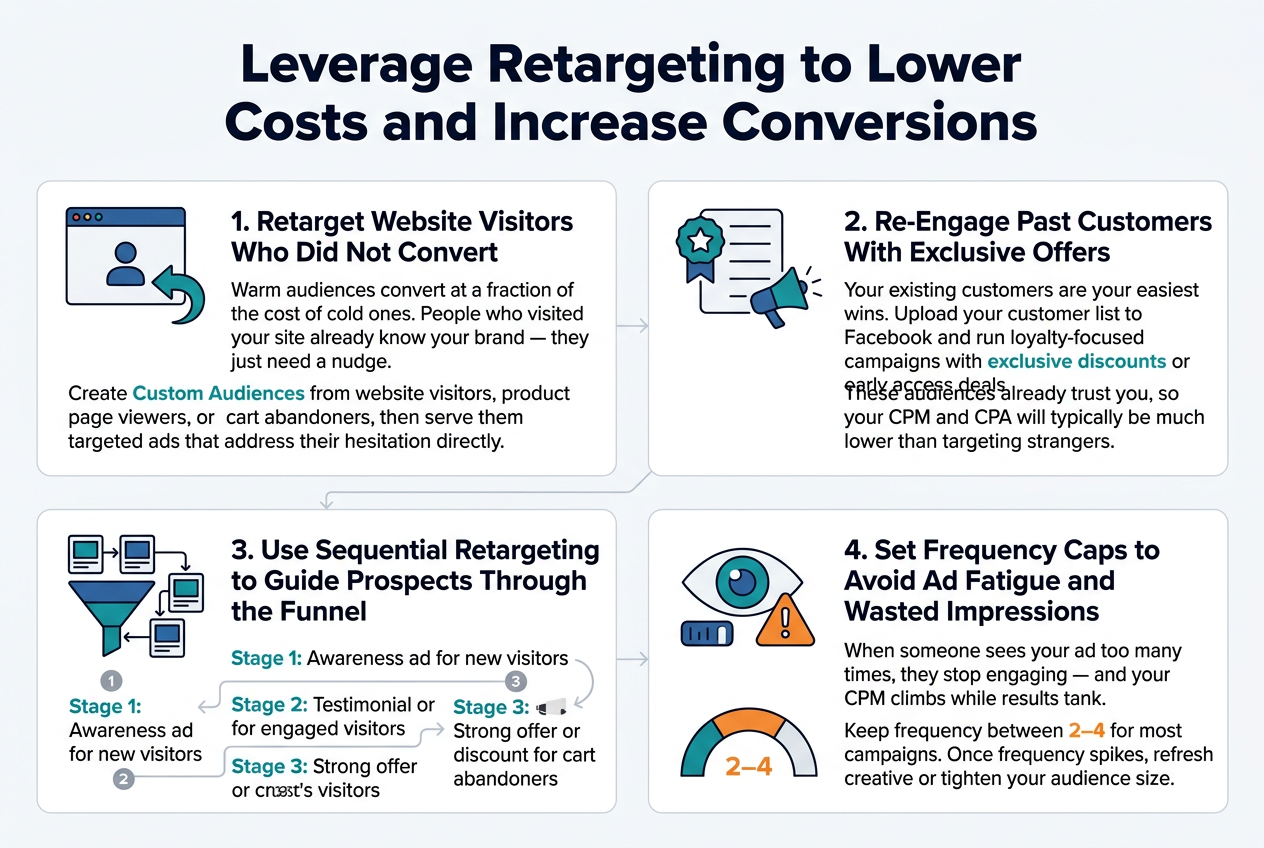
Retarget Website Visitors Who Did Not Convert
Warm audiences convert at a fraction of the cost of cold ones. People who visited your site already know your brand — they just need a nudge. Create Custom Audiences from website visitors, product page viewers, or cart abandoners, then serve them targeted ads that address their hesitation directly.
Re-Engage Past Customers With Exclusive Offers
Your existing customers are your easiest wins. Upload your customer list to Facebook and run loyalty-focused campaigns with exclusive discounts or early access deals. These audiences already trust you, so your CPM and CPA will typically be much lower than targeting strangers.
Use Sequential Retargeting to Guide Prospects Through the Funnel
Instead of showing the same ad repeatedly, map out a message sequence:
- Stage 1: Awareness ad for new visitors
- Stage 2: Testimonial or case study for engaged visitors
- Stage 3: Strong offer or discount for cart abandoners
This keeps messaging relevant and moves people closer to converting naturally.
Set Frequency Caps to Avoid Ad Fatigue and Wasted Impressions
When someone sees your ad too many times, they stop engaging — and your CPM climbs while results tank. Keep frequency between 2–4 for most campaigns. Once frequency spikes, refresh your creative or tighten your audience size.
Monitor and Optimize Campaign Performance Regularly
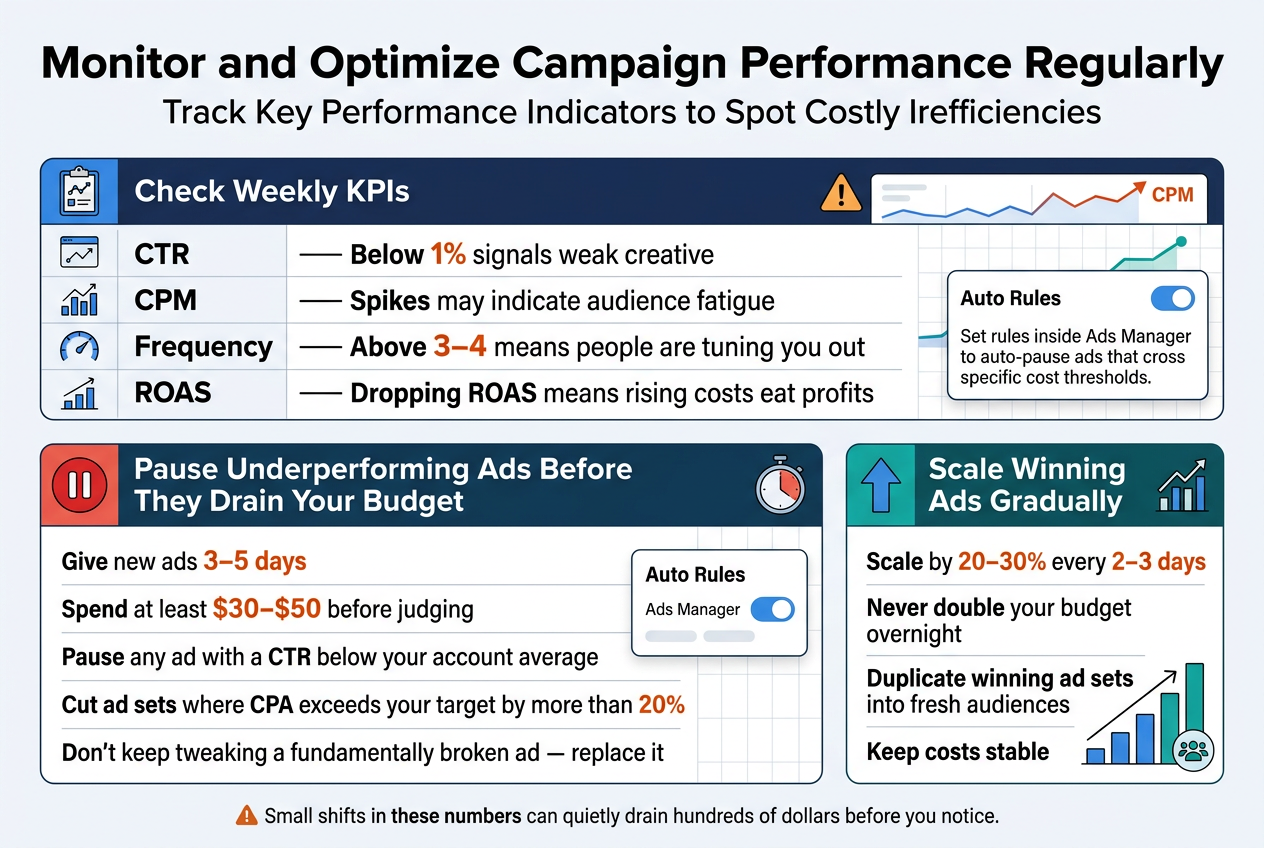
Track Key Performance Indicators to Spot Costly Inefficiencies
Check these metrics weekly to catch budget leaks early:
| Metric | What to Watch For |
|---|---|
| CTR | Below 1% signals weak creative |
| CPM | Spikes may indicate audience fatigue |
| Frequency | Above 3–4 means people are tuning you out |
| ROAS | Dropping ROAS means rising costs eat profits |
When CPM climbs without better results, refresh your creative or tighten your audience. Small shifts in these numbers can quietly drain hundreds of dollars before you notice.
Pause Underperforming Ads Before They Drain Your Budget
Give new ads 3–5 days and a reasonable spend (at least $30–$50) before judging. After that window:
- Pause any ad with a CTR below your account average
- Cut ad sets where CPA exceeds your target by more than 20%
- Don’t keep tweaking a fundamentally broken ad — replace it
Waiting too long costs real money. Set rules inside Ads Manager to auto-pause ads that cross specific cost thresholds.
Scale Winning Ads Gradually to Maintain Cost Efficiency
Never double your budget overnight. Scale by 20–30% every 2–3 days to avoid shocking the algorithm and inflating CPMs. Duplicate winning ad sets into fresh audiences as an alternative scaling path that often keeps costs stable.
Use Facebook Campaign Budget Optimization to Allocate Spend Smarter
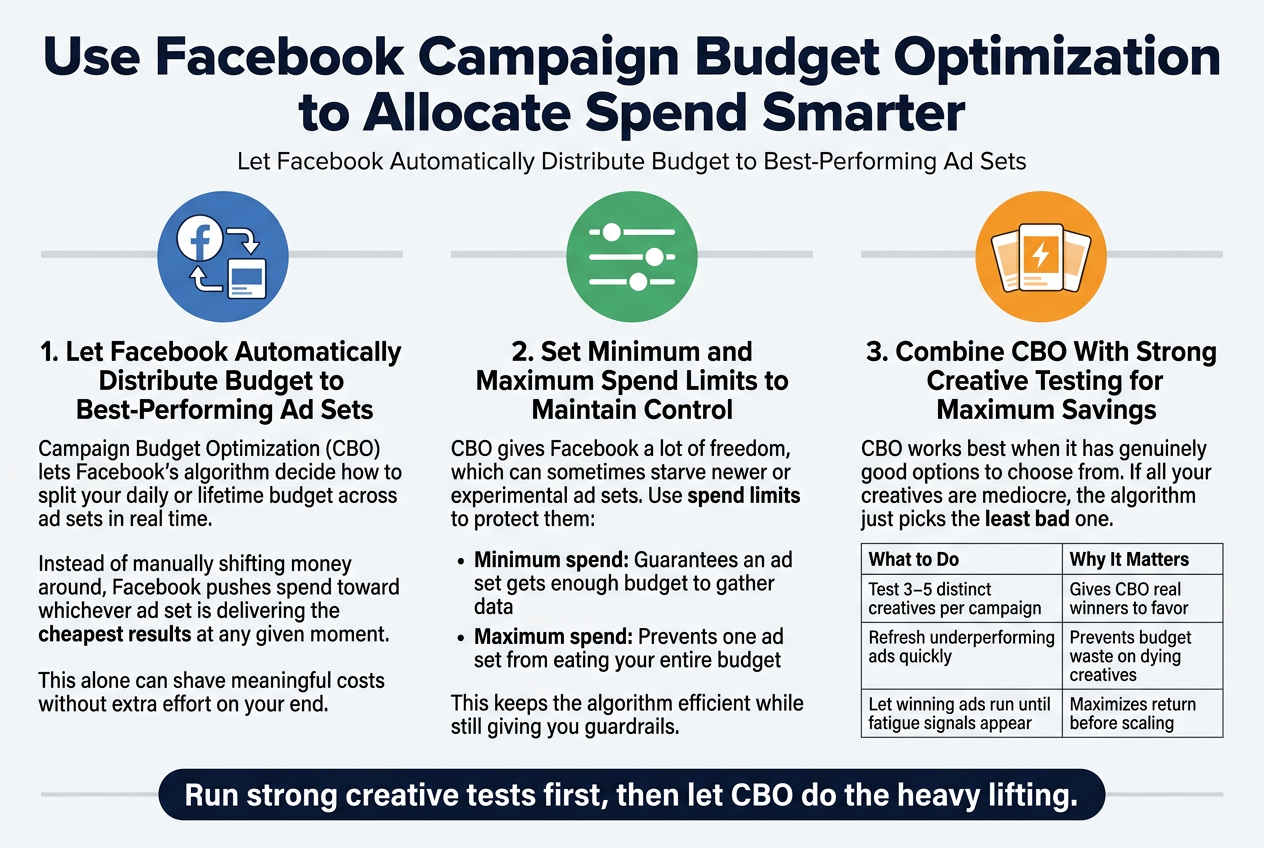
Let Facebook Automatically Distribute Budget to Best-Performing Ad Sets
Campaign Budget Optimization (CBO) lets Facebook’s algorithm decide how to split your daily or lifetime budget across ad sets in real time. Instead of manually shifting money around, Facebook pushes spend toward whichever ad set is delivering the cheapest results at any given moment. This alone can shave meaningful costs without extra effort on your end.
Set Minimum and Maximum Spend Limits to Maintain Control
CBO gives Facebook a lot of freedom, which can sometimes starve newer or experimental ad sets. Use spend limits to protect them:
- Minimum spend: Guarantees an ad set gets enough budget to gather data
- Maximum spend: Prevents one ad set from eating your entire budget
This keeps the algorithm efficient while still giving you guardrails.
Combine CBO With Strong Creative Testing for Maximum Savings
CBO works best when it has genuinely good options to choose from. If all your creatives are mediocre, the algorithm just picks the least bad one.
| What to Do | Why It Matters |
|---|---|
| Test 3–5 distinct creatives per campaign | Gives CBO real winners to favor |
| Refresh underperforming ads quickly | Prevents budget waste on dying creatives |
| Let winning ads run until fatigue signals appear | Maximizes return before scaling |
Run strong creative tests first, then let CBO do the heavy lifting.
FAQ
What is a good CPM on Facebook Ads?
A good CPM varies by industry, but most advertisers aim for $5–$15. Highly competitive niches like finance or insurance can see CPMs above $30.
Why are my Facebook Ads so expensive?
Common culprits include:
- Broad or poorly defined audiences
- Low ad relevance scores
- High competition during peak seasons (Q4, holidays)
- Weak landing pages causing poor conversion rates
How much should I spend daily on Facebook Ads?
Start with $10–$20 per day per ad set to gather meaningful data. Scale budgets gradually once you identify what’s working.
Does ad frequency affect cost?
Yes. High frequency (above 3–4) signals audience fatigue, which drives up costs and tanks engagement. Refresh your creative or expand your audience when this happens.
How long should I run a Facebook Ad before optimizing?
Give campaigns at least 7 days before making changes. Facebook’s algorithm needs time to exit the learning phase and find your best audience.
Is Facebook Ads still worth it in 2025?
Absolutely. With over 3 billion monthly active users and powerful targeting tools, Facebook remains one of the highest-ROI paid advertising platforms available to businesses of any size.
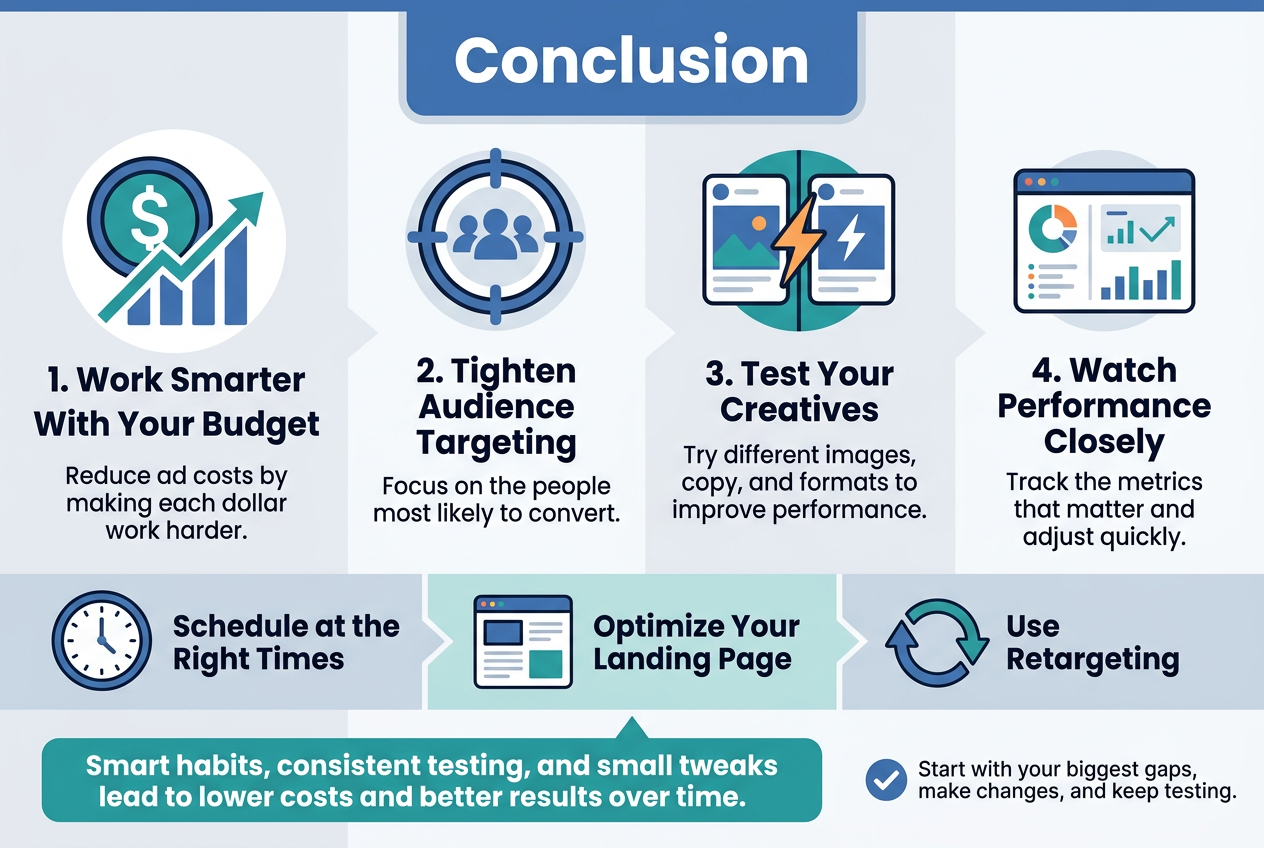
Reducing Facebook ad costs comes down to working smarter with the budget you have. By understanding the metrics that matter, tightening your audience targeting, testing your creatives, and keeping a close eye on performance, you can stretch every dollar further. Small tweaks — like scheduling ads at the right times, optimizing your landing page, and using retargeting — can make a real difference in what you pay and what you get back.
The strategies covered here aren’t one-time fixes. They’re habits. The more consistently you apply them, the better your results will be over time. Start with the areas where you feel your biggest gaps are, make changes, and keep testing. Your ad spend doesn’t have to feel like a guessing game — with the right approach, you can keep costs down while getting the results that actually matter to your business.