How to Increase Google Ads Quality Score: 10 Proven Tips for Better Ad Performance
You’re running the same keywords as your competitor. Maybe even bidding higher. But their ad shows up above yours, and they’re paying less per click. It feels unfair, but there’s a reason for it. Google rewards advertisers who create a better experience for searchers. That reward system runs on something called Quality Score.
Quality Score is Google’s way of rating how relevant and useful your ads and landing pages are. It’s a number from 1 to 10, and it quietly affects everything from how much you pay per click to whether your ad even shows up at all. Most advertisers know it exists. Fewer actually know how to improve it. And that gap between knowing and doing is where a lot of ad budget gets wasted.
This post breaks down 10 practical ways to raise your Quality Score. You’ll learn how to tighten your ad groups, write better ad copy, and build landing pages that Google actually likes. Each tip is something you can act on today.
In this Post Learn how to increase Google Ads Quality Score with 10 proven tips to improve ad relevance, expected CTR, landing page experience, and campaign performance.
Understanding Google Ads Quality Score: The Foundation of Ad Success
What is Google Ads Quality Score and Why Does it Matter?
Think of Google Ads Quality Score as your report card for advertising. Google uses this diagnostic tool to measure how well your keywords, ads, and landing pages work together to serve what people are actually searching for.
The score runs from 1 to 10. A score of 10 is excellent. A score of 1 means you’ve got serious work to do. Most advertisers fall somewhere in the middle, which means there’s usually room to improve and save money.
Here’s why Quality Score matters so much to your bottom line. When you have a high Quality Score, Google rewards you with lower costs per click. You’ll also see your ads climb to better positions on the search results page without having to outbid your competitors. Better positions mean more visibility, which translates to more clicks and conversions for the same budget.

Now, here’s something important to understand. Quality Score isn’t a direct ranking factor that determines where your ad appears. Instead, it’s a signal. It shows you how well your entire ad setup aligns with what users want when they type their search queries into Google. When everything clicks together properly, both you and Google win. You get better results for less money, and Google keeps users happy by showing them relevant ads.
The Three Pillars: Components of Quality Score
Google breaks Quality Score down into three main components. Each one plays a critical role in how to increase Google Ads Quality Score effectively.
Expected Click-Through Rate (CTR) is Google’s prediction of whether people will actually click your ad when it shows up for a specific keyword. Google has massive amounts of historical data, so they can predict pretty accurately whether your ad will get clicks based on how similar ads have performed in the past.
Ad Relevance measures the connection between your ad copy and what someone is searching for. If someone searches for “red running shoes” and your ad talks about blue dress shoes, your ad relevance will tank. Google wants to see that tight match between the user’s search intent and your keywords.
Landing Page Experience looks at what happens after someone clicks your ad. Is your landing page relevant to what they clicked on? Does it load quickly? Can people easily find what they’re looking for? Mobile users especially need a smooth experience. Google evaluates factors like page speed, navigation clarity, transparency about your business, and whether the content actually delivers on what the ad promised.
The Interplay: How Components Influence Each Other
Google evaluates each component and gives it a rating: above average, average, or below average. These ratings compare your performance to other advertisers competing for the same keywords.
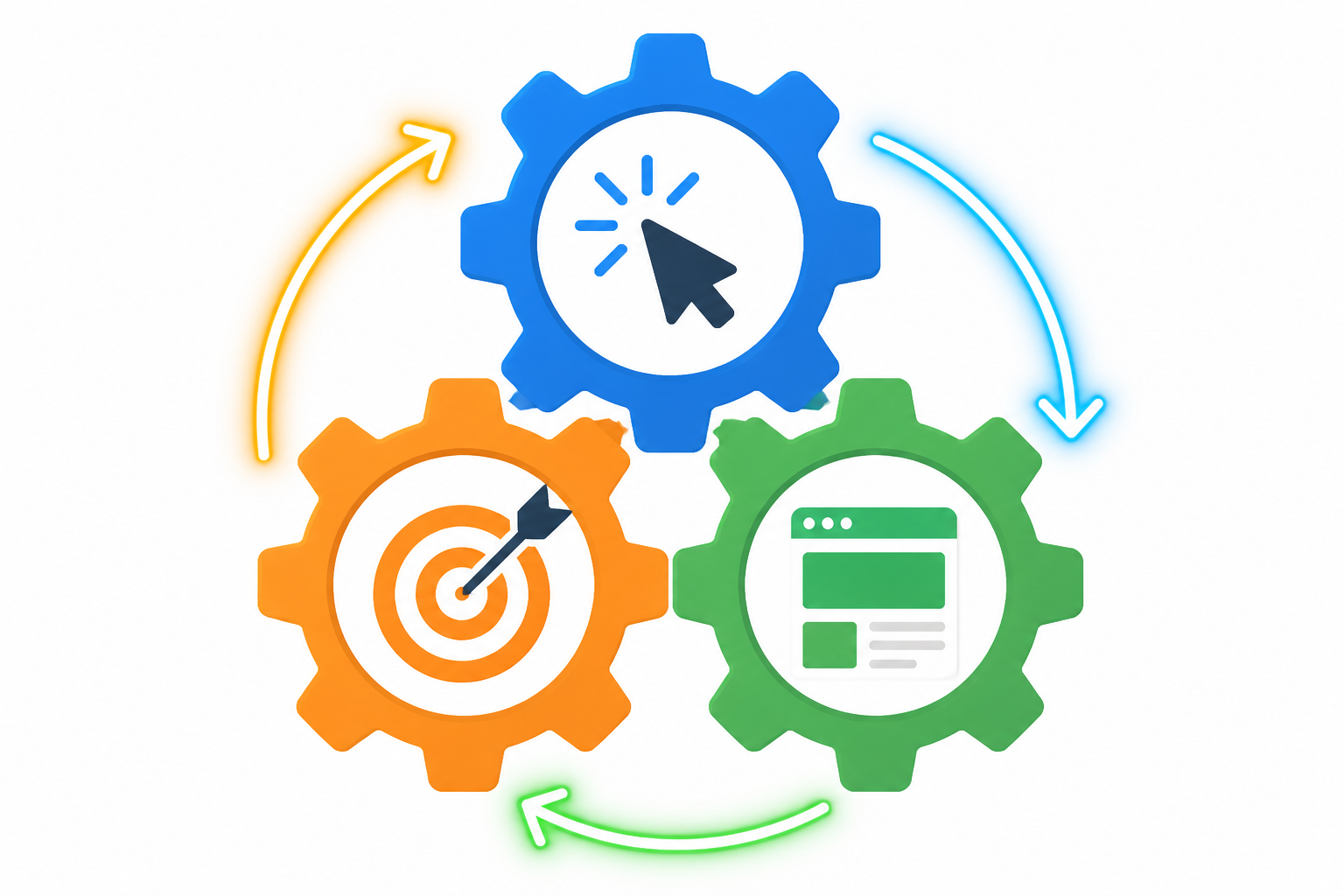
Here’s where things get interesting. These three components don’t exist in isolation. They work together like gears in a machine. When you improve one area, the others often get a boost too. This creates what experts call a virtuous cycle.
Let’s say you write super relevant ad copy that perfectly matches your keywords. Your ad relevance score goes up. But that’s not all. People are more likely to click on ads that speak directly to their needs, so your expected CTR climbs as well. And when those people land on a page that continues the same relevant message, they stick around instead of bouncing back to Google. Your landing page experience improves, and suddenly all three components are lifting your overall Quality Score together.
Strategies for Optimizing Ad Relevance and Expected CTR
Getting your ads in front of the right people starts with solid keyword work and messaging that actually connects. These aren’t just technical boxes to check. They’re the foundation of Quality Score improvements that lower your costs and boost performance.
Mastering Keyword Research and Ad Group Structure
Your keyword strategy makes or breaks your Quality Score. Start by digging deep into search intent. What are people actually looking for when they type those words? Not every keyword with high volume deserves your budget. Focus on terms that signal real buying intent or genuine interest in what you offer.
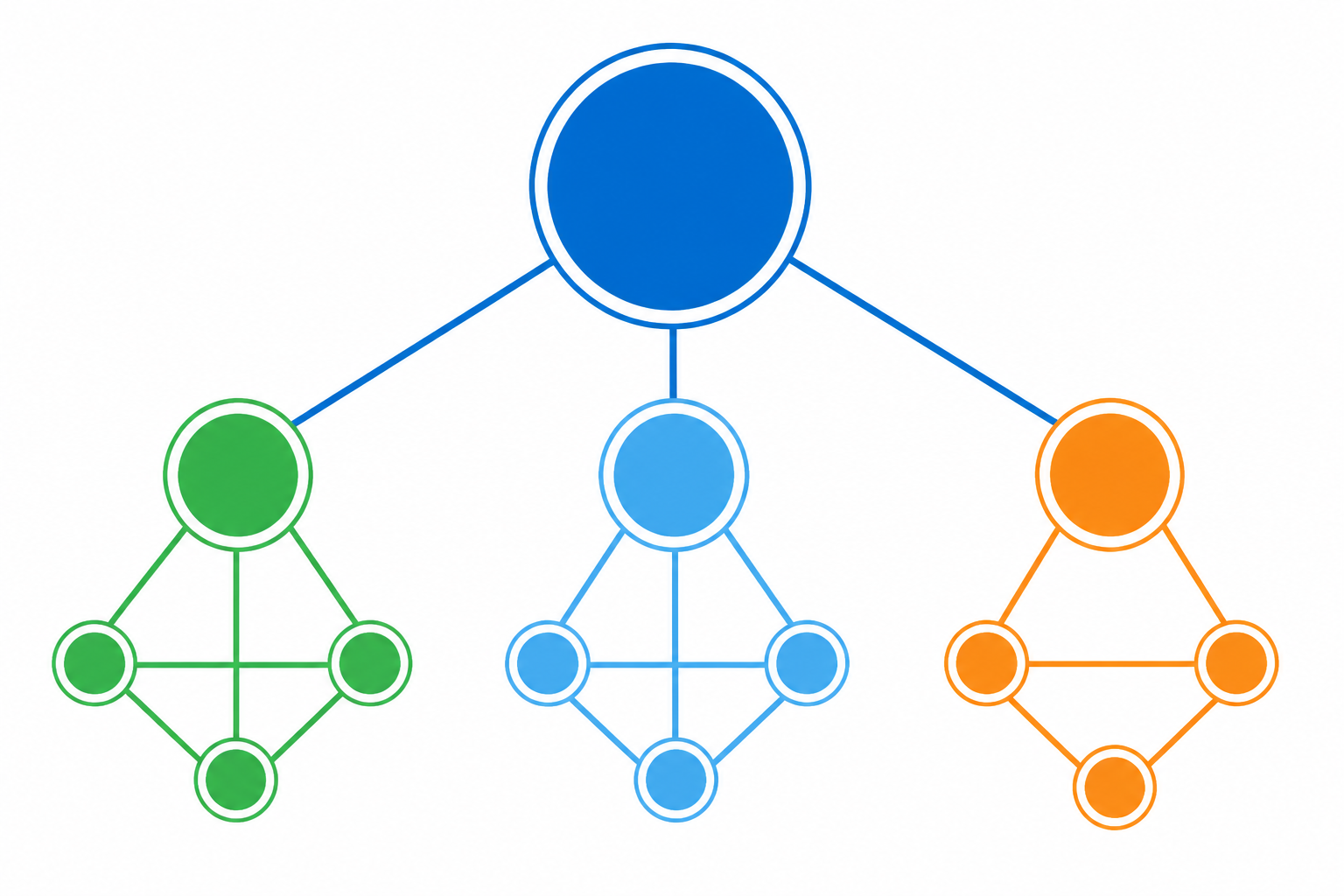
Once you’ve got your keywords, don’t throw them all into one giant ad group. That’s where most campaigns fall apart. Structure matters here. Group your keywords into tight, focused themes. Some advertisers swear by Single Keyword Ad Groups (SKAGs), where each keyword gets its own dedicated ad group. Others prefer small clusters of closely related terms. Either way works, as long as your ads can speak directly to those specific searches.
Negative keywords deserve just as much attention. They protect your budget from clicks that will never convert. If you sell premium software, add “free” as a negative. Selling new products? Exclude “used” and “secondhand.” This filtering keeps your CTR high and your costs down. Platforms like Kropme’s SEM Marketing emphasize this granular targeting approach because it ensures every dollar reaches qualified prospects, not tire kickers.
Crafting Compelling and Relevant Ad Copy
Your ad copy needs to do two things at once. First, it has to include your target keywords so Google knows you’re relevant. Second, it has to sound natural and persuasive to actual humans. Nobody clicks robotic, keyword-stuffed headlines.
Start with your headline. Drop your main keyword in there, but make it compelling. “Affordable CRM Software” is fine. “Cut Sales Admin Time by 50% with Our CRM” is better because it leads with a benefit.
Your description should reinforce why someone should click right now. What makes you different? Faster shipping? Better support? Lower prices? Call it out clearly. Skip the fluff. People scanning search results need to understand your value in seconds.
Your call-to-action matters more than you think. “Learn More” is weak. “Start Your Free Trial,” “Get Instant Quote,” or “Download the Guide” tells people exactly what happens when they click. Match this CTA to whatever’s waiting on your landing page.
Google’s Responsive Search Ads let you test multiple headlines and descriptions simultaneously. Use this. Write 10 to 15 headline variations and 3 to 4 description options. Google’s algorithm will test combinations and favor the winners. You get better CTR without manual A/B testing.
Leveraging Ad Extensions for Enhanced Visibility and Engagement
Ad extensions are free real estate that most advertisers underuse. They make your ad bigger, more informative, and harder to ignore. That visibility boost directly improves your Expected CTR, which feeds right back into Quality Score.
Sitelink extensions let you add extra links below your main ad. Use them to highlight specific product categories, popular services, or special offers. Someone searching for “email marketing tools” might click through to your pricing page if that sitelink catches their eye.
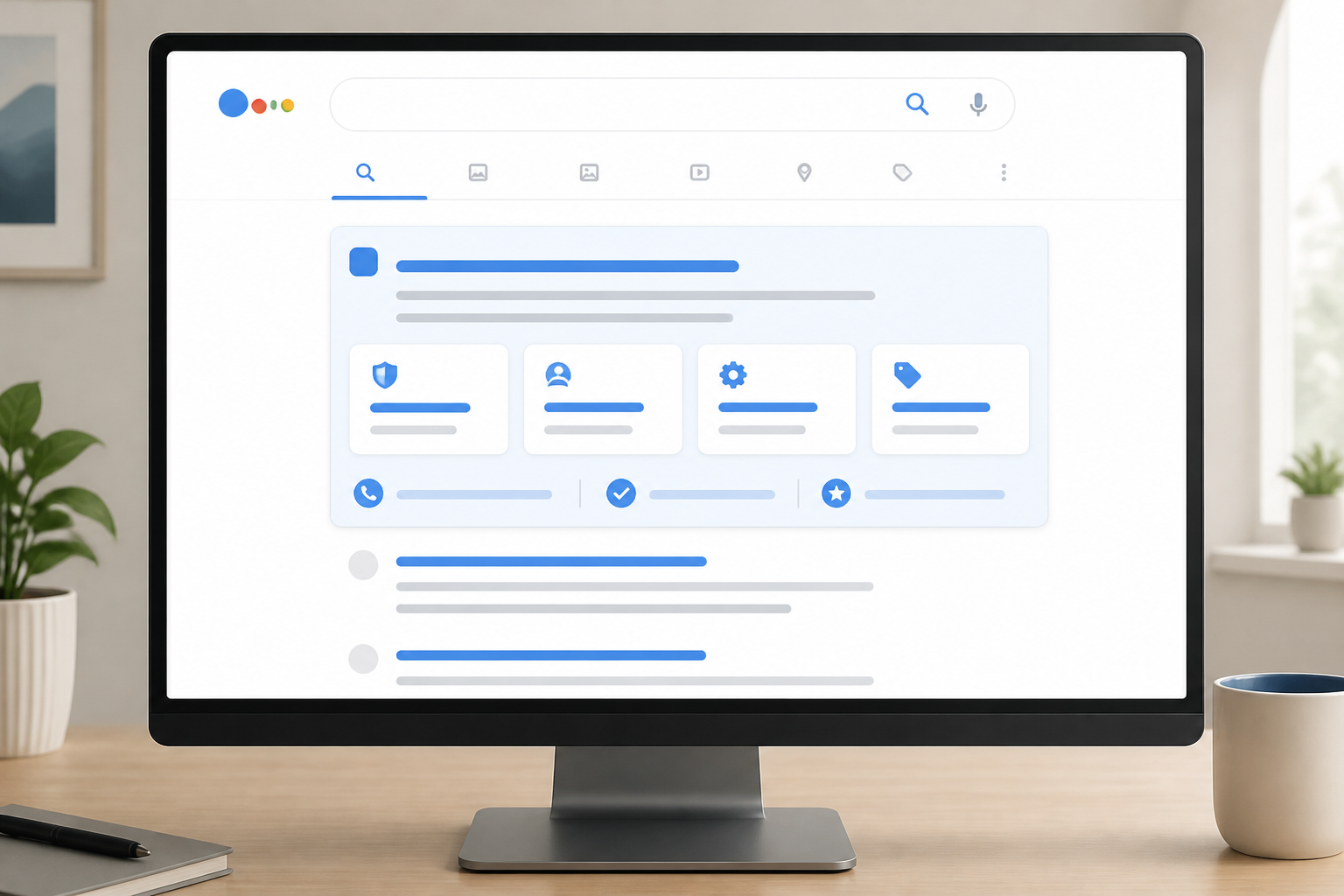
Callout extensions showcase quick benefits or features. “24/7 Support,” “Free Setup,” “No Credit Card Required.” These build trust and answer objections before someone even clicks.
Structured snippets display organized lists of your offerings. Perfect for service businesses to list what they cover or for e-commerce sites to show product types.
Call extensions add your phone number directly to the ad. For local businesses or service providers, this drives immediate contact. Lead form extensions capture information without people leaving Google. Both reduce friction and improve engagement.
The key is relevance. Don’t just turn on every extension and hope for the best. Match them to your ad group’s theme. An ad about website design services should have sitelinks to portfolio pages, pricing, and contact forms, not unrelated blog posts. Kropme’s Online Ads specialists build campaigns where extensions reinforce the core message and give users multiple relevant paths to engage, maximizing both visibility and conversion potential.
Improving Landing Page Experience and Continuous Optimization
Designing a High-Quality Landing Page Experience
Your landing page is where the magic happens. Or where it all falls apart. Google watches how users interact with your page after clicking your ad, and that behavior directly feeds into your Quality Score calculation.
The golden rule? Message match. If your ad promises a 20% discount on running shoes, the landing page better feature that exact offer front and center. Users should land on a page that feels like a natural continuation of what they clicked. Any disconnect between your ad copy and landing page content will send your bounce rate skyrocketing and your Quality Score plummeting.
Speed matters more than you think. Pages that load in under three seconds keep users engaged, while anything over five seconds drives them away in droves.
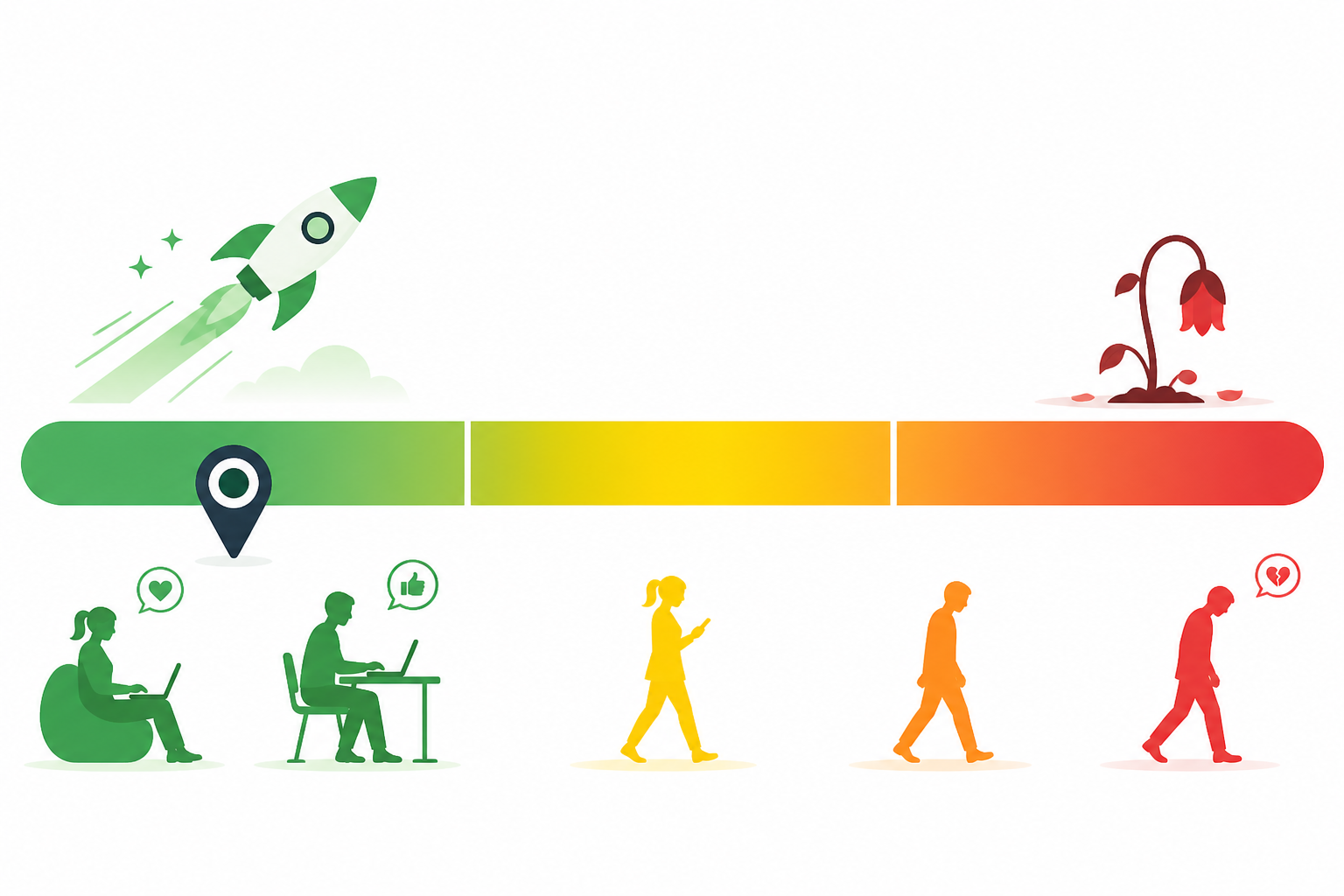 Google knows this and penalizes slow pages. Compress your images, minimize code bloat, and use a content delivery network if needed. Every second of delay costs you money.
Navigation should be effortless. Users need to find what they’re looking for without hunting through multiple menus or scrolling endlessly. Place your call to action above the fold where visitors can see it immediately. Whether you want them to fill out a form, make a purchase, or download a resource, make that path crystal clear. Remove distractions that don’t serve your conversion goal.
Trust signals build confidence. Display security badges, customer testimonials, clear contact information, and transparent pricing. Users want to know they’re dealing with a legitimate business before taking action. Hidden fees, vague product descriptions, or sketchy privacy policies will tank your landing page experience rating faster than anything else.
Optimizing for Mobile-Friendliness and User Experience
Mobile isn’t optional anymore. Over 60% of searches happen on mobile devices, and Google evaluates your landing page experience primarily through a mobile lens.
 A page that looks great on desktop but breaks on smartphones will destroy your Quality Score.
Responsive design is your baseline requirement. Your page should automatically adjust to any screen size, with text that’s readable without zooming and buttons large enough to tap easily. Test your pages on multiple devices and browsers to catch issues before they cost you conversions.
Forms are conversion killers on mobile if not done right. Long forms with tiny input fields frustrate users and drive them away. Ask only for essential information. Use auto-fill capabilities and input masks to reduce typing. Consider breaking longer forms into multiple steps to make the process feel less overwhelming.
Continuous Monitoring, Testing, and Iteration
Quality Score isn’t a set-it-and-forget-it metric. It changes constantly based on performance data, competition, and user behavior patterns. Check your Quality Scores at the keyword level at least weekly to spot trends early.
A/B testing reveals what actually works versus what you think works. Test different headlines, button colors, form lengths, and page layouts. Let real user data guide your decisions rather than assumptions. Run tests long enough to gather statistically significant results before making permanent changes.
Dive into your performance metrics regularly. Look at click-through rates, conversion rates, bounce rates, and time on page. These numbers tell the story of how to increase Google Ads Quality Score by showing where users engage and where they drop off. High bounce rates signal relevance problems. Low time on page suggests content isn’t compelling enough.
Small, consistent improvements compound over time. A 0.5-point Quality Score increase might seem minor, but multiplied across hundreds of keywords and thousands of clicks, it can save thousands of dollars in ad spend while improving your ad positions.
Conclusion: Improve Your Google Ads Quality Score with the Right Strategy
Learning how to increase Google Ads Quality Score is an important step toward creating more relevant, effective, and user-friendly advertising campaigns. However, improving your score is not about making random changes or simply trying to achieve a perfect 10/10 rating. It is about understanding what your potential customers are searching for and giving them the most relevant answer through your ads and landing pages.
Start by focusing on the three main factors that influence Quality Score: expected click-through rate (CTR), ad relevance, and landing page experience. Choose relevant keywords, organize your ad groups carefully, write compelling ad copy, and make sure your landing pages deliver exactly what your ads promise. Your website should also load quickly, work smoothly on mobile devices, and make it easy for visitors to take the next step.
Remember that improving Google Ads performance takes time, testing, and regular optimization. Monitor your keyword-level Quality Score components, review your search terms, pause or refine underperforming keywords when appropriate, and test different headlines and landing page content. Instead of focusing only on the numerical score, pay attention to meaningful business results such as conversions, cost per lead, return on ad spend (ROAS), and the quality of the leads you receive.
It is also important to understand that Quality Score is a diagnostic tool, not a direct factor in the Google Ads auction. A higher score does not automatically guarantee lower advertising costs, better ad positions, or more conversions. Nevertheless, improving the relevance and experience of your ads can support better campaign performance.
If you are a small business owner, startup, or growing brand, a well-optimized Google Ads campaign can help you reach the right audience and make better use of your advertising budget. Focus on providing value to your customers, measuring results, and making data-driven decisions rather than chasing a perfect score.
At KropMe Digital Marketing Agency, we believe that successful digital advertising starts with the right strategy, relevant messaging, and continuous improvement. Whether you are launching your first campaign or optimizing an existing account, taking the right steps today can help you build more effective advertising campaigns over time.
Ready to improve your Google Ads performance? Visit KropMe.com to explore our digital marketing services and discover how a strategic approach to Google Ads can help your business grow.
Frequently Asked Questions (FAQs)
1. What is Google Ads Quality Score?
Google Ads Quality Score is a diagnostic rating from 1 to 10 that helps advertisers understand the quality of their keywords in relation to other advertisers. It is based on three main components: expected click-through rate, ad relevance, and landing page experience. It helps identify areas that may need improvement.
2. What is a good Google Ads Quality Score?
A Quality Score of 7 or higher out of 10 is often used as a practical optimization target, although there is no universally ideal score for every campaign. A score of 5 is considered average on the scale, while scores below 5 may indicate opportunities for improvement. Always evaluate the individual components and your campaign results rather than relying on the score alone.
3. How can I increase my Google Ads Quality Score quickly?
Start by identifying keywords with low Quality Scores and reviewing their three components. Improve ad relevance by aligning keywords with your ad copy, strengthen expected CTR with more compelling and relevant messaging, and improve landing page experience with useful content, fast loading, mobile responsiveness, and a clear call to action. Results may take time to appear as Google collects and processes performance data.
4. Does Quality Score affect Google Ads costs?
Quality Score is not a direct input into the Google Ads auction. However, the underlying factors that contribute to Quality Score can influence auction performance and the costs and positions you may receive. Improving relevance and landing page experience can help your campaigns perform more effectively, but a higher Quality Score does not guarantee lower costs.
5. Why is my Google Ads Quality Score low?
Also, a low Quality Score may indicate that your ads are not sufficiently relevant to your keywords, users are less likely to click your ads compared with expected performance, or your landing page provides a poor experience. Check each component separately to identify the issue. Also review search intent, keyword grouping, ad messaging, landing page content, page speed, and mobile usability.
6. How do I check my Google Ads Quality Score?
Sign in to your Google Ads account and open the Keywords section under the relevant Search campaign. Use the columns option to add Quality Score, Expected CTR, Ad Relevance, and Landing Page Experience. These metrics help you identify which keywords need attention and which areas you should optimize.
7. Does increasing ad relevance improve Quality Score?
Yes. Moreover, ad relevance is one of the three components used to calculate Quality Score. Writing ads that closely match the search intent behind your keywords can improve this component. Create tightly themed ad groups, use relevant headlines and descriptions, and ensure that your landing page supports the message in your ad.
8. Does landing page speed affect Google Ads Quality Score?
Landing page experience is one of the three Quality Score components, and page speed can contribute to the overall user experience. A fast, mobile-friendly page with useful content, clear navigation, and a relevant call to action can help visitors find what they need. Improving speed alone, however, does not guarantee a higher Quality Score.
9. How long does it take to improve Google Ads Quality Score?
There is no fixed timeline. Changes may take days or longer to be reflected in the diagnostic metrics, depending on traffic volume, keyword activity, and the amount of new performance data available. Make meaningful improvements, allow sufficient time for evaluation, and avoid making too many unrelated changes simultaneously.
10. Can I get a Google Ads Quality Score of 10/10?
Yes, some keywords can achieve a Quality Score of 10/10, but reaching that score for every keyword is not necessary for a successful campaign. Focus on improving relevance, user experience, conversions, and profitability. A campaign with a lower Quality Score can still deliver valuable results if it reaches the right audience and meets your business objectives.
11. Does pausing low Quality Score keywords improve my overall account score?
Pausing a low-scoring keyword does not automatically improve the Quality Scores of other keywords or create a higher account-wide score. Review whether the keyword is relevant, whether it generates valuable conversions, and whether its underlying issues can be corrected. Pause or remove keywords when justified by performance and strategy, not simply because their scores are low.
12. What is more important: Quality Score or conversions?
Conversions and business outcomes are generally more important when evaluating campaign success. Quality Score is useful for diagnosing potential relevance problems, but it does not tell you whether your ads are generating profitable sales or qualified leads. Further, track conversions, cost per acquisition, lead quality, and return on ad spend alongside Quality Score.
13. Can a small business improve Google Ads Quality Score without increasing its budget?
Yes. Many improvements involve better campaign structure, more relevant ad copy, keyword refinement, negative keywords, and landing page optimization rather than increasing the advertising budget. A small business can make progress by focusing on its most important keywords and testing changes based on actual campaign data.
14. Should I use the same landing page for all Google Ads keywords?
Not necessarily. If your keywords represent different products, services, or search intentions, dedicated landing pages may provide a more relevant experience. For example, a business advertising website design and SEO services may benefit from separate landing pages for each service. The goal is to help visitors quickly find information that matches what they searched for.
15. How often should I review my Google Ads Quality Score?
Moreover, review Quality Score and its components regularly, such as weekly or during your scheduled campaign optimization sessions. However, avoid making changes just to force the score upward. Use enough performance data to make informed decisions, and prioritize improvements that support conversions, lead quality, and your advertising objectives.