
Google Ads Budget Planning Guide: How to Set the Right Budget for Your Business
Most businesses start Google Ads the same way. They pick a number that feels reasonable, set it as their daily budget, and hope for the best. A few weeks later, they’re either burning through cash with little to show for it, or spending so little that their ads barely get seen. Neither feels great.
The truth is, your Google Ads budget isn’t just a number you plug in and forget. It shapes everything about your campaigns. How many people see your ads, how often you show up against competitors, whether you actually hit your sales or lead targets. Getting it wrong means you’re either leaving money on the table or lighting it on fire.
This guide will walk you through how to set a Google Ads budget that actually makes sense for your business. You’ll learn how to calculate a starting budget based on your goals, research what keywords will cost you, choose the right allocation strategy, and optimize your spend over time so every dollar works harder.
Understanding the Fundamentals of Google Ads Budgeting
Why a Strategic Budget is Crucial for Google Ads Success
Google Ads Budget Planning isn’t just about picking a random number and hoping for the best. Your budget is the foundation of everything your campaigns will accomplish.
Without a clear budget strategy, you’re walking a tightrope. Spend too little, and your ads barely see the light of day. Your competitors dominate the auction while you sit on the sidelines wondering why nothing’s working. Spend too much, and you’ll drain your bank account faster than you can say “wasted clicks.” A strategic budget finds that sweet spot where every dollar works hard for your business.
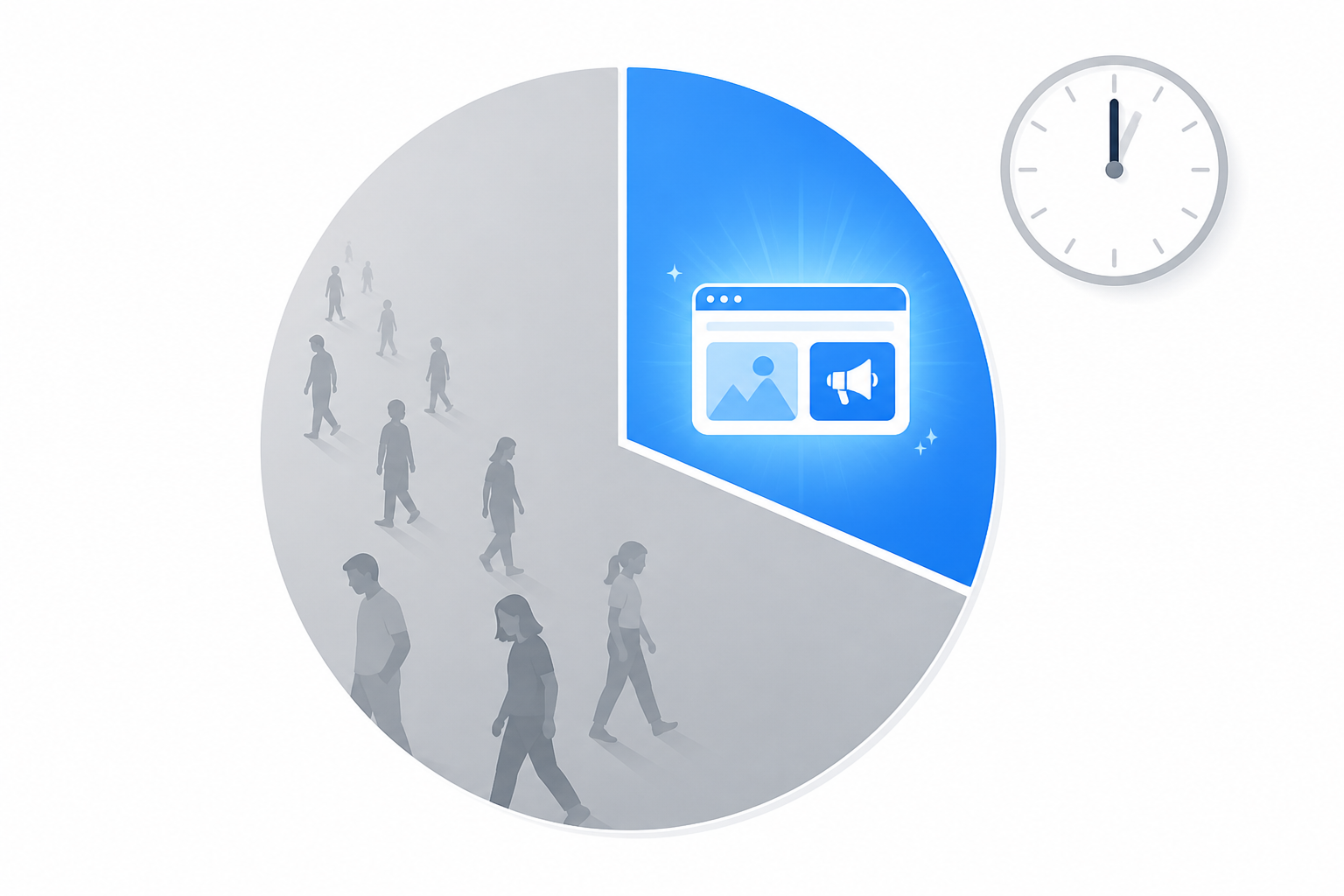
Your budget directly controls how often people see your ads. Google calls this “impression share,” and it matters more than most businesses realize. If you’re only capturing 30% impression share because your budget runs out by noon, you’re missing 70% of potential customers. That’s not a budget problem, that’s a revenue problem waiting to happen.
The best budgets align perfectly with what you’re trying to achieve. Launching a new product and need brand awareness? Your budget strategy looks completely different than if you’re chasing direct sales with a specific cost per acquisition target. A local service business trying to generate 20 leads per month needs a totally different approach than an ecommerce store pushing for maximum return on ad spend during the holiday season.
Here’s what separates the pros from everyone else: sustainable growth. Anyone can throw money at Google Ads and get some results for a week or two. Building campaigns that grow profitably over months and years? That takes smart Google Ads Budget Planning from day one. You need room to test, room to optimize, and room to scale what works without betting the farm on unproven strategies.
Key Factors Influencing Your Google Ads Budget
Your business goals set the entire direction. Are you laser focused on keeping cost per acquisition under $50? Maybe you need a 400% return on ad spend to make the numbers work. Perhaps you’re just trying to hit 100 qualified leads this quarter. These objectives aren’t just nice to have. They determine how much you need to spend and where every dollar should go.
Industry competition changes everything about your budget requirements. Lawyers and insurance companies face average cost per clicks that would make a local bakery owner faint. Some keywords in ultra competitive industries cost $50, $100, even $200 per single click. You’re not competing in a vacuum. Your budget needs to reflect the reality of your market.
Who you’re targeting and where they live impacts costs more than you’d think. Advertising to executives in Manhattan costs more than targeting the same audience in smaller cities. Narrow targeting to a very specific audience segment can drive costs up because you’re competing hard for limited inventory. Broader geographic targeting spreads your budget across more opportunities, but you might sacrifice relevance.
Keyword research reveals what you’re really up against. Google Keyword Planner shows you average cost per click estimates before you spend a dime. If your main keywords average $8 per click and you want 200 clicks to start gathering data, you’re looking at roughly $1,600 just for initial testing. The math doesn’t lie.
Campaign type matters tremendously for budget planning. Search campaigns typically cost more per click but convert better. Display campaigns offer cheaper clicks but often need more volume to drive results. Shopping campaigns have their own dynamics based on product margins and competition. Video campaigns on YouTube operate on completely different cost structures. Your budget needs reflect which formats make sense for your goals.
Quality Score is your secret weapon for stretching budgets further. Google rewards advertisers with relevant ads and great landing pages by lowering their costs.
 Two businesses bidding on the same keyword can pay wildly different amounts based on Quality Score alone. Better scores mean lower cost per click, which means your budget goes further and you can compete more aggressively without spending more money.
Practical Steps to Setting Your Google Ads Budget
Defining Your Advertising Goals and KPIs
Before you spend a single dollar on Google Ads, you need to know exactly what you’re trying to achieve. Sounds obvious, right? But you’d be surprised how many businesses jump into paid advertising without clear targets.
Start with SMART goals. That’s Specific, Measurable, Achievable, Relevant, and Time-bound. Instead of saying “I want more customers,” try something like “I want to generate 50 qualified leads in the next 30 days.” See the difference? One gives you a clear target, the other just floats around without direction.
Once you’ve nailed down your goals, identify the key performance indicators that matter most to your business. Cost Per Acquisition (CPA) tells you how much you’re paying to get a customer or lead. Return On Ad Spend (ROAS) shows you how much revenue you’re generating for every dollar spent. Click-Through Rate (CTR) measures how compelling your ads are, while Conversion Rate reveals how well your landing pages turn clicks into actions.
Here’s a practical example. Let’s say your goal is to generate 50 leads at a maximum CPA of $20. Simple math tells you that your initial budget estimate would be $1,000.
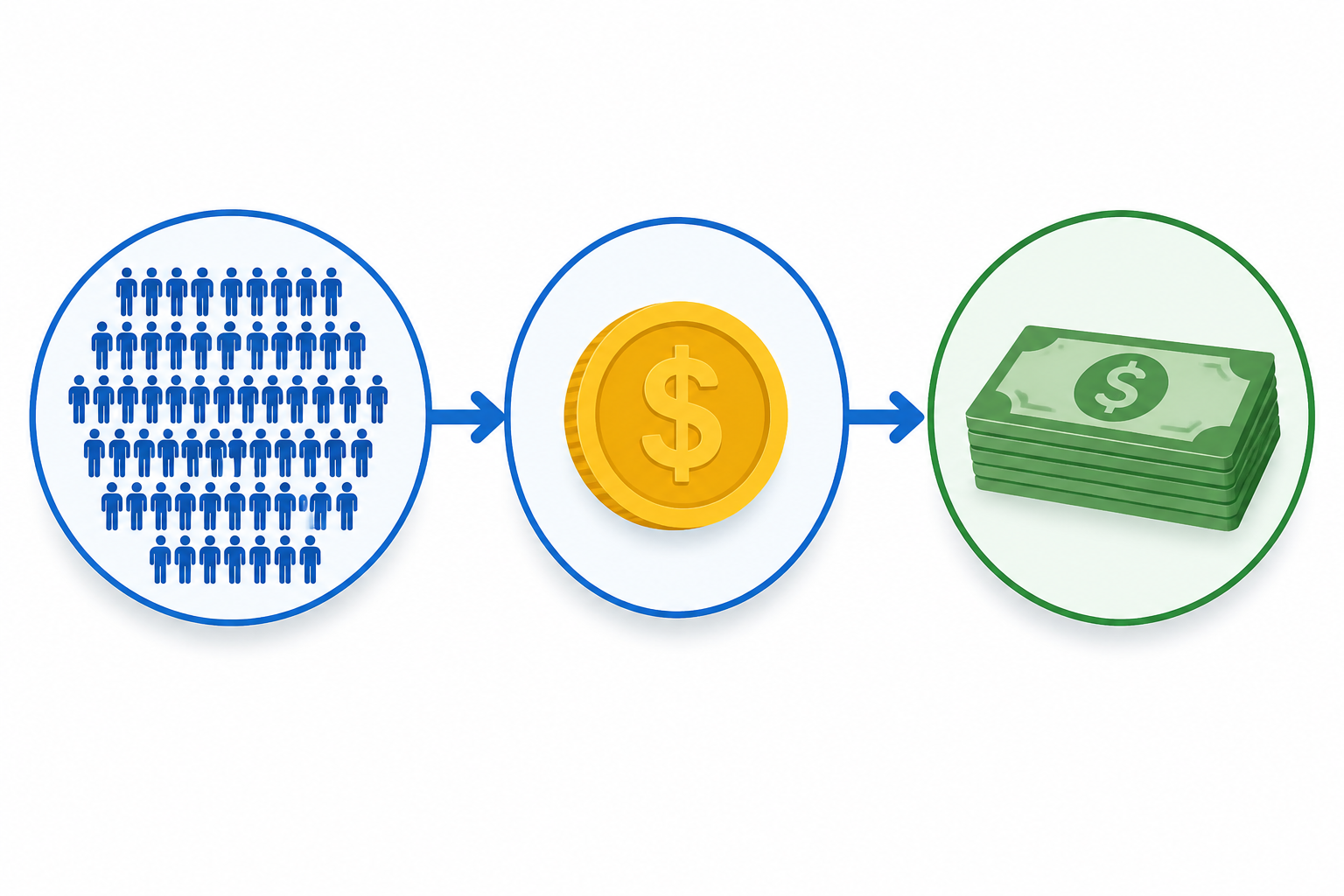 That’s your starting point. You might spend more or less depending on actual performance, but at least you have a benchmark grounded in real business objectives.
Researching Keyword Costs and Competitor Activity
Google Keyword Planner is your best friend here. This free tool lets you estimate search volume and average cost-per-click for your target keywords. Don’t skip this step. Jumping into Google Ads without understanding keyword costs is like shopping without checking prices.
Your competitors are already out there bidding on the same keywords you want. Take time to analyze their ad spend and strategies. Tools like SEMrush, SpyFu, or Ahrefs can help you benchmark your potential budget against what others in your industry are spending. You don’t need to match them dollar for dollar, but you should understand the competitive landscape.
Long-tail keywords are often goldmines for budget-conscious advertisers. These longer, more specific phrases typically have lower CPCs but attract searchers with higher conversion intent.
 Someone searching “running shoes” might just be browsing, but someone searching “best trail running shoes for flat feet under $150” knows exactly what they want.
Understanding the competitive landscape helps you set realistic bid strategies. If you’re in a cutthroat industry where CPCs average $50, you can’t expect miracles with a $200 monthly budget.
Choosing the Right Budget Allocation Strategy
There’s no one-size-fits-all approach to Google Ads budget planning. Different businesses need different strategies.
A fixed budget works well when you have limited resources or strict spending caps. You set aside a specific amount for a defined period, say $2,000 per month, and work within those constraints. It’s straightforward and easy to manage.
Percentage of revenue approaches tie your ad spend directly to business performance. Many businesses allocate 5-10% of their revenue to advertising. If you’re making $50,000 monthly, you might invest $2,500 to $5,000 back into ads. This scales naturally as your business grows.
Goal-based budgeting flips the equation. You calculate the budget needed to achieve specific CPA or ROAS targets. If you need 100 customers this month and your target CPA is $30, you know you need roughly $3,000 to hit your goal.
Testing budgets are perfect when you’re just starting out or trying new campaigns. Start small, maybe a few hundred dollars, to test campaign effectiveness before scaling up. There’s no point throwing thousands at an untested strategy.
Choosing the right approach can feel overwhelming. Platforms like Kropme’s SEM Marketing services provide expert guidance in developing and implementing an optimal budget allocation strategy tailored to your specific business goals, taking the guesswork out of the equation.
Optimizing and Managing Your Google Ads Budget for Maximum ROI
Setting your budget is just the beginning. The real magic happens when you actively manage and optimize your spend. Without ongoing attention, even the best initial budget can leak money into underperforming areas while missing opportunities in high-converting zones.
Monitoring Performance and Making Data-Driven Adjustments
You need to check your Google Ads dashboard regularly. Not obsessively, but consistently. Start by reviewing the core metrics: impressions show how often your ads appear, clicks tell you how many people engaged, conversions reveal actual results, and costs keep you grounded in reality.
Here’s the key. Look for patterns in your data. Maybe a specific keyword is eating 40% of your budget but only driving 10% of conversions. That’s a red flag. Shift that money to keywords or ad groups that are actually delivering results. This isn’t about being perfect from day one. It’s about making small, smart adjustments as you learn what works for your specific business.
Bid adjustments matter too. If you’re manually bidding, raise bids on high-performing keywords and lower them on stragglers. Or consider automated bid strategies like Target CPA or Target ROAS once you have enough conversion data. These can save time and often outperform manual bidding when properly configured.
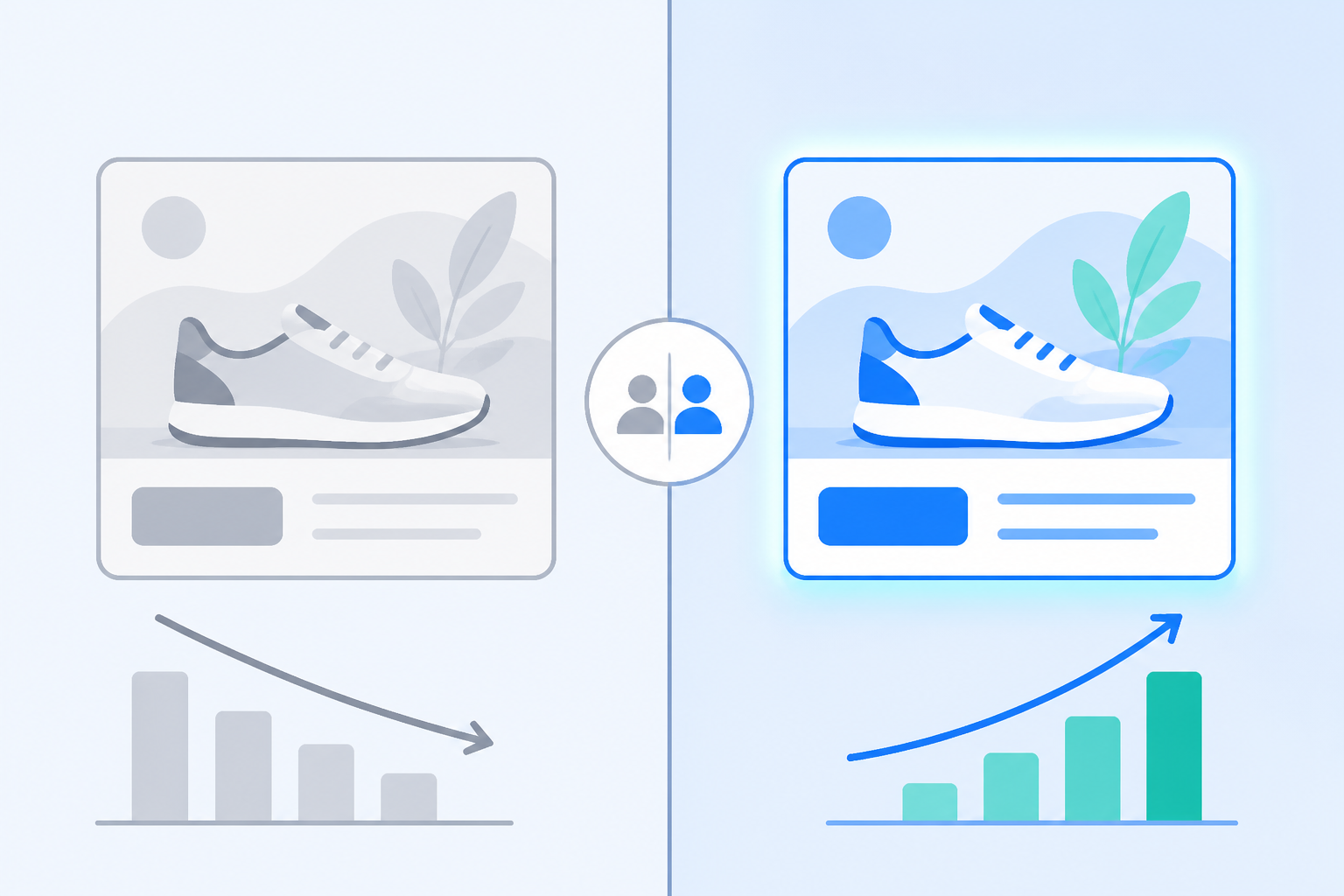
A/B testing should become your best friend. Test different ad headlines, calls to action, and landing page designs. Even small changes can dramatically impact your conversion rate and, by extension, your cost per acquisition. One test might reveal that a different headline increases conversions by 20%. That’s more value from the same budget.
Leveraging Google Ads Features for Budget Efficiency
Google Ads offers powerful built-in tools that many advertisers overlook. Start with daily budget caps. These prevent your campaign from spending more than you’ve allocated on any given day, protecting you from unexpected surges that could drain your monthly budget in a week.
Negative keywords are budget savers. If you sell premium leather shoes, add negative keywords like “cheap,” “free,” or “DIY” to prevent your ads from showing to people who won’t convert anyway. Every irrelevant click costs money you could spend on qualified prospects.
Ad scheduling lets you run ads only during your peak performance hours. If your data shows that Tuesday afternoons generate the best conversions while Saturday nights produce expensive clicks that don’t convert, adjust your schedule. Why pay for low-quality traffic?
Geo-targeting focuses your spend on locations that matter. If you’re a local business or if certain cities consistently outperform others, concentrate your budget there. Don’t waste money showing ads in markets that don’t convert.
Managing all these features effectively takes time and expertise. Kropme’s Online Ads services handle the detailed optimization work, making sure your budget works across all Google Ads features without requiring you to become a full-time ads manager.
Complementary Strategies: Integrating SEO for Long-Term Growth
Google Ads delivers fast results. You turn on a campaign, and traffic flows. But paid advertising alone isn’t a complete strategy. Smart businesses pair paid ads with strong organic search visibility.
SEO builds sustainable traffic that doesn’t require constant spending. When your website ranks organically for important search terms, you get clicks without paying for each one. Over time, this reduces your dependency on paid advertising and improves your overall marketing ROI.
Think of it this way: Google Ads gets you immediate visibility while you’re building your SEO foundation.
 As your organic rankings improve, your cost per customer acquisition drops because you’re getting free traffic alongside paid traffic. The combination creates a stronger, more resilient marketing system.
Kropme’s SEO Optimization services can build that organic foundation, working alongside your Google Ads campaigns to create multiple traffic sources. This balanced approach means you’re not putting all your eggs in the paid advertising basket, giving you more flexibility with your Google Ads budget planning as your organic presence grows stronger.
Conclusion: Plan Your Google Ads Budget With a Clear Strategy
Google Ads can be a powerful way to reach potential customers, but success is not simply about spending more money. The key is to spend your budget strategically.
A well-planned Google Ads budget starts with your business goals. Think about what you want to achieve—more phone calls, website enquiries, leads, bookings, or online sales. From there, consider your target audience, keyword competition, average cost per click, expected conversion rate, and the value of each customer.
If you’re just starting, it’s usually better to begin with a realistic daily budget, monitor your campaign performance, and make adjustments based on actual results. As you identify profitable keywords, ads, and campaigns, you can gradually increase your investment.
Most importantly, don’t judge Google Ads only by clicks or impressions. Look at the metrics that actually matter to your business, such as conversions, cost per lead, conversion rate, and return on ad spend (ROAS).
For businesses that aren’t sure where to start, working with an experienced digital marketing agency can make the process easier. KropMe helps businesses plan and manage Google Ads campaigns with a focus on targeted traffic, lead generation, conversion tracking, and continuous optimization.
The right Google Ads budget isn’t necessarily the biggest budget—it’s the budget that is carefully planned, properly measured, and optimized for your business goals.
Frequently Asked Questions About Google Ads Budget Planning
-
How much should I spend on Google Ads per day?
There is no single daily budget that works for every business. Moreover, your ideal budget depends on your industry, location, competition, keywords, and campaign goals. A small local business may start with a modest daily budget, while businesses operating in highly competitive industries may need to invest more.
-
What is the minimum budget for Google Ads?
Google Ads does not require a fixed minimum monthly advertising budget. You can set a daily budget based on what your business can afford. However, your budget should be large enough to generate sufficient clicks and conversions to evaluate campaign performance.
-
How do I calculate my Google Ads budget?
Moreover, start by estimating how many customers or leads you want each month and how much you are willing to pay for each conversion. Moreover, for example, if your target is 50 leads per month and your target cost per lead is ₹500, your approximate monthly advertising budget would be ₹25,000.
-
Is Google Ads expensive for small businesses?
Google Ads can be affordable for small businesses when campaigns are properly targeted. You can control spending with daily budgets and focus on specific locations, keywords, and audiences. Poor targeting and irrelevant keywords, however, can quickly waste your advertising budget.
-
Should I use a daily or monthly Google Ads budget?
Google Ads campaigns are generally managed using a daily budget, while businesses often plan their advertising expenses on a monthly basis. Calculating both helps you understand your expected monthly spend while maintaining daily control over your campaigns.
-
How long should I run Google Ads before changing the budget?
Avoid making major budget changes immediately after launching a campaign. Give your campaign enough time to collect meaningful performance data, then evaluate clicks, conversions, cost per conversion, and other relevant metrics before making significant adjustments.
-
Can I increase my Google Ads budget if my campaign is performing well?
Yes. Also, if a campaign is consistently generating quality leads or sales at an acceptable cost, increasing the budget can help you capture additional opportunities. Moreover, increase spending gradually while monitoring whether performance remains profitable.
-
What is a good Google Ads cost per lead?
There is no universal “good” cost per lead. It depends on your industry, profit margin, customer lifetime value, and average sales value. A ₹1,000 lead may be expensive for one business but extremely valuable for another if that lead can generate ₹50,000 in revenue.
-
Should I spend more on Google Ads or SEO?
Google Ads and SEO serve different purposes. Google Ads can generate targeted traffic quickly, while SEO can help build sustainable organic visibility over time. For many businesses, combining SEO and Google Ads can provide a stronger overall digital marketing strategy.
-
Can KropMe help with Google Ads budget planning?
Yes. KropMe can help businesses plan their Google Ads budget, identify relevant keywords, create and optimize campaigns, track conversions, and monitor campaign performance. The strategy can be tailored to the business’s goals, target location, industry, and available advertising budget.