Complete Google Business Profile Optimization Guide
Someone in your neighborhood is searching for exactly what you sell right now. They pull out their phone, type a few words into Google, and see a map with three businesses listed. If yours isn’t one of them, that customer walks into a competitor’s door instead. It happens hundreds of times a day, and most business owners don’t even realize it.
Your Google Business Profile is what controls whether you show up in those local results. It’s free, it’s powerful, and yet a surprising number of businesses either haven’t claimed theirs or left it half-finished. Google actually favors complete, well-maintained profiles. Businesses that get this right are 70% more likely to attract in-person visits and 50% more likely to drive a purchase.
This guide walks you through every step of your Google Business Profile Optimization, from claiming and verifying it to filling out every important field, getting more reviews, posting updates, and tracking your results. Whether you’re starting from scratch or cleaning up a neglected listing, you’ll have a clear plan by the end.
The Foundation of Local Visibility: Understanding Your Google Business Profile
What is Google Business Profile (GBP) and Why it Matters?
Think of Google Business Profile as your business’s home base on the internet. This free tool, which used to go by the name Google My Business, gives you control over how your business shows up across Google Search and Google Maps. Every time someone searches for what you offer, your GBP is working behind the scenes to connect them with your business.
Your profile works like a digital storefront. It displays your hours, your phone number, your address, photos of your business, customer reviews, and everything else potential customers need to know before they visit or call. Without a properly set up profile, you’re invisible to the millions of people searching for businesses like yours every single day.
Here’s where things get interesting. That map with three business listings that appears at the top of search results? That’s called the Local Pack, and it’s prime real estate. A well-optimized GBP is your ticket to appearing there, along with showing up in Google Maps and Knowledge Panels when people search for your business directly.
The numbers tell a compelling story. Businesses with complete, optimized profiles are 70% more likely to attract location visits from potential customers. Even better, they’re 50% more likely to lead someone to make a purchase decision. Those aren’t small improvements. They’re game changers for local businesses competing for attention.

Beyond just visibility, your GBP builds credibility. Customer reviews accumulate on your profile, giving newcomers confidence in choosing your business. You control what information appears, so outdated phone numbers or wrong addresses become problems of the past. You get to tell your story, showcase your best work through photos, and respond directly to customer feedback.
Google Business Profile optimization isn’t optional anymore. It’s the foundation of local visibility.
Claiming and Verifying Your Google Business Profile
You can’t optimize what you don’t own. Claiming your profile comes first, before any other optimization work begins.
Start by searching for your business name on Google. If your business already shows up in search results but you’ve never claimed it, you’ll see an “Own this business?” option. Click it. Google creates these listings automatically sometimes, pulling details from various sources around the web. Other times, a previous owner or employee might have created the listing and moved on without transferring access.
No listing exists yet? Head over to Google Maps and look for “Add your business” in the menu. You’ll walk through a straightforward setup process where you provide basic information about your business.
Now comes verification. Google needs proof you actually own or manage the business you’re claiming. The most common method involves a postcard. Google mails a postcard with a verification code to your business address, which usually arrives within five business days.
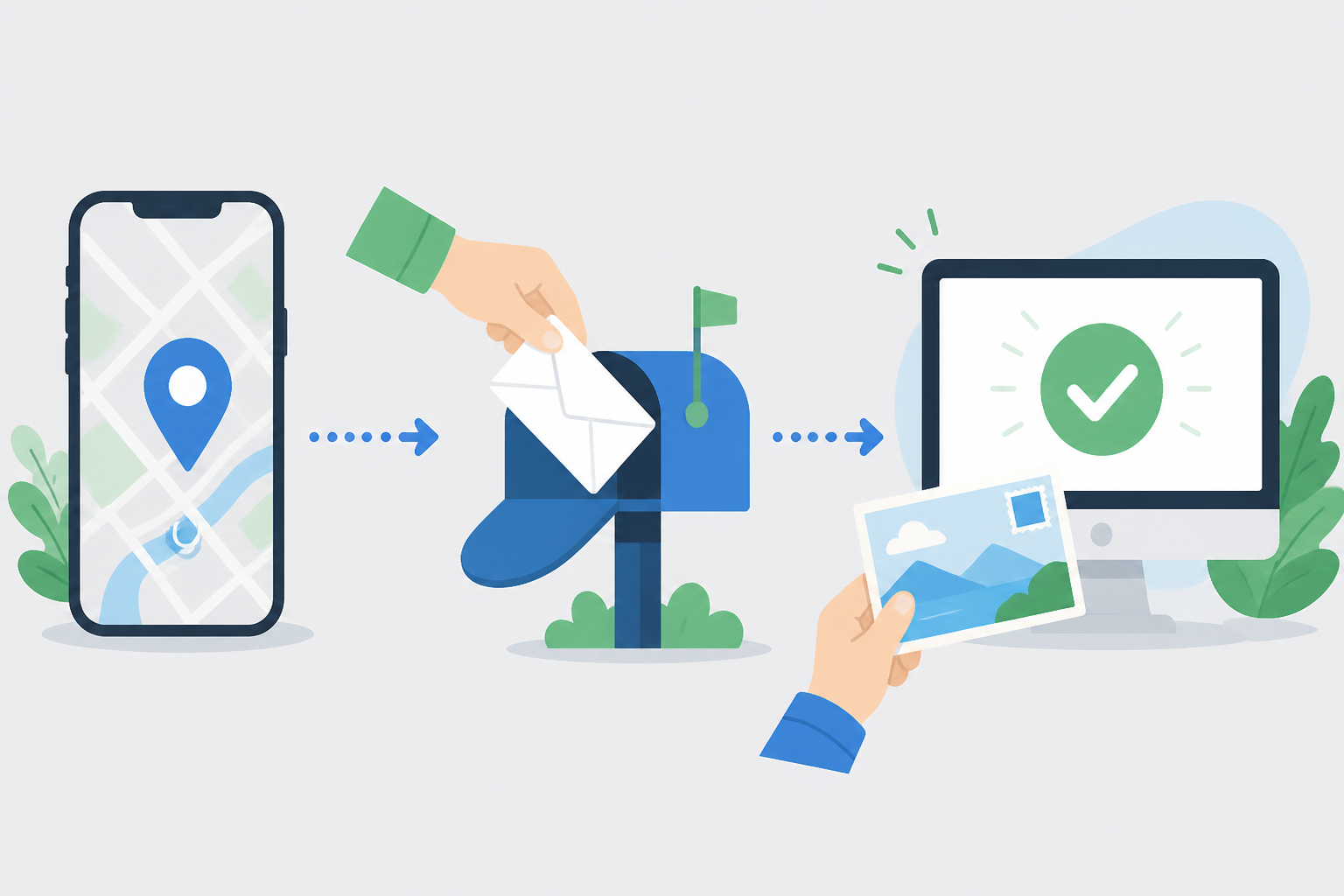 You enter that code in your dashboard, and you’re verified.
Some businesses get lucky with instant verification, especially if Google has already confirmed your business through other channels. Phone call, text message, and email verification work for certain business types. Newer options like video recording or live video calls help businesses that operate from home or don’t have traditional storefronts.
Managing multiple locations? Google offers a bulk verification process that saves you from repeating the same steps dozens or hundreds of times. This streamlined approach helps chains, franchises, and multi-location businesses get all their profiles claimed and verified faster. Once verification is complete, you hold the keys to your local visibility on Google.
Essential Optimization Steps for a Powerful GBP
Completing Every Field: The Key to Google’s Trust and Visibility
Google’s algorithm loves completeness. Think of your profile like a resume. The more complete it is, the more seriously Google takes you. Profiles filled out to 100% consistently outrank their half-finished competitors in local search results.
Your Name, Address, and Phone Number (NAP) form the foundation of everything. These three pieces must be identical everywhere they appear online. Even small differences like “Street” versus “St.” or using different phone numbers can confuse Google and hurt your rankings.
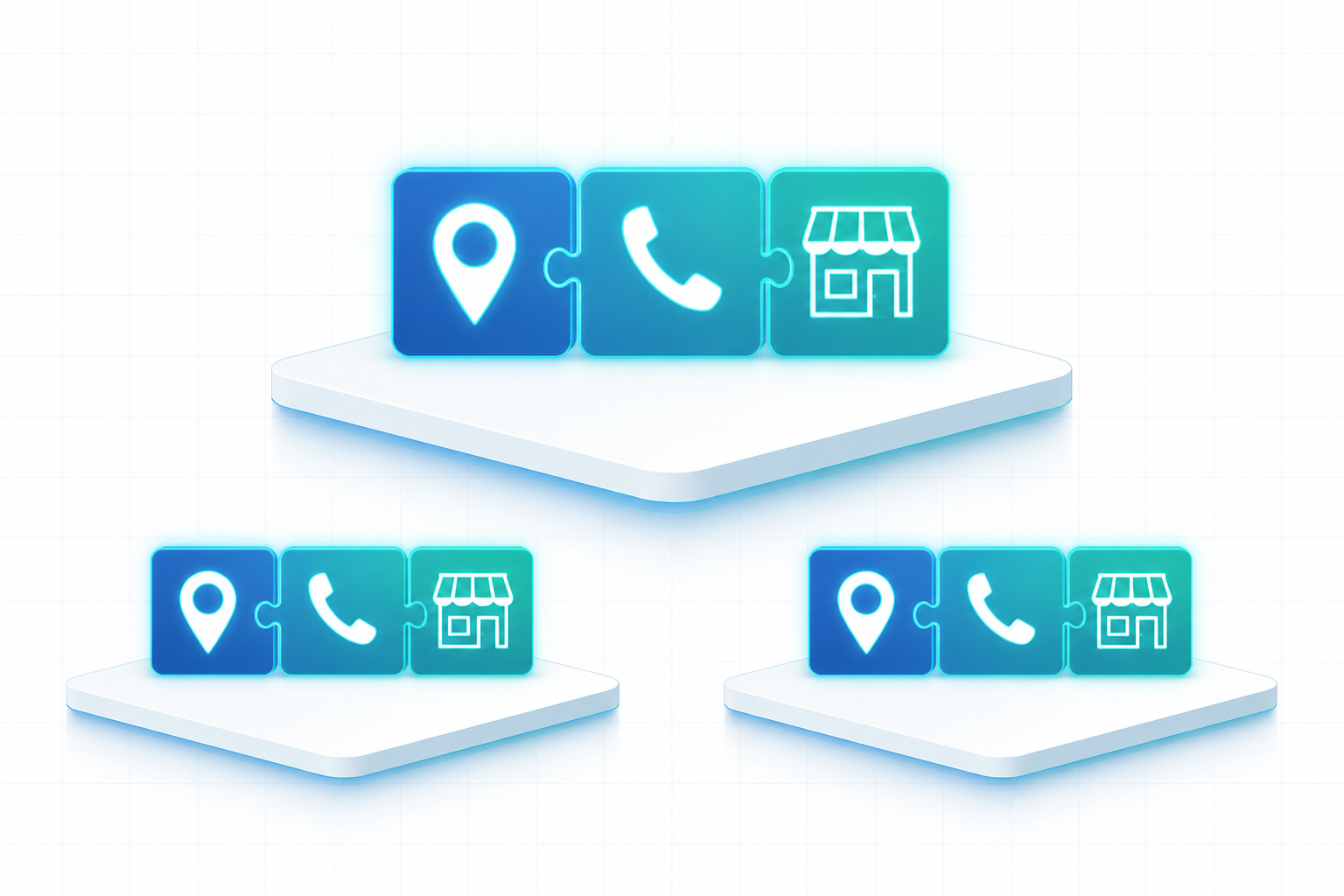 Customers need this information to find you. Search engines need it to trust you.
Start with your official business name exactly as it appears on your storefront or legal documents. Don’t add keywords like “Best Plumber in Chicago” to your business name. Google will catch you and may suspend your entire profile. Enter your primary business category next (we’ll dive deeper into this shortly), then your exact physical address. Use a local phone number, not a call tracking number. Add your website URL and fill in your complete operating hours, including special hours for holidays.
Your business description gives you 750 characters to tell your story. This is prime real estate for Google Business Profile optimization. Focus on what makes you different. What products do you sell? What services do you provide? What’s your mission? Who do you serve? Skip the salesy language and external links. Google filters those out anyway. Just be genuine and informative.
Many businesses skip the opening date field. Bad move. This single field helps establish your credibility and longevity. Fill it in. The attributes section matters too. Does your business offer wheelchair accessibility? Do you provide free Wi-Fi? Can customers order online? These details help customers filter their searches and help you appear for the right queries.
List every service you offer with clear descriptions. If you run a dental practice, don’t just list “Dental Services.” Break it down: teeth cleaning, root canals, cosmetic dentistry, emergency dental care. Each service becomes another opportunity to match customer searches. Retail businesses should add their product catalog with prices and photos. This extra effort transforms your profile from a simple listing into a comprehensive digital storefront.
Strategic Category Selection for Maximum Reach
Your primary category is the single most influential factor determining which searches trigger your business profile. Choose wrong here and you’ll show up for the wrong people or nobody at all.
Be specific. Really specific. A digital marketing company should select “Marketing Agency” over the broader “Advertising Agency.” A family law attorney should choose “Family Law Attorney” instead of just “Attorney.” The more precisely your category matches what you actually do, the better Google can connect you with the right searches. Browse Google’s full category list carefully before deciding.
You get up to nine additional categories. Use them strategically to capture related searches and broaden your visibility without diluting your primary focus. That same marketing agency might add “Internet Marketing Service,” “Website Designer,” and “SEO Agency” as secondary categories. Each additional category opens new doors for discovery.
Whatever you do, resist the temptation to stuff keywords into your business name. Google has strict policies against this practice and actively hunts for violators. Your profile can disappear overnight if you break this rule.
High-Quality Photos and Videos: Engaging Your Audience Visually
Numbers don’t lie. Businesses with photos receive 42% more direction requests and 35% more website clicks than those without. Visual content isn’t optional anymore.
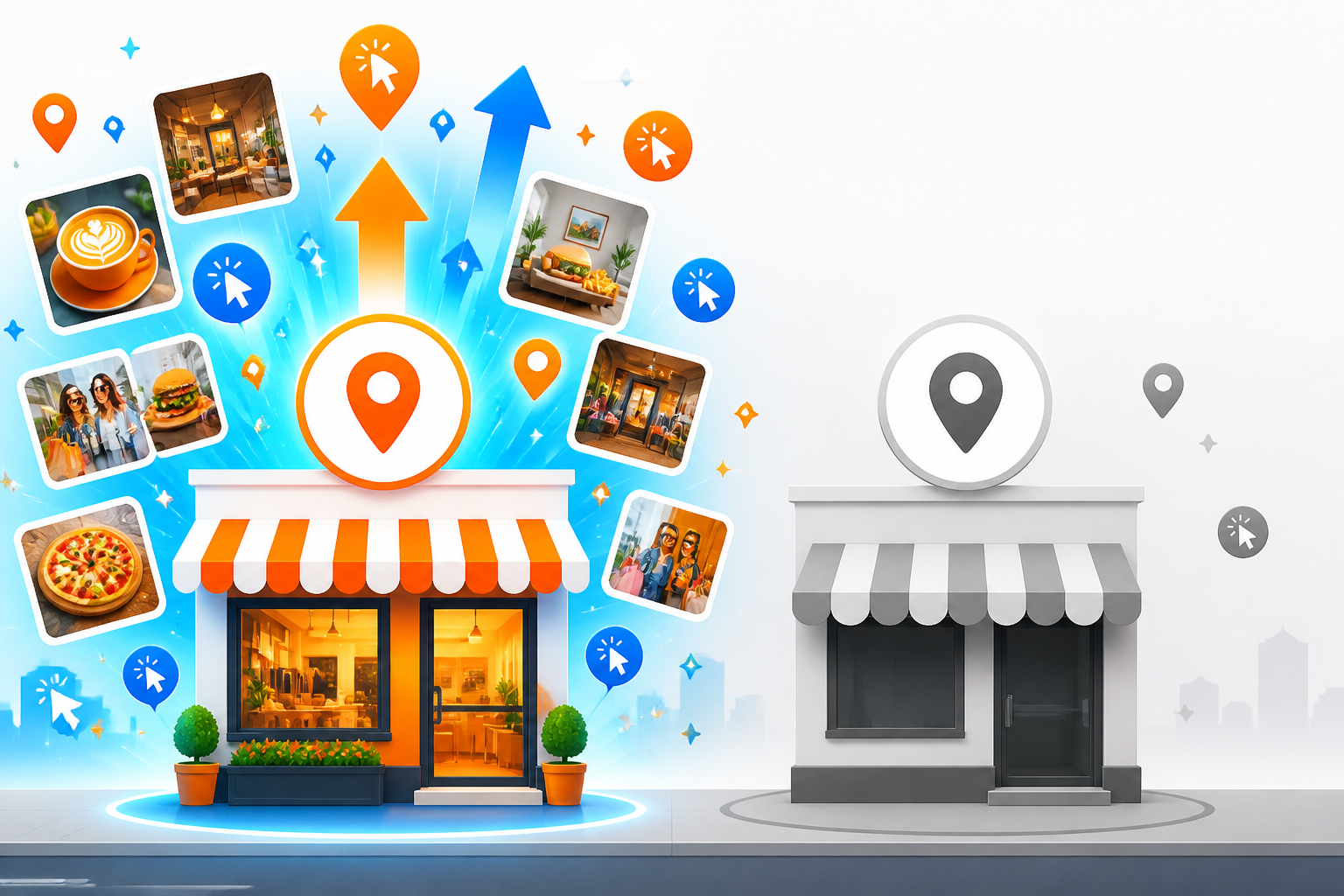
Start with your logo at minimum 250×250 pixels and a cover photo at 1024×576 pixels. Your cover photo is your first impression. Make it count. Show your business at its best.
Walk potential customers through your space virtually. Upload exterior shots showing your building, entrance, and parking area so people know exactly where to go. Add interior photos of your office, waiting area, or showroom. Let them see your space before they visit. Team photos build trust and put faces to names. Product and service photos show exactly what you deliver.
Quality matters more than quantity, but consistency wins the game. Use well-lit, high-resolution images that actually represent your business accurately. Blurry smartphone photos taken in bad lighting hurt more than they help. Update your photos monthly to show Google your business stays active and current.
Video content gets priority treatment from Google right now. Upload 30-second videos showcasing your space, demonstrating your services, or sharing customer testimonials. Walk viewers through your facility. Show your team in action. Give people a reason to choose you over the competition down the street. These small video investments in Google Business Profile optimization pay massive dividends in engagement and conversions.
Advanced Strategies for Dominating Local Search with GBP
Once you’ve covered the basics, it’s time to push your Google Business Profile optimization to the next level. These advanced strategies separate businesses that simply exist in local search from those that truly dominate their market.
Generating and Managing Google Reviews: The #1 Ranking Factor
Reviews matter more than anything else. They’re the single most powerful signal Google uses to rank businesses in the Local Pack, and they’re equally critical for convincing potential customers to choose you over competitors.
The best time to ask for a review is within 24 to 48 hours of delivering great service. Strike while the positive experience is fresh. Don’t make the process complicated. Create a short, memorable review link (like g.page/yourbusiness-review) and share it via email, text message, or even QR codes at your checkout counter. The easier you make it, the more reviews you’ll collect.
Here’s where most businesses drop the ball: they ignore reviews after they come in. Google tracks your response rate and response speed, so answer every single review within 24 hours. Every. Single. One. For positive reviews, express genuine gratitude and mention something specific about their experience. It shows you actually read what they wrote.
Negative reviews deserve even more attention. Acknowledge the problem, apologize sincerely, and offer to resolve it offline with a phone number or email. Never argue publicly. Your response isn’t just for that unhappy customer; it’s for the dozens of potential customers reading along.
Aim for 100+ reviews with a 4.8+ average rating as your baseline goal. In competitive markets, 200+ reviews is becoming the new standard according to leading local SEO research. One absolute rule: never buy fake reviews or offer incentives like discounts for reviews. Google will suspend your profile faster than you can say “whoops.”

Leveraging Google Posts for Timely Updates and Promotions
Think of Google Posts as mini-blog entries that appear right on your Knowledge Panel. They’re prime real estate that most businesses completely ignore.
You can use posts to announce special offers, share company news, highlight new products or services, promote upcoming events, or deliver valuable tips to your audience. Posts stay visible for seven days (except event posts, which remain until the event date), so commit to posting at least weekly. Regular posting signals to Google that your business is active and engaged.
Every post needs two essential elements: a strong call-to-action button and an eye-catching image. Use buttons like “Learn More,” “Sign Up,” “Call Now,” or “Book” to drive specific actions. And don’t waste the description field. Use keyword-rich text that reinforces your topical relevance and helps you show up for specific searches you care about.
Proactive Q&A Management: Answering Customer Questions Before They Ask
The Questions & Answers section sits prominently on your profile, yet most businesses wait passively for questions to trickle in. Big mistake.
Take control by seeding this section with common questions and detailed answers. What are your hours during holidays? Do you offer emergency services? What’s included in your standard package? Answer these before anyone asks. This proactive approach lets you control the narrative and provide immediate value to people researching your business. Best part? Google sometimes displays your Q&A answers directly in search results, giving you extra visibility without extra effort.
Tracking Performance with GBP Insights and UTM Parameters
You can’t improve what you don’t measure. Google provides valuable insights showing how customers find your profile (direct searches for your name versus discovery searches for your category), whether they found you through Search or Maps, and what actions they took.
Pay attention to website clicks, direction requests, phone calls, and message sends. These actions represent real business value.
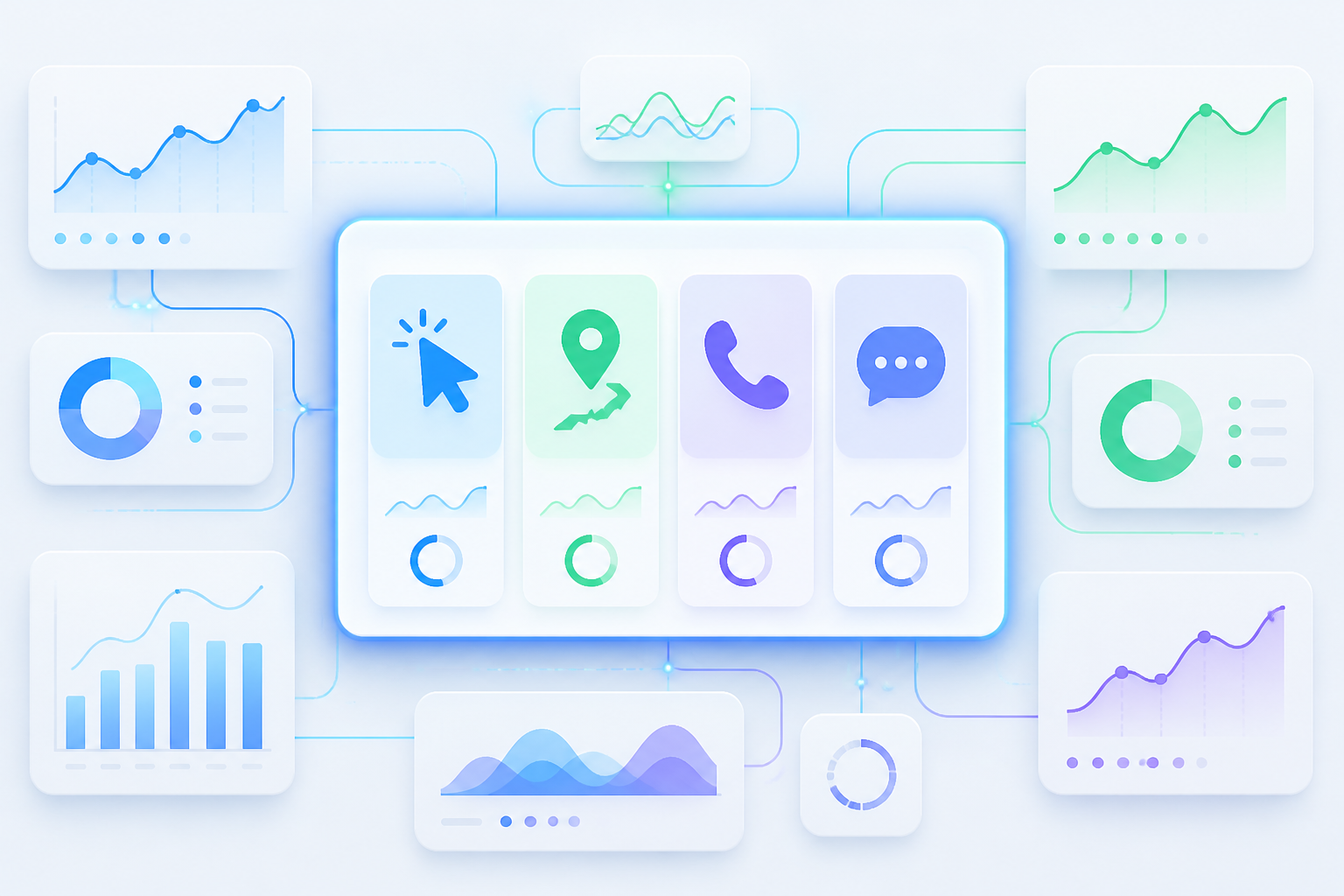 Take tracking a step further by adding UTM parameters to your website link within your GBP. This lets you accurately track traffic and conversions from your profile in Google Analytics.
Monitor KPIs like Local Pack rankings, total impressions, total actions, review velocity, average rating, and photo engagement. Tools like Kropme’s GMB Marketing services help businesses effectively track these insights and implement data-driven optimizations to improve local search visibility and attract nearby customers.
Staying Ahead: The Future of Google Business Profile
Google constantly evolves GBP with new features. Short names, lead forms, appointment booking integrations, direct checkout, local inventory ads. These features roll out regularly, and early adopters often receive visibility boosts as Google promotes new functionality.
Stay on top of updates and test new features as soon as they’re available to your profile. Platforms such as Kropme continuously monitor GBP feature releases and algorithm changes, ensuring your profile adapts quickly to maintain competitive advantage in your local market.
Conclusion: Make Your Google Business Profile Work for Your Business
A well-optimized Google Business Profile is more than just an online business listing. It is often the first place potential customers see your business when they search for products or services nearby. A complete, accurate, and regularly maintained profile can make it easier for people to discover your business, understand what you offer, contact you, and visit your location or website.
Google Business Profile optimization is not something you do once and forget. Moreover, keep your business information updated, choose the most relevant category, add genuine photos and videos, maintain accurate working hours, showcase your services, respond to customer reviews, and regularly check your profile performance.
Most importantly, focus on providing accurate information and a genuine customer experience rather than trying to manipulate rankings. Local SEO works best when your online presence accurately represents your real business.
Whether you run a small shop, restaurant, professional service, educational institution, healthcare business, or growing company, investing time in your Google Business Profile can strengthen your local online presence and help potential customers find you when they are searching.
If managing your profile, reviews, local SEO, and online visibility feels overwhelming, KropMe can help businesses build and maintain a stronger local digital presence through Google Business Profile optimization, SEO, social media marketing, and other digital marketing services.
Frequently Asked Questions (FAQs)
1. What is Google Business Profile optimization?
Google Business Profile optimization is the process of improving and maintaining your Google Business Profile so customers can easily find accurate information about your business. It includes optimizing your business category, description, services, photos, hours, reviews, website information, and other profile details.
2. Why is Google Business Profile optimization important?
A properly maintained profile can help potential customers discover your business on Google Search and Google Maps. It also gives customers useful information such as your location, opening hours, services, reviews, website, and contact options.
3. How do I optimize my Google Business Profile?
Start by claiming and verifying your profile. Then make sure your business information is accurate and complete. Select the appropriate category, add your services, upload genuine photos, maintain your business hours, respond to reviews, and regularly review your profile information and performance.
4. How often should I update my Google Business Profile?
There is no fixed update schedule that guarantees better rankings. Moreover, however, you should update your profile whenever your business information changes. You can also regularly add useful, genuine photos, respond to reviews, and publish relevant updates when appropriate.
5. Do Google reviews help local SEO?
Reviews are an important part of a business’s presence on Google. Genuine customer reviews can provide useful information to potential customers and contribute to how prominent a business appears in local results. Businesses should encourage genuine feedback and respond professionally to reviews.
6. How can I get more Google reviews?
Provide a good customer experience and make it easy for customers to leave genuine feedback by sharing your Google review link or QR code. Avoid buying reviews, creating fake reviews, or offering inappropriate incentives in exchange for positive reviews.
7. How many photos should I add to my Google Business Profile?
There is no universal number that guarantees better rankings. Moreover, instead of focusing on quantity, upload clear and genuine images that help customers understand your business. Consider adding photos of your premises, products, services, team, and completed work where appropriate.
8. Can Google Business Profile help my business appear on Google Maps?
Yes. Google Business Profile is the platform businesses use to manage their presence on Google Search and Google Maps. Keeping your profile accurate and complete can make it easier for customers to find relevant information about your business.
9. Does adding keywords to my business name improve Google rankings?
You should not add unnecessary keywords to your business name simply to influence rankings. Your profile name should represent your actual business name as it is used in the real world. Keyword stuffing can create an inaccurate listing and may violate Google’s guidelines.
10. What is the difference between Google Business Profile and Google Maps SEO?
Further, google Business Profile is the business listing that you manage through Google. Moreover, google Maps SEO is a broader term commonly used to describe efforts to improve a business’s visibility in local Google Maps results. Optimizing your Business Profile is one important part of local SEO.
11. Can a small business benefit from Google Business Profile optimization?
Yes. Also, local customers frequently use Google to discover nearby businesses and services. A complete profile can help a small business present useful information to potential customers and build trust through reviews, photos, services, and accurate business details.
12. Can I optimize my Google Business Profile myself?
Yes. Business owners can manage many aspects of their own Google Business Profile. If you have multiple locations, limited time, or need a broader local SEO strategy, working with a digital marketing agency can help you manage the process more efficiently.
13. How long does Google Business Profile optimization take to show results?
There is no guaranteed timeframe for ranking improvements. Local visibility can depend on factors such as relevance, distance, prominence, competition, and the quality and accuracy of your business information. Consistent optimization should therefore be treated as an ongoing local SEO activity rather than a one-time task.
14. What are the most common Google Business Profile mistakes?
Common mistakes include incorrect business information, choosing an irrelevant category, using an inappropriate business name, outdated opening hours, poor-quality or misleading photos, ignoring customer reviews, and creating duplicate profiles.
15. Can KropMe help with Google Business Profile optimization?
Yes. KropMe provides digital marketing services that can include Google Business Profile optimization, local SEO, website design, search engine optimization, social media marketing, Google Ads, and other digital marketing solutions for businesses looking to strengthen their online presence.